This comes straight from SambaLite’s own GitHub page, and it’s free. Need help installing?
What it looks like
About this app
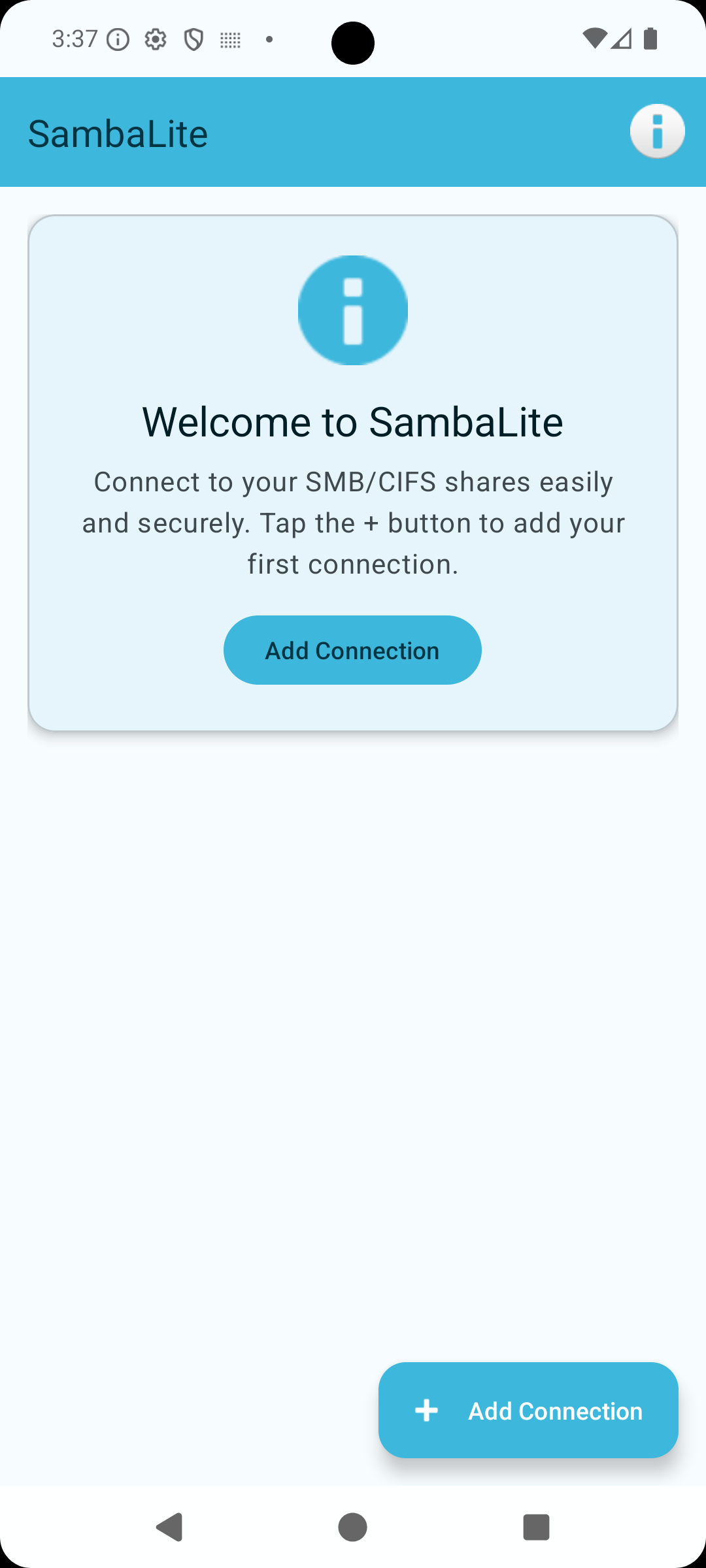
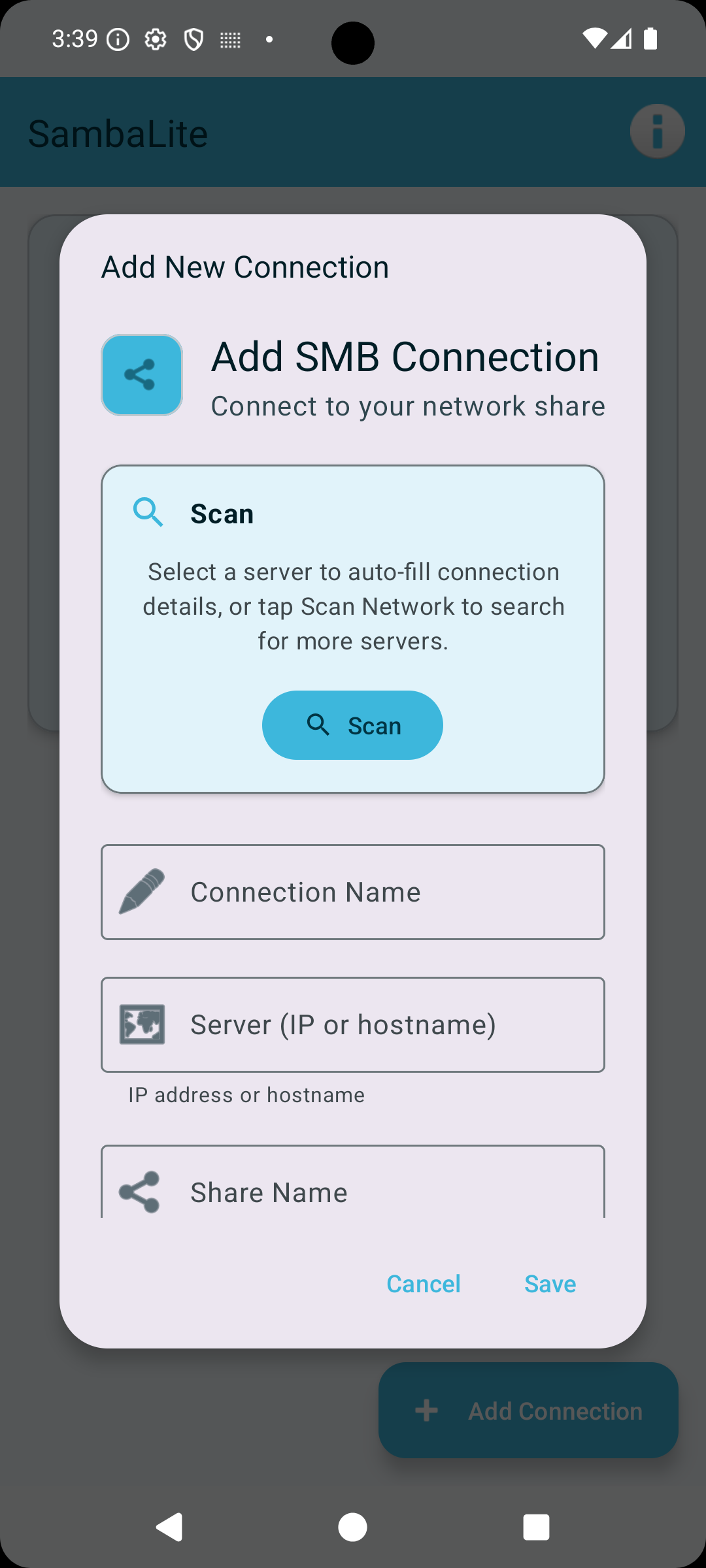
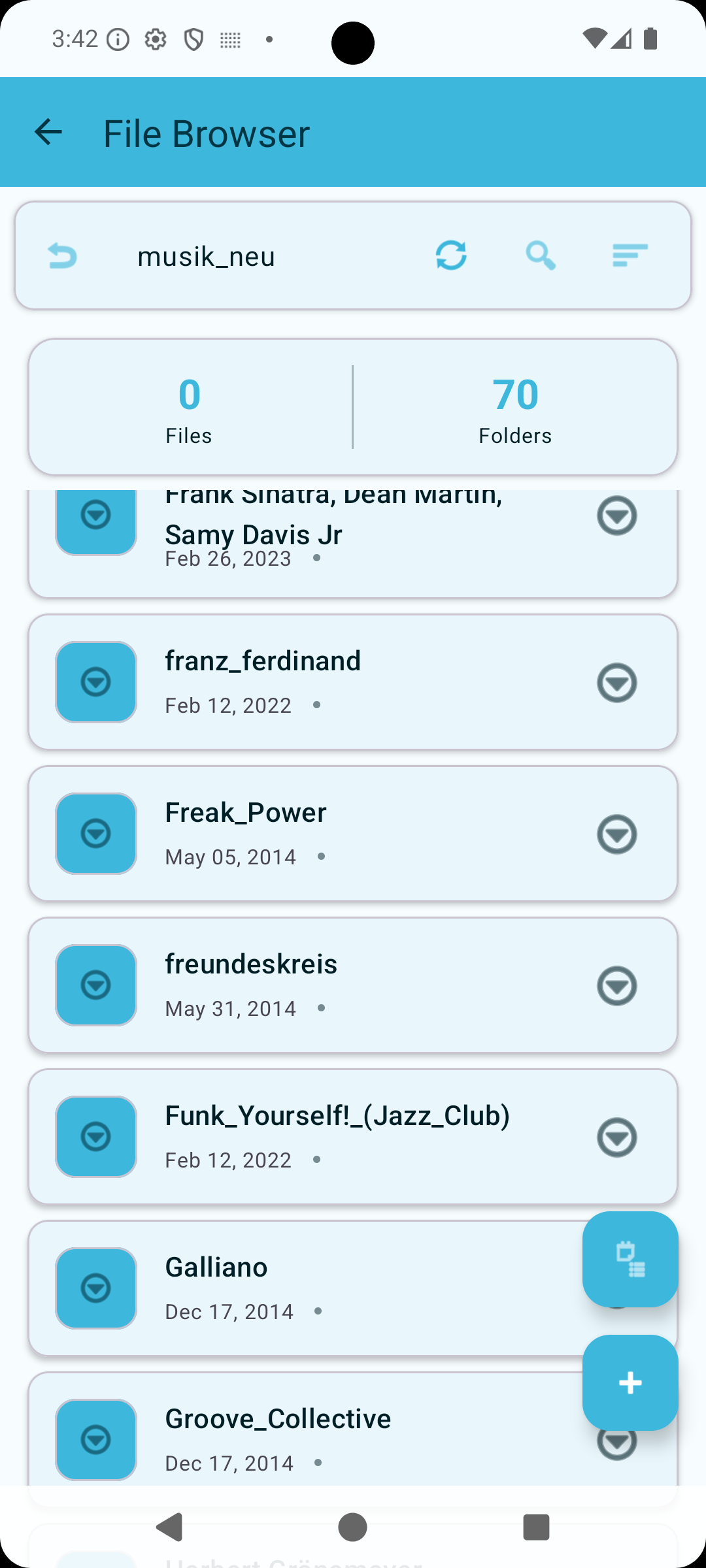
SambaLite lets you open the shared folders on your local network from your phone. If you have a Windows shared folder, a NAS or a Samba server, you can browse it, download and upload files, rename and delete them, and open a file straight from the share.
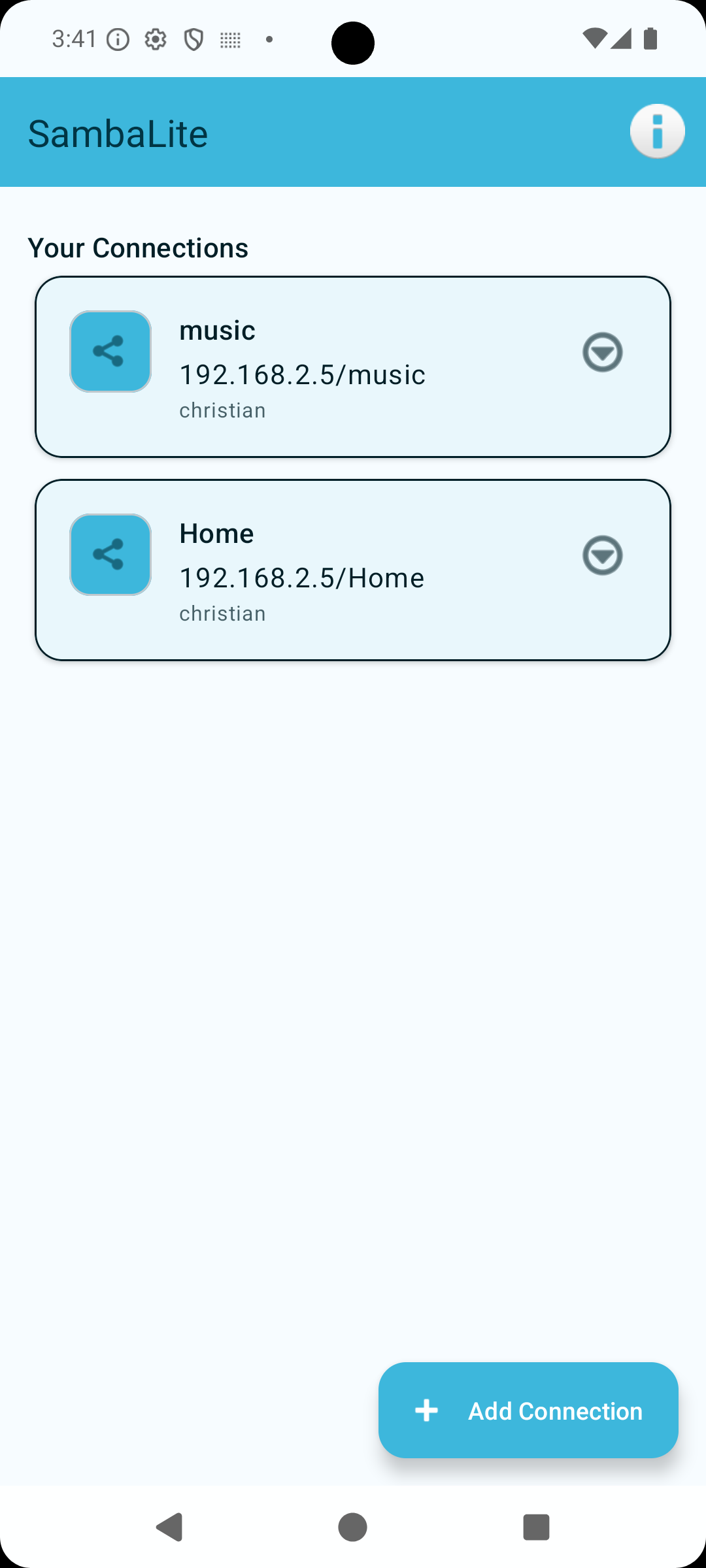
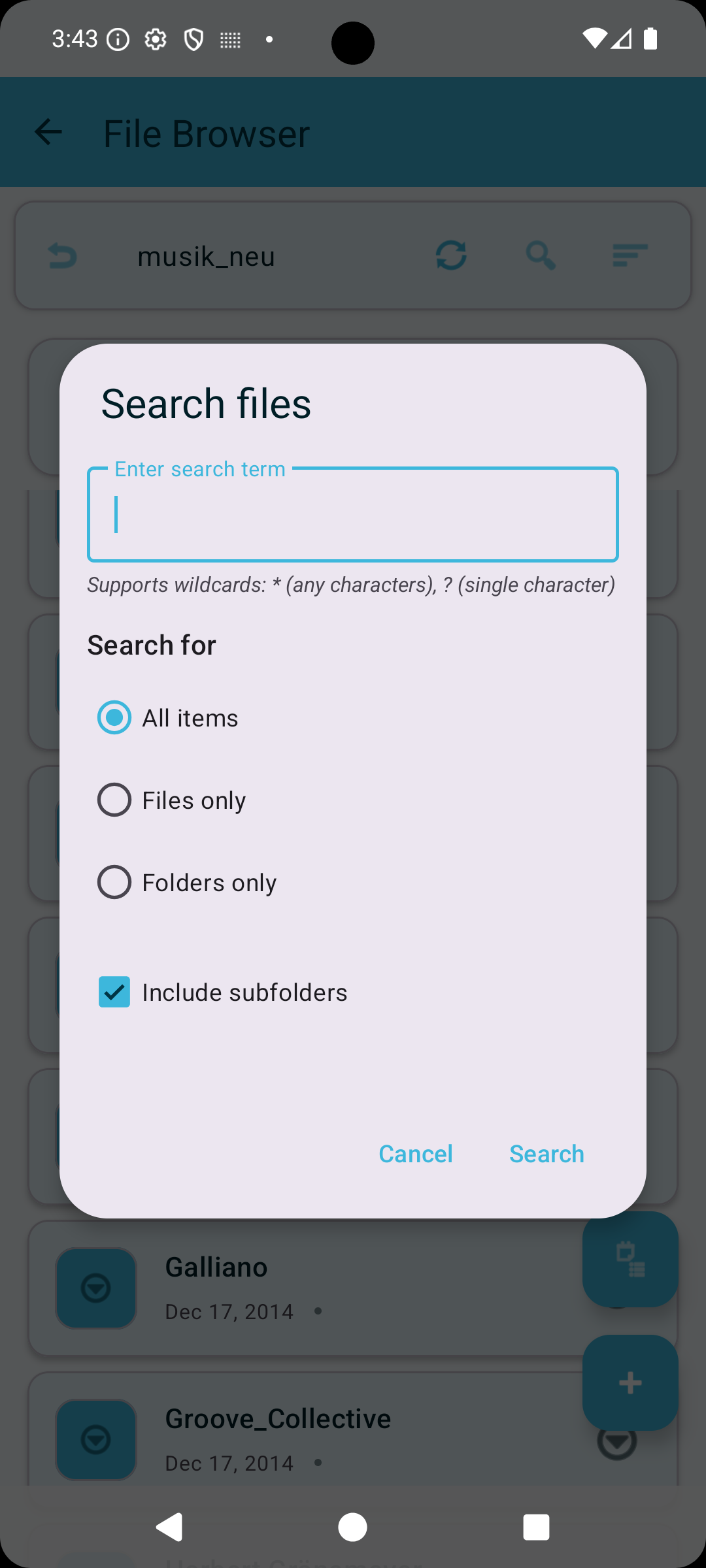
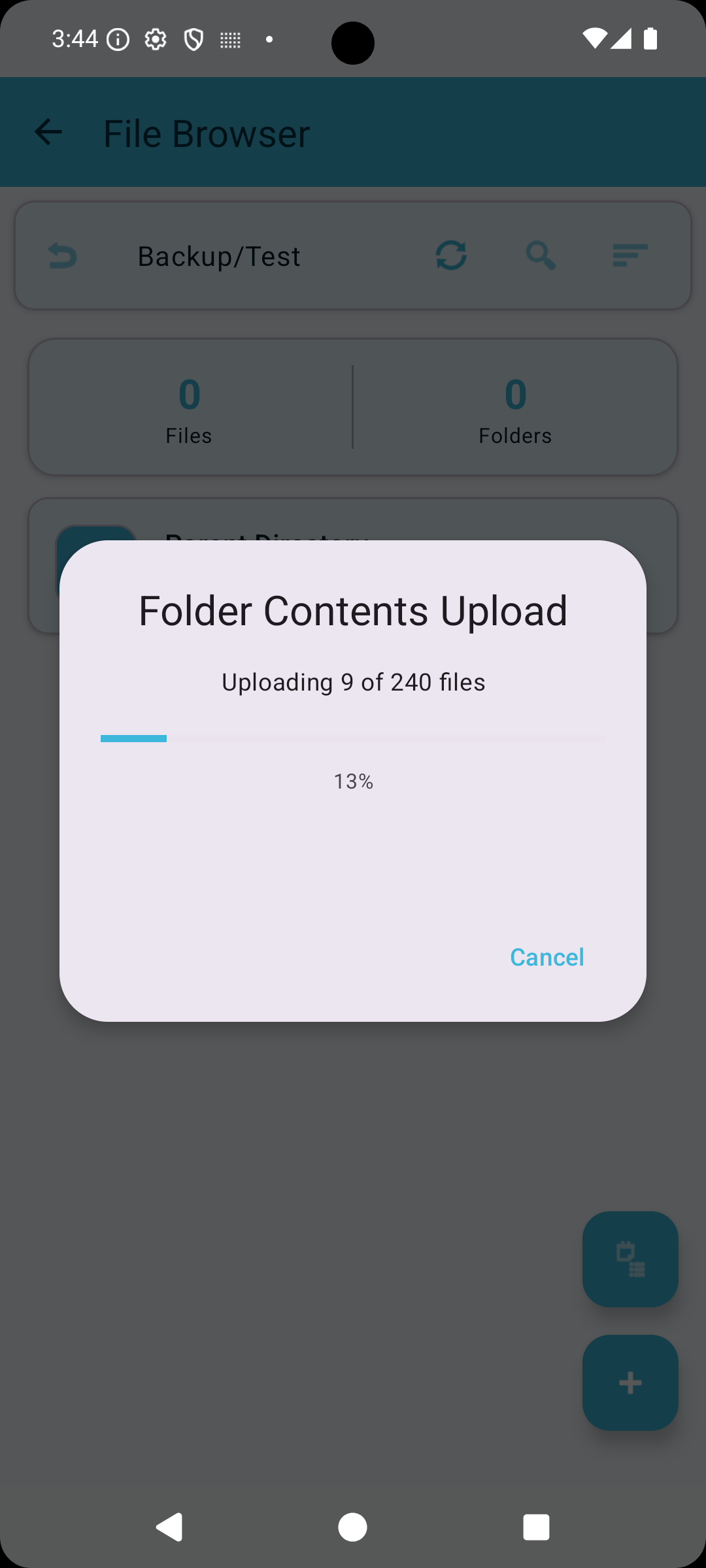
You can save several named connections and search a folder using wildcards such as * and ?. Folder sync keeps a folder on your phone matched with one on the share, in either direction or both, in the background at an interval from every 15 minutes to every 24 hours, which is handy for backing up camera photos to a NAS. You can set up to five sync folders. Transfers are queued and carry on in the background. Your passwords are kept in Android's secure storage, and the developer says the app has no telemetry and no ads.
It speaks SMB2 and SMB3 only, so very old servers that offer nothing but SMB1 will not work. You need an existing share to connect to, and your phone has to be on the same network or a VPN. Background sync and transfers need your phone to let the app run in the background and show notifications. It is a file client rather than a mounted network drive, so other apps will not see the share as a normal folder. It needs Android 9 or newer, and besides English the app is translated into German, French, Spanish, Dutch, Polish and Chinese.
From the app’s home page
- See the codeHow it’s made, every line is public
- WebsiteThe app’s own home page
- Questions & commentsTalk with the people who make it
- Report a problemTell the makers something is broken
- All versionsOlder downloads and what changed
- LicenseThe rules for using and sharing it
More like this
 NOVA Video Player
Play your own videos, wherever you keep them
NOVA Video Player
Play your own videos, wherever you keep them
 LocalViewer
Read comics and photos straight off your home network drive
LocalViewer
Read comics and photos straight off your home network drive
 RustDesk
Control your computer from your phone, from anywhere
RustDesk
Control your computer from your phone, from anywhere
 LocalSend
Send files to nearby devices without the internet
LocalSend
Send files to nearby devices without the internet
 Termux
A real Linux terminal in your pocket
Termux
A real Linux terminal in your pocket
 GKD
Skips the ads that pop up inside other apps
GKD
Skips the ads that pop up inside other apps