
This comes straight from LocalSend’s own GitHub page, and it’s free. Need help installing?
What it looks like
About this app
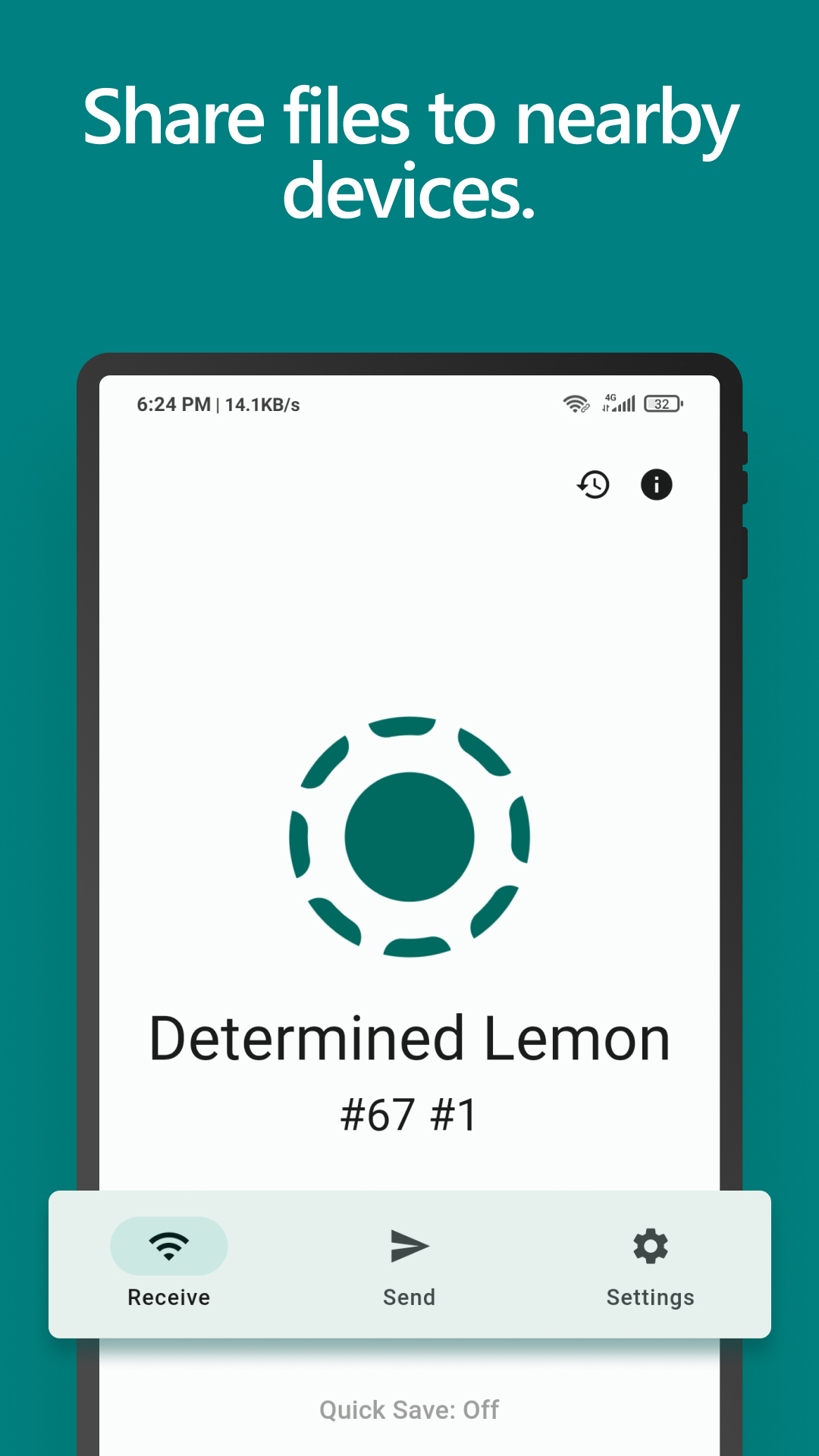
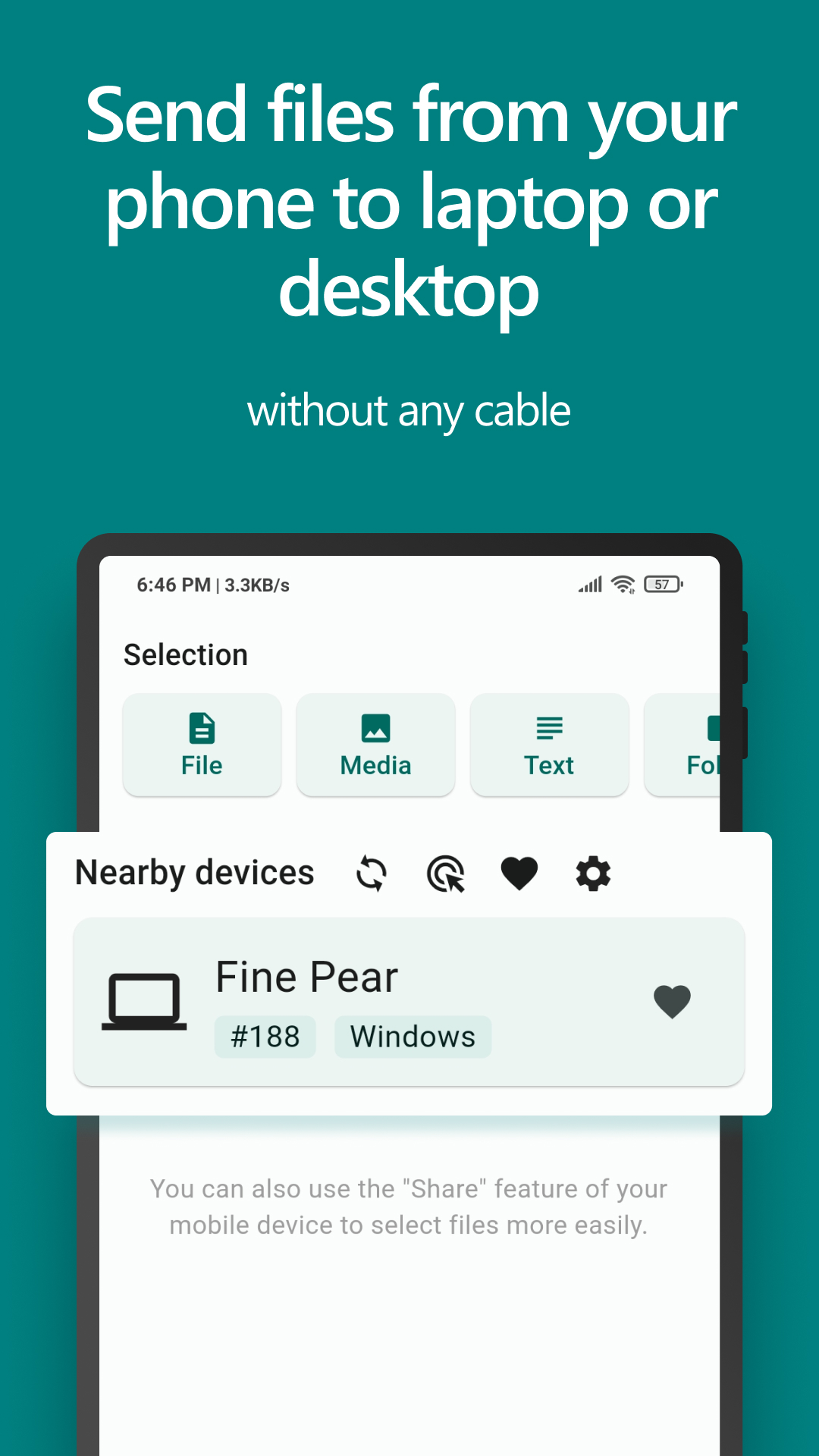
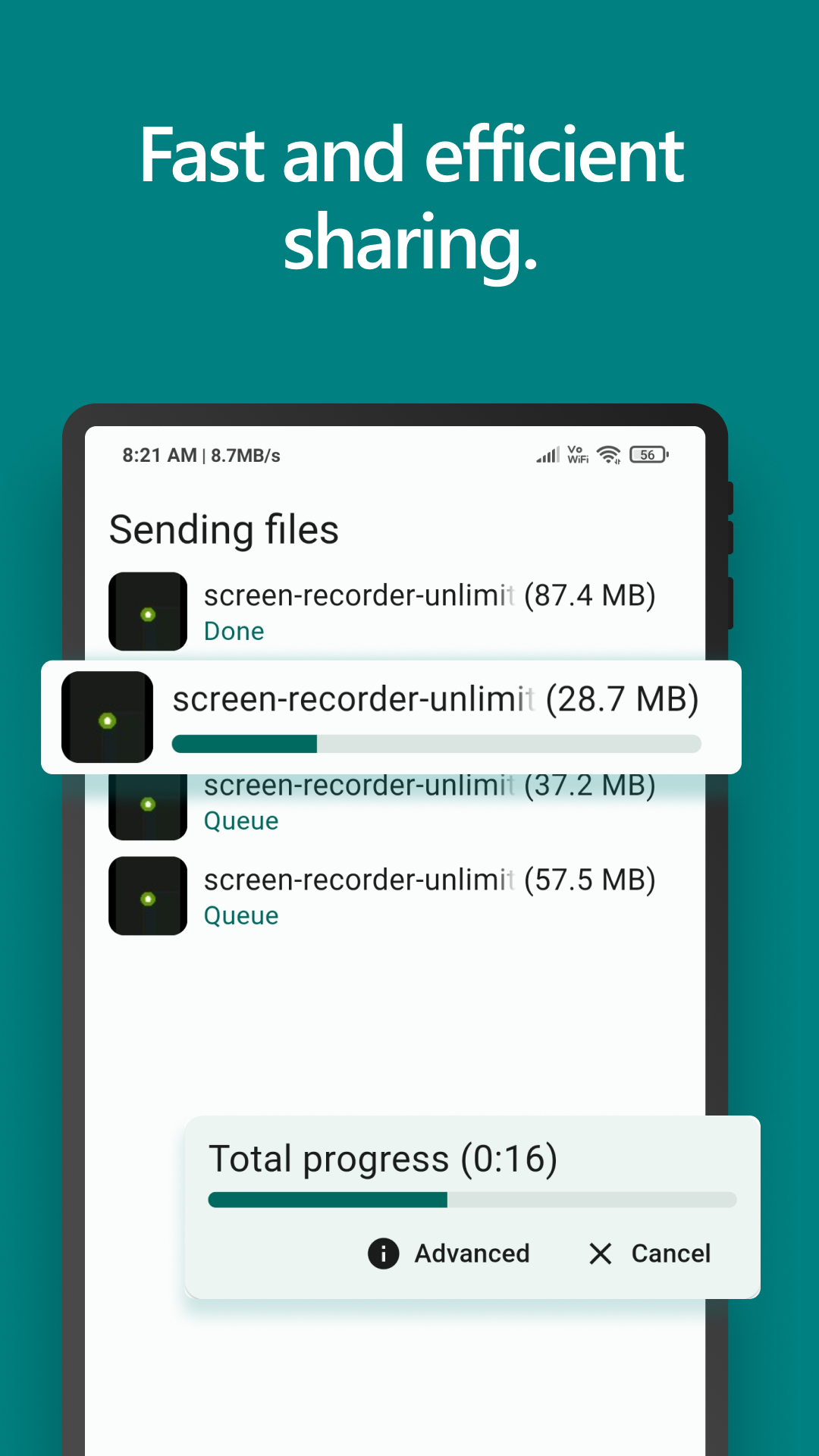
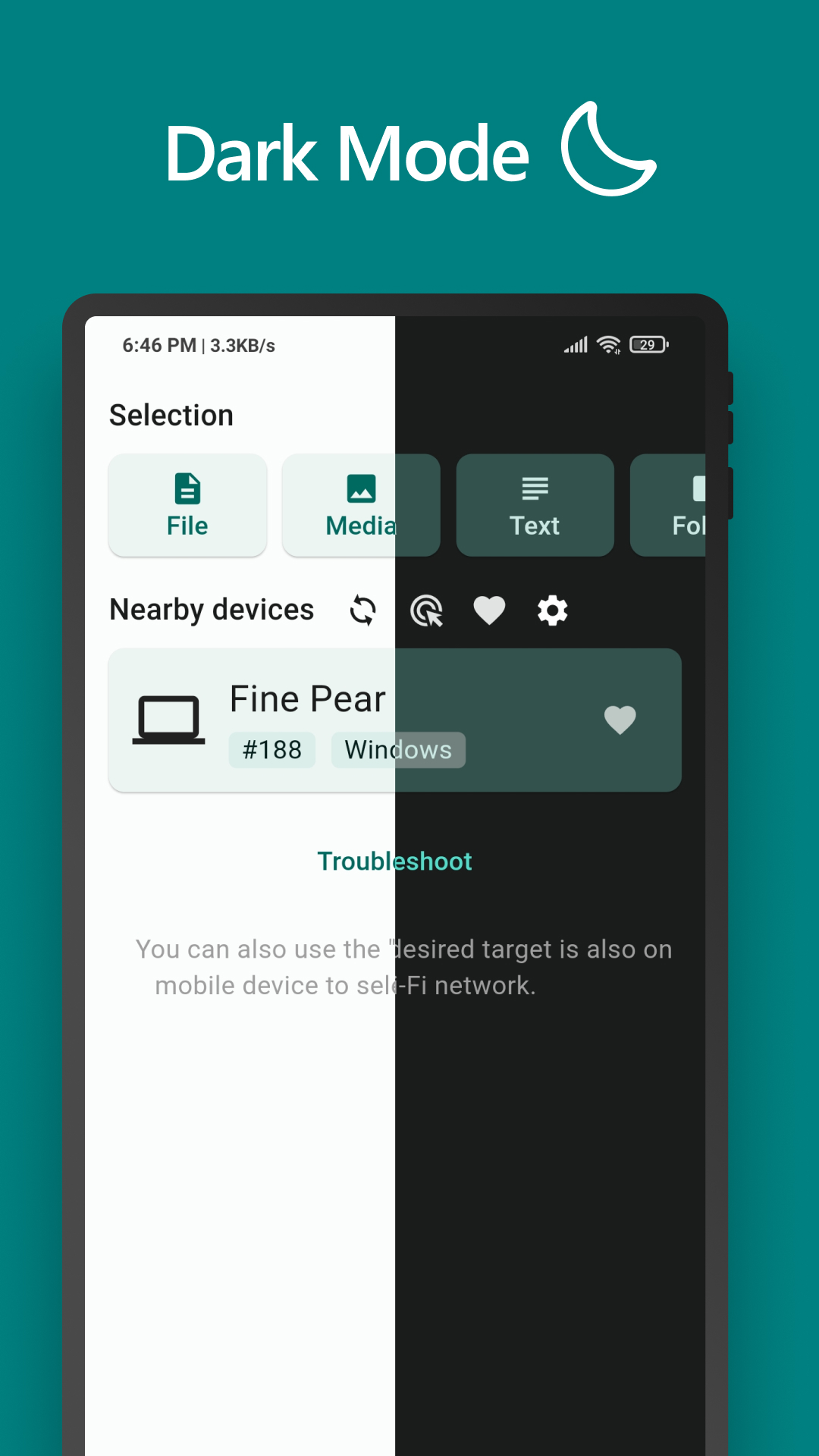
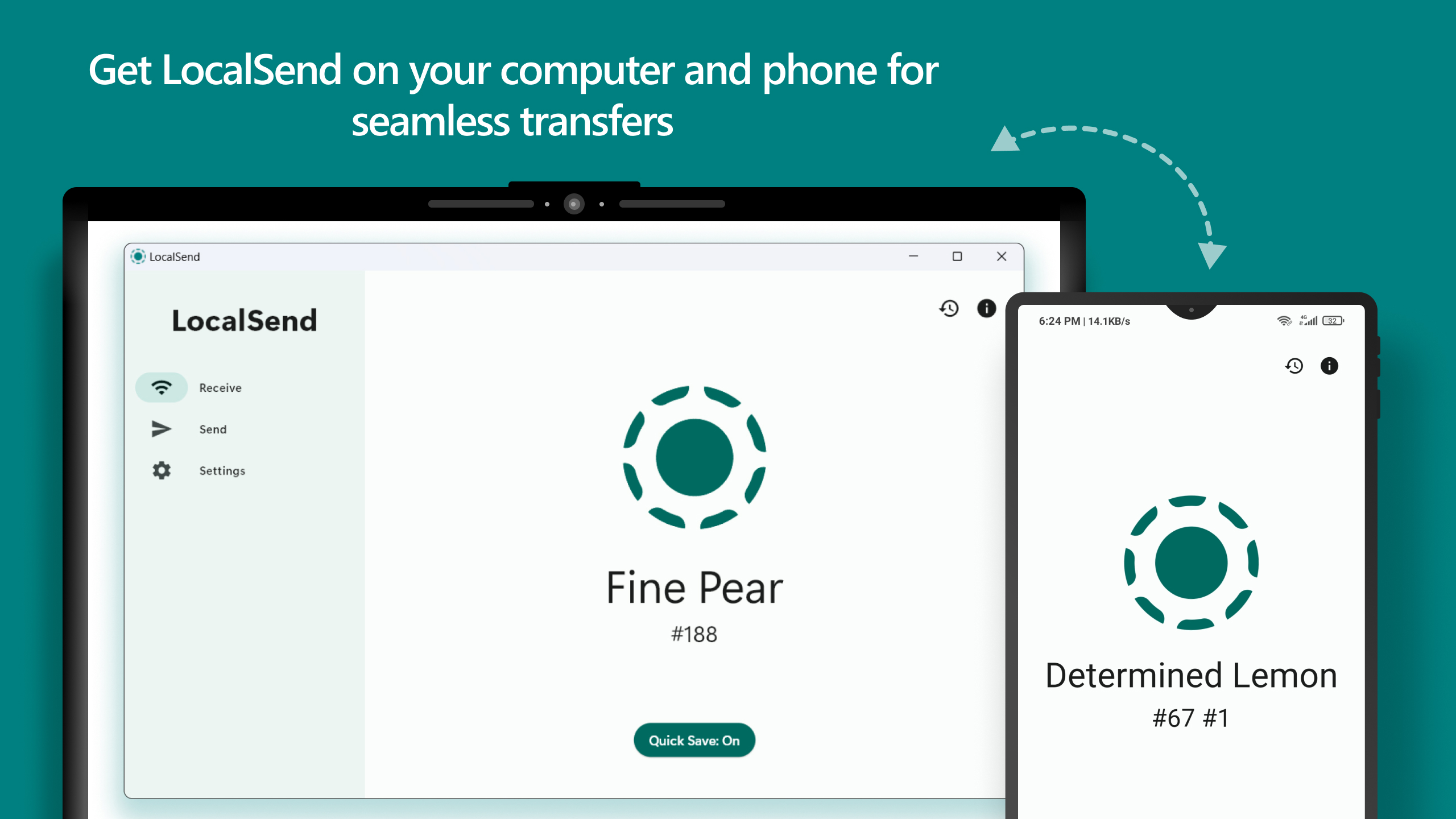
LocalSend moves files straight from your phone to another phone or a computer on the same Wi-Fi. Pick the files, tap the device that pops up in the list, and the transfer starts. There is no account to make, nothing is uploaded to anyone's server, and it keeps working when the internet is down.
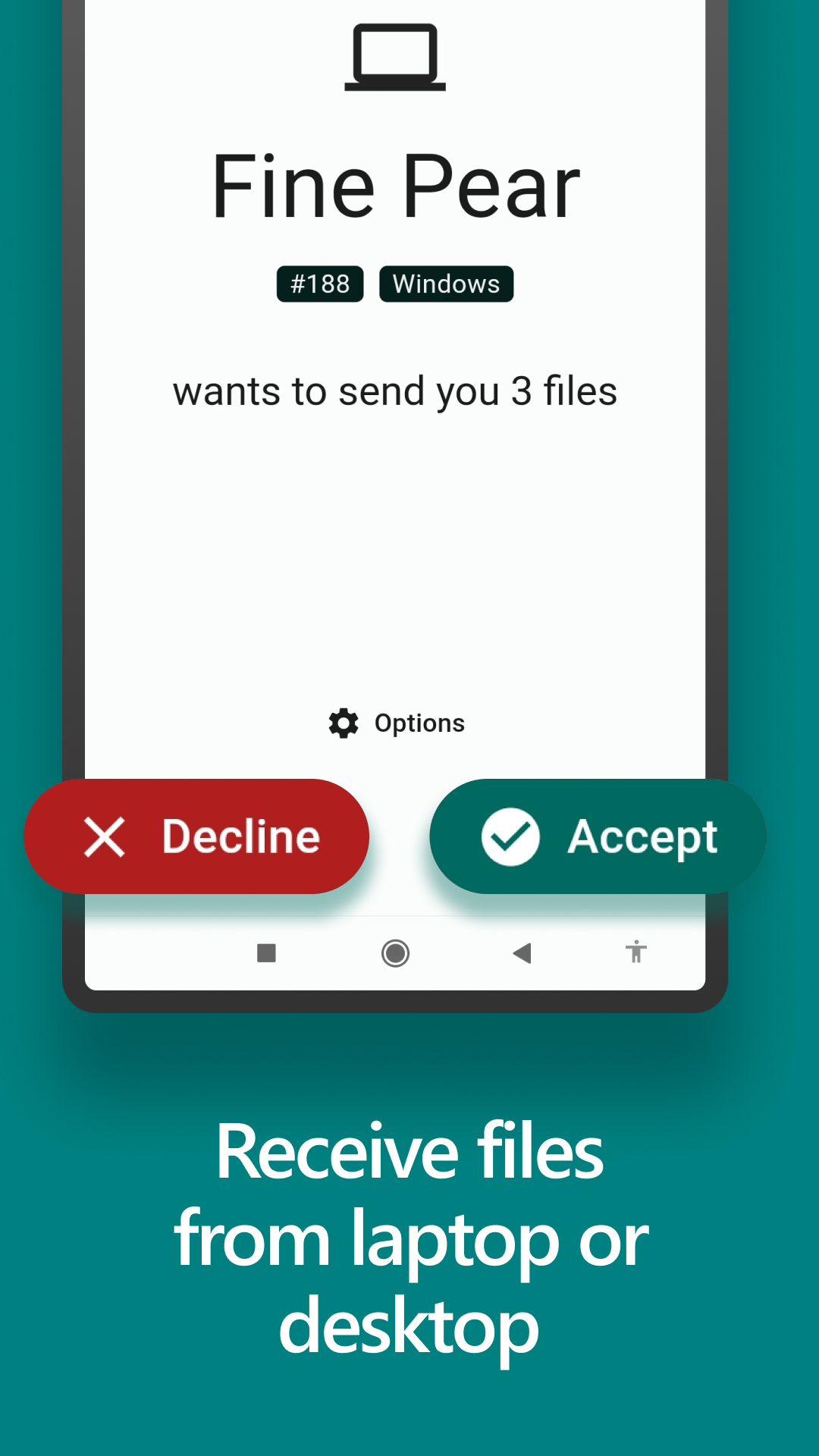
The two devices find each other on the local network and talk to each other directly over an encrypted connection. You can send a short text message the same way. There are versions for Windows, macOS, Linux, iOS and Android, so a phone can hand a file to a laptop and get one back.
Both ends need LocalSend installed and need to be on the same network: a phone on mobile data cannot reach your laptop at home. The app does not update itself if you install the APK by hand, so getting it from F-Droid or a store saves you that chore.
From the app’s home page
- See the codeHow it’s made, every line is public
- WebsiteThe app’s own home page
- Questions & commentsTalk with the people who make it
- Report a problemTell the makers something is broken
- All versionsOlder downloads and what changed
- LicenseThe rules for using and sharing it
More like this
 Warpinator
Move files between your phone and a Linux PC
Warpinator
Move files between your phone and a Linux PC
 Nearby Transfer
Send files between your phone and computer over your own Wi-Fi
Nearby Transfer
Send files between your phone and computer over your own Wi-Fi
 Flying Carpet
Send a file between two devices, no internet needed
Flying Carpet
Send a file between two devices, no internet needed
 WiFi Password Manager
See the Wi-Fi passwords your phone already knows
WiFi Password Manager
See the Wi-Fi passwords your phone already knows
 Wormhole William
Send files between devices with a short one-time code
Wormhole William
Send files between devices with a short one-time code
 Compressor
Shrink a video so you can actually send it
Compressor
Shrink a video so you can actually send it