
This comes straight from RustDesk’s own GitHub page, and it’s free. Need help installing?
What it looks like

About this app
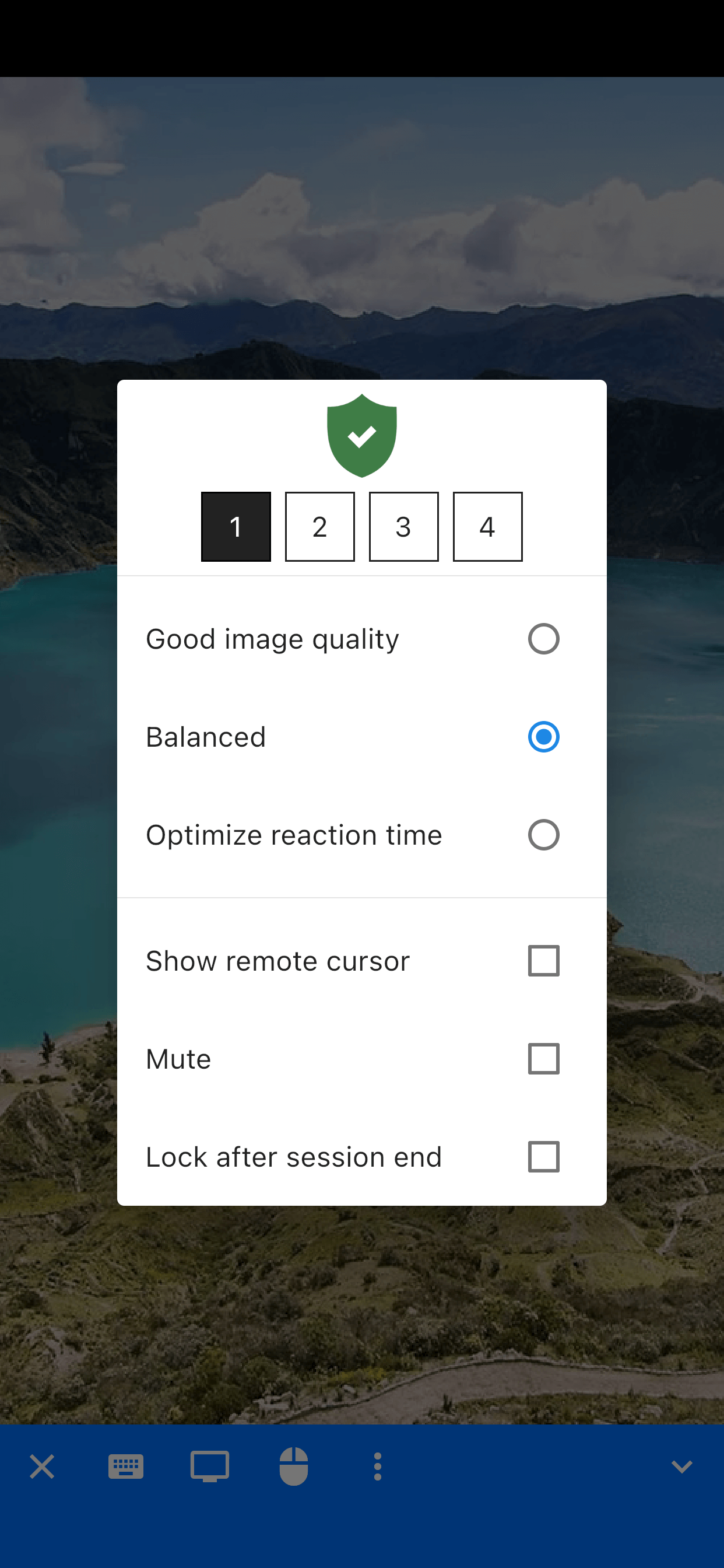
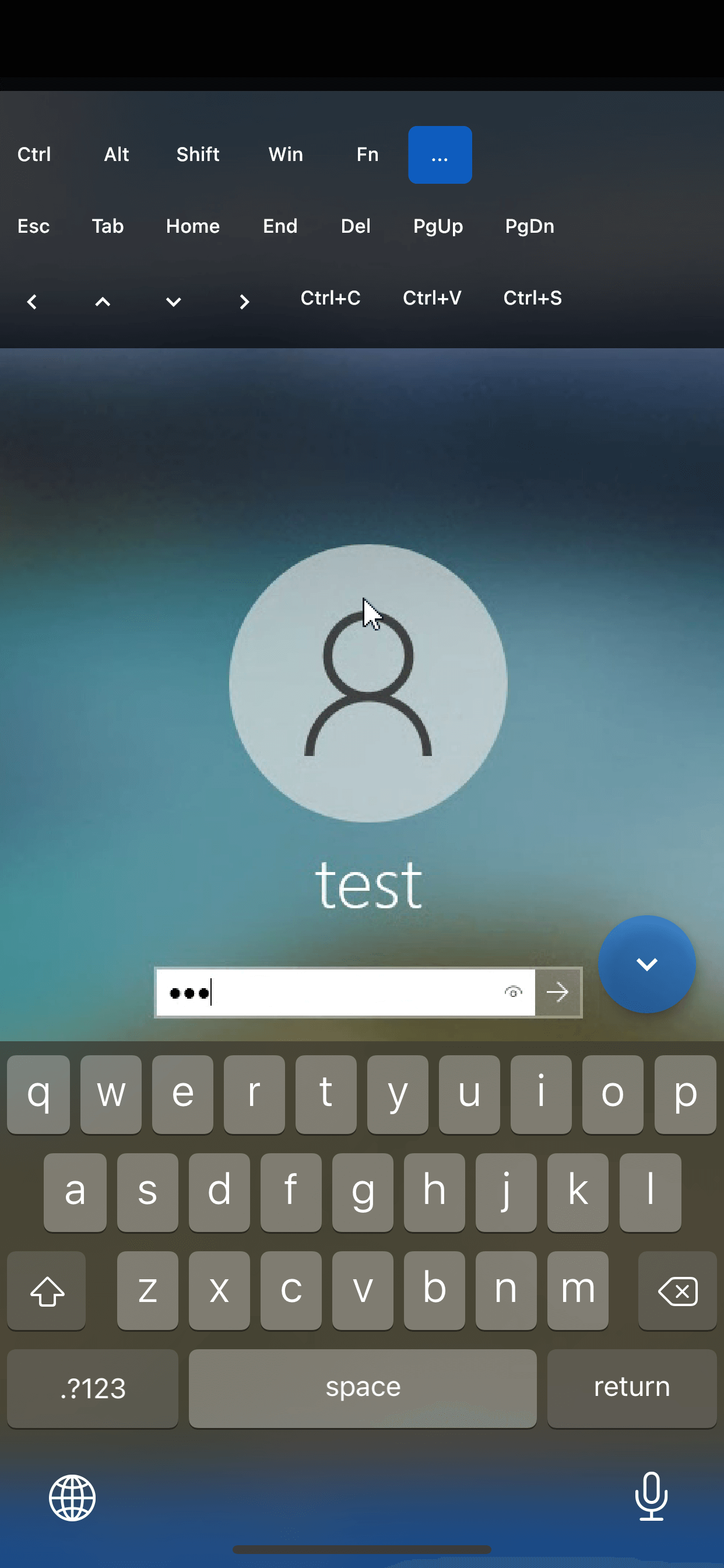
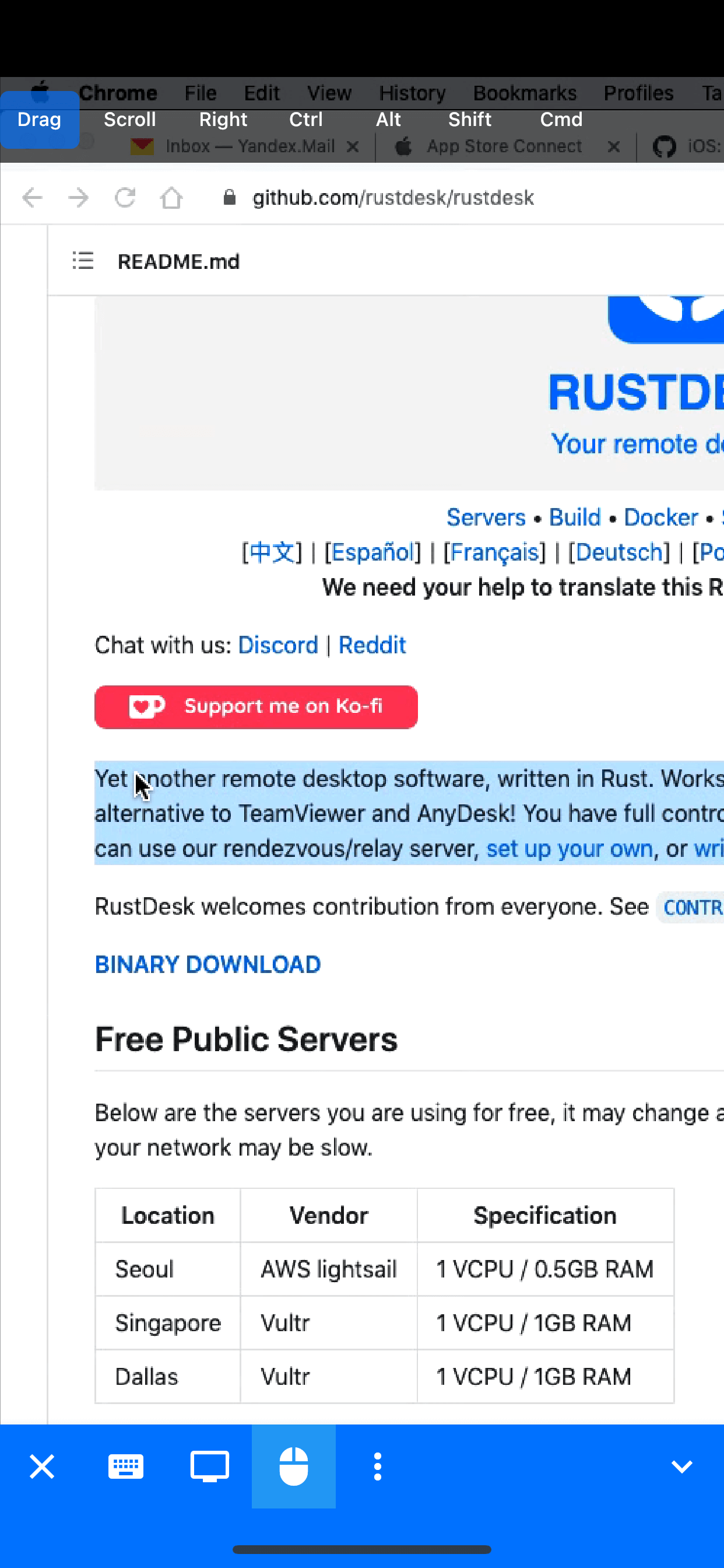
RustDesk shows you the screen of your desktop computer on your phone and lets you tap and type as if you were sitting in front of it. Useful for grabbing a file you left at home, restarting something on the office machine, or helping a relative sort out their laptop.
You install RustDesk on both devices, then connect using the ID and password it shows. It works out of the box with the servers the project runs, but you can point it at your own relay server instead so none of your traffic passes through anyone else's hands. There are versions for Windows, macOS, Linux, Android and iOS.
Remember that the computer you want to reach has to be switched on with RustDesk running, and set to accept connections.
From the app’s home page
- See the codeHow it’s made, every line is public
- WebsiteThe app’s own home page
- Questions & commentsTalk with the people who make it
- Report a problemTell the makers something is broken
- All versionsOlder downloads and what changed
- LicenseThe rules for using and sharing it
More like this
 ServerBox
Check on your servers from your phone
ServerBox
Check on your servers from your phone
 PlainApp
Manage your phone from a web browser
PlainApp
Manage your phone from a web browser
 SMS Gateway for Android
Turn a spare phone into a text-message sender you can call from code
SMS Gateway for Android
Turn a spare phone into a text-message sender you can call from code
 Home Assistant
Control your smart home from your phone
Home Assistant
Control your smart home from your phone
 Conduit
Chat with your own AI models, right from your phone
Conduit
Chat with your own AI models, right from your phone
 Ollama App
A friendly phone remote for your Ollama server
Ollama App
A friendly phone remote for your Ollama server