
This comes straight from Warpinator’s own GitHub page, and it’s free. Need help installing?
What it looks like
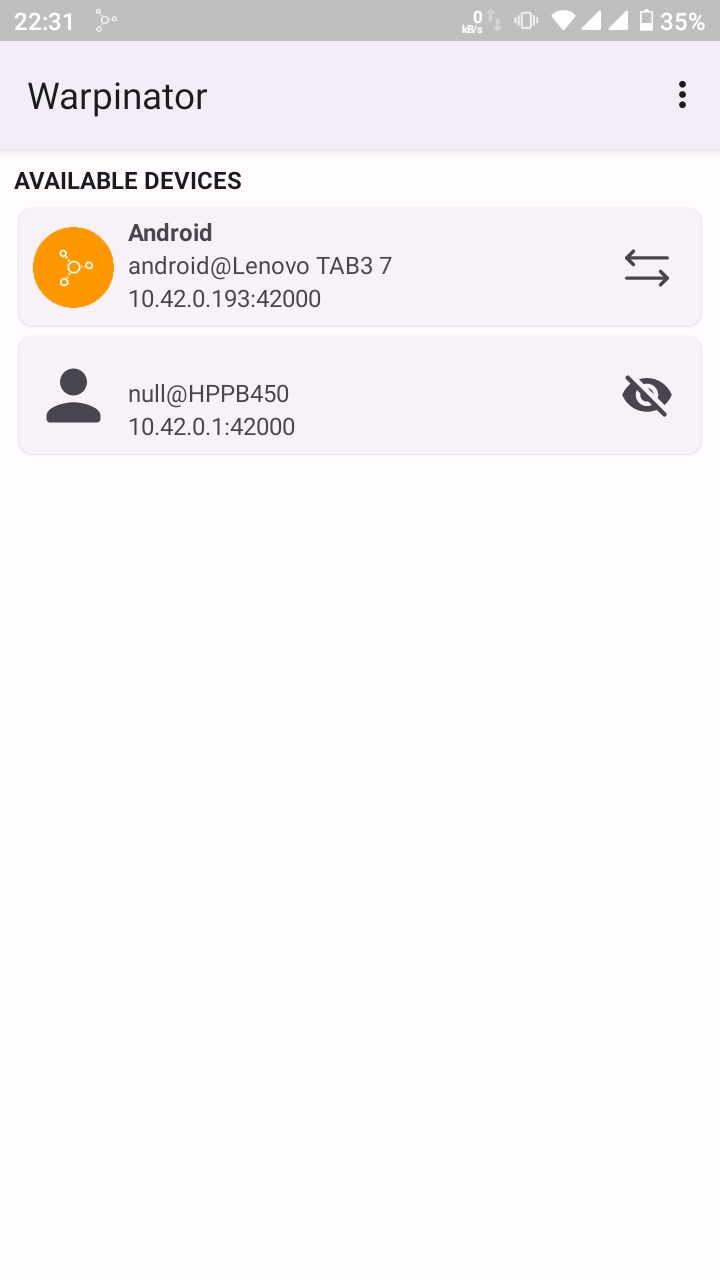
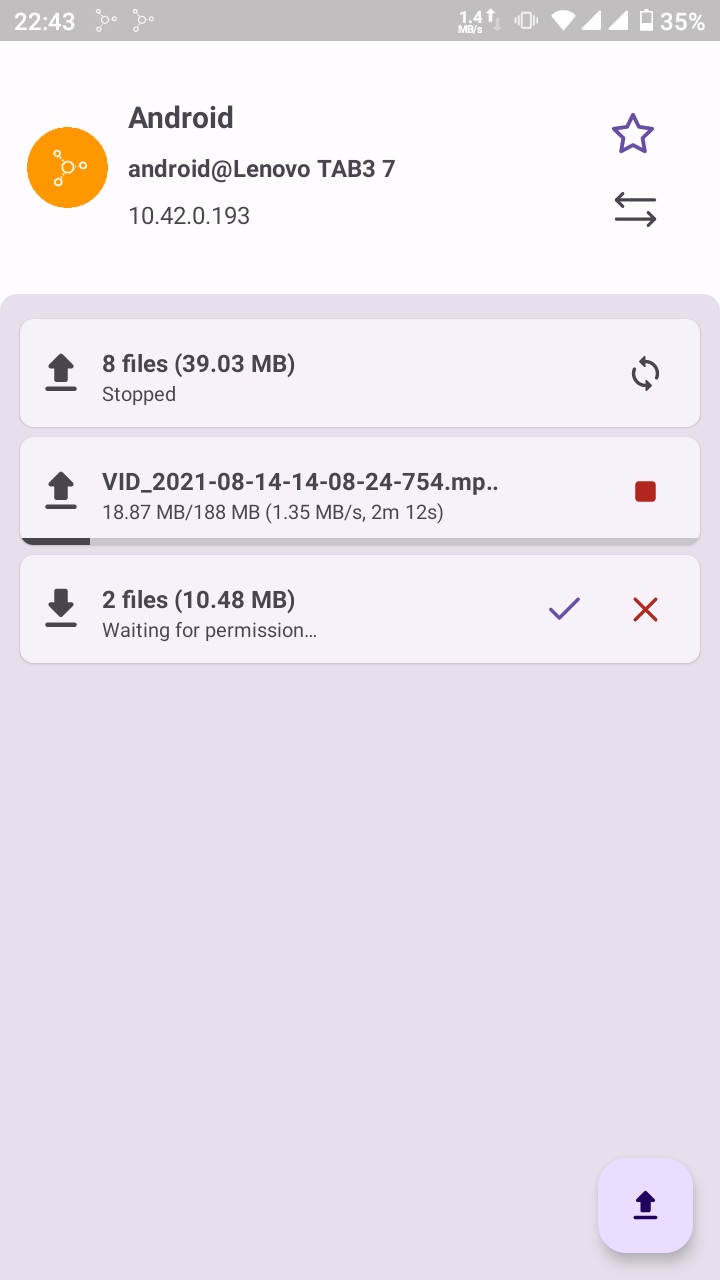
About this app
Warpinator sends files back and forth between your Android phone and computers running Linux Mint's Warpinator, over your own Wi-Fi. The devices spot each other on the network by themselves, so there is nothing to pair and no account to sign up for.
It sends whole folders as well as single files, runs several transfers at the same time, and accepts files shared to it from other apps. A group code stops anyone else on the same network from connecting, and it can start when the phone does so it is always ready. It asks for no location permission and needs no internet connection; a hotspot with no data works fine.
This is an unofficial port rather than the Linux Mint team's own work, although it speaks the same protocol. The computer at the other end needs Warpinator installed: it comes with Linux Mint and can be added to other Linux systems.
From the app’s home page
- See the codeHow it’s made, every line is public
- Questions & commentsTalk with the people who make it
- Report a problemTell the makers something is broken
- All versionsOlder downloads and what changed
- LicenseThe rules for using and sharing it
More like this
 LocalSend
Send files to nearby devices without the internet
LocalSend
Send files to nearby devices without the internet
 Nearby Transfer
Send files between your phone and computer over your own Wi-Fi
Nearby Transfer
Send files between your phone and computer over your own Wi-Fi
 Wormhole William
Send files between devices with a short one-time code
Wormhole William
Send files between devices with a short one-time code
 NearDrop
Use Windows Nearby Sharing from Android
NearDrop
Use Windows Nearby Sharing from Android
 Transfer
Share files over Wi-Fi through a web page
Transfer
Share files over Wi-Fi through a web page
 ClipShare
One clipboard and file drop across your devices
ClipShare
One clipboard and file drop across your devices