
This comes straight from Traffic Light’s own GitHub page, and it’s free. Need help installing?
What it looks like
About this app
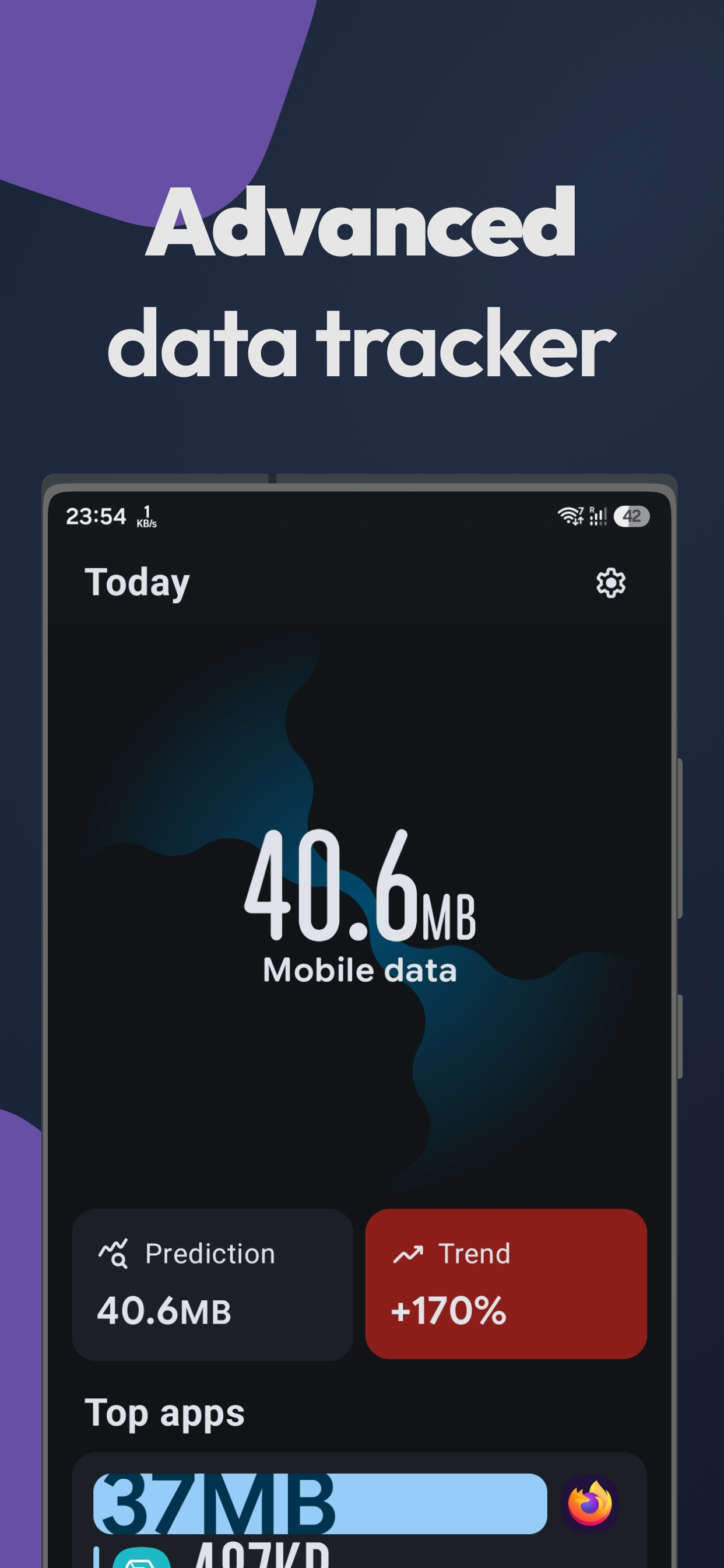
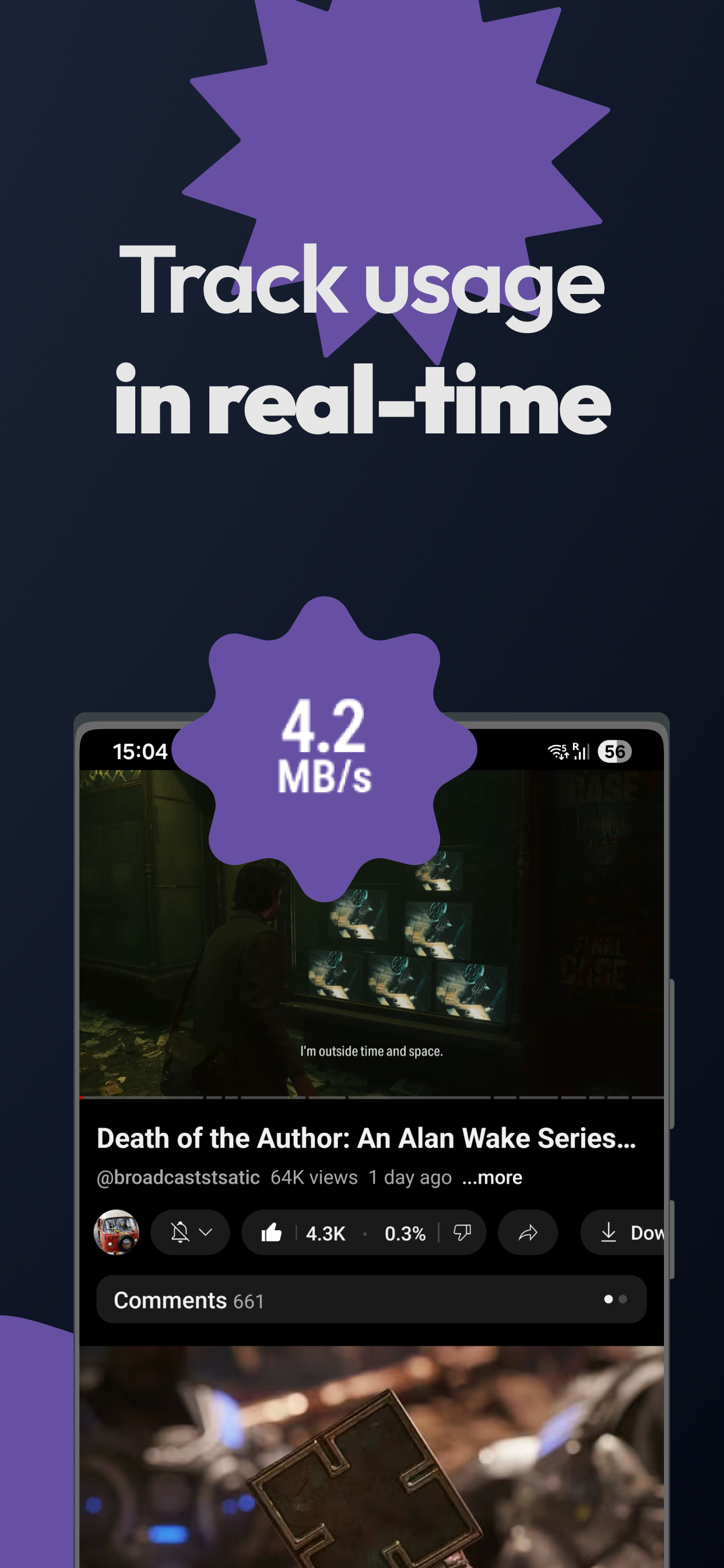
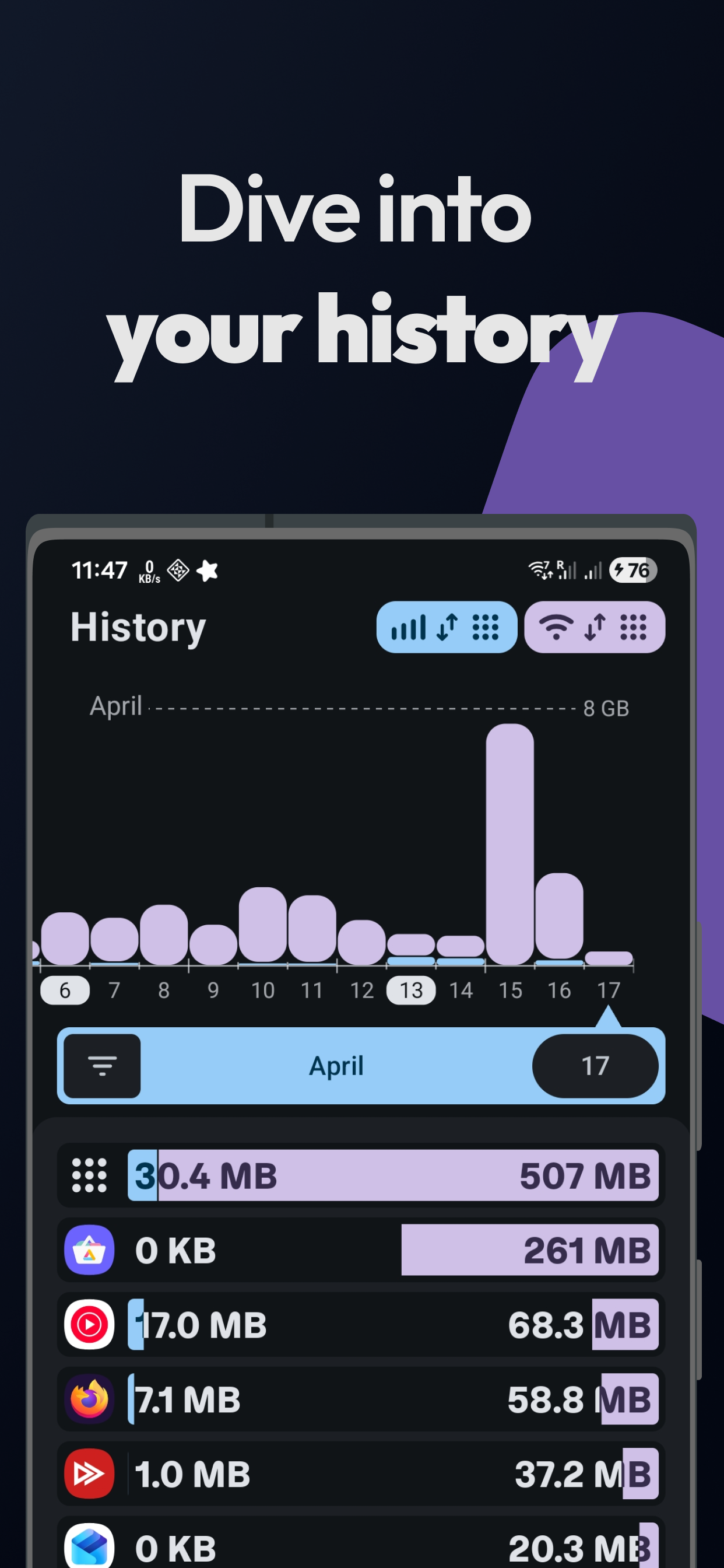
Traffic Light keeps track of how much mobile data and Wi-Fi your phone uses. It shows your usage for today, this week and further back, and it can put your current network speed in the status bar so you can tell at a glance whether something is downloading.
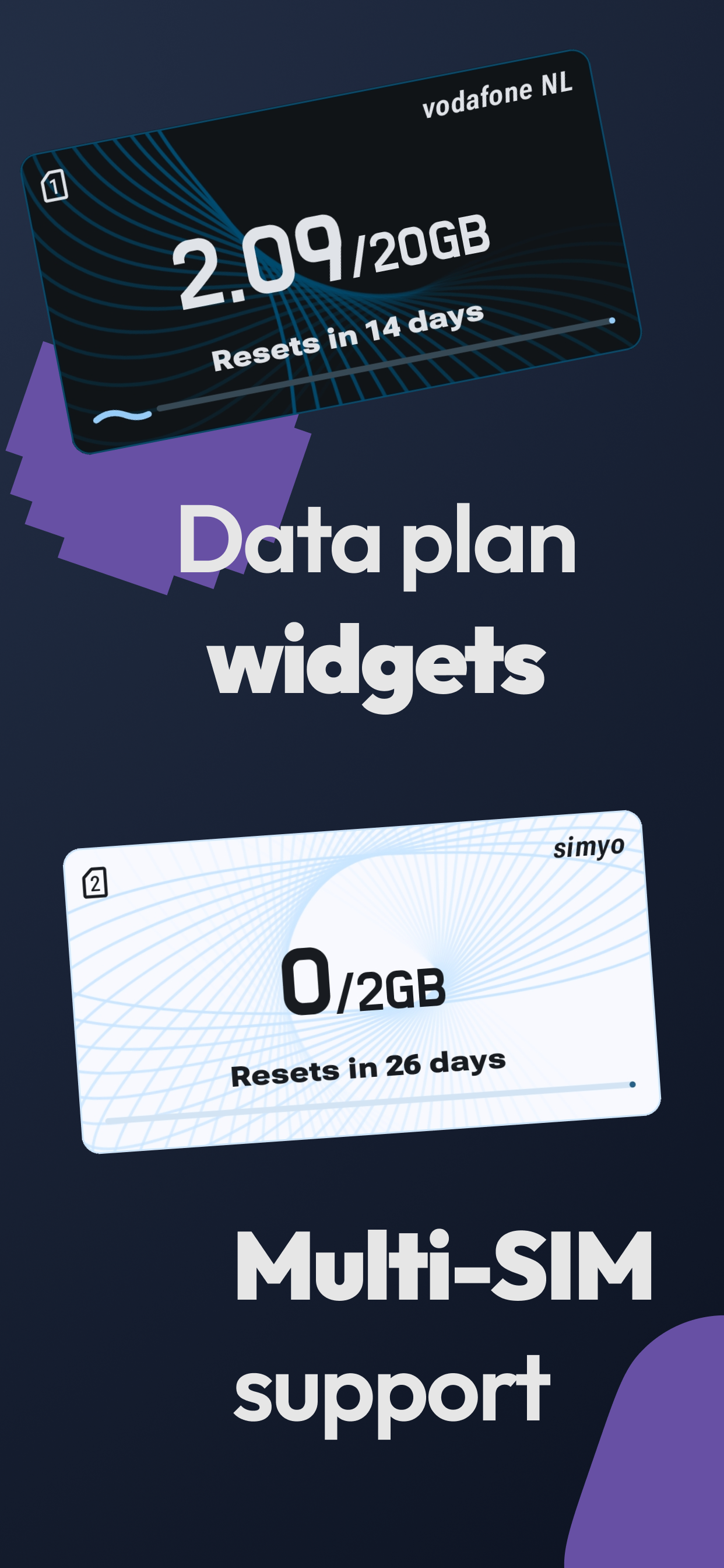
You can set up data plans, either monthly (resetting on a day you pick) or over a custom number of days. The app then shows how much you have used, a daily budget, a prediction of where you will end up and a simple safety status, and it can warn you when you pass the budget. Plans can sit on your home screen as widgets. You can see which apps used the most data and mark some as zero-rated, meaning your carrier does not count them against your plan. Version 3.3 added an iPerf3 client and server for speed tests, marked beta.
You have to give the app Usage Access in Android's settings so it can read long-term data use. On an app installed from outside the Play Store, Android may grey that option out until you choose Allow restricted settings from the app's info page, and the project's wiki walks you through it. The live speed shows as an ongoing notification. Tracking more than one SIM card needs Shizuku, a separate app you set up first. It needs Android 9 or newer. A separate Google Play version carries optional supporter ads and cannot track several SIMs. The GitHub and F-Droid builds have no ads, and the developer's privacy policy says your usage data never leaves the device.
From the app’s home page
- See the codeHow it’s made, every line is public
- Questions & commentsTalk with the people who make it
- Report a problemTell the makers something is broken
- All versionsOlder downloads and what changed
- LicenseThe rules for using and sharing it
More like this
 LocalSend
Send files to nearby devices without the internet
LocalSend
Send files to nearby devices without the internet
 VPN Hotspot
Share your phone's VPN connection over a hotspot
VPN Hotspot
Share your phone's VPN connection over a hotspot
 Flying Carpet
Send a file between two devices, no internet needed
Flying Carpet
Send a file between two devices, no internet needed
 WiFiAnalyzer
Find the least crowded Wi-Fi channel in your home
WiFiAnalyzer
Find the least crowded Wi-Fi channel in your home
 AndroidMic
Use your phone as a microphone for your PC
AndroidMic
Use your phone as a microphone for your PC
 Transfer
Share files over Wi-Fi through a web page
Transfer
Share files over Wi-Fi through a web page