
This comes straight from SatDump’s own GitHub page, and it’s free. Need help installing?
What it looks like
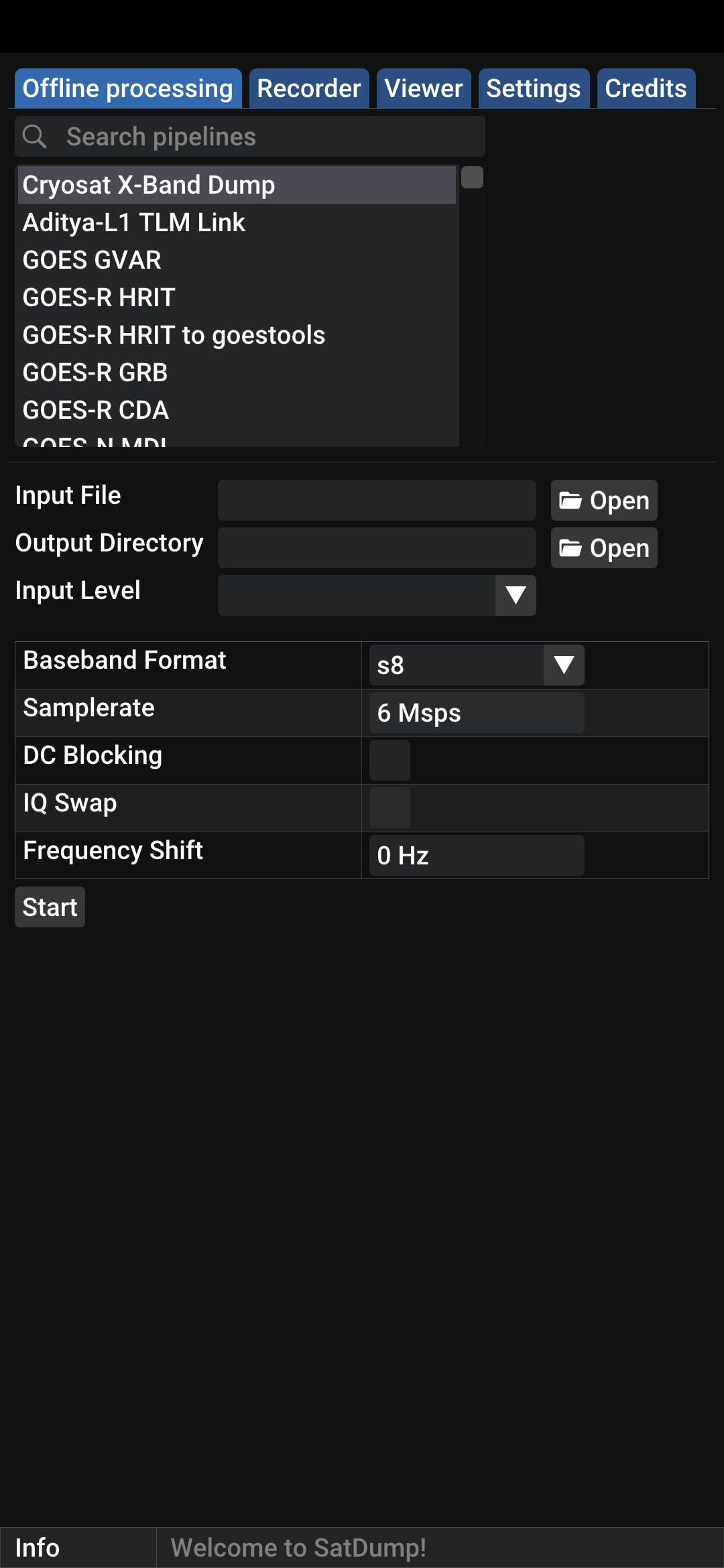
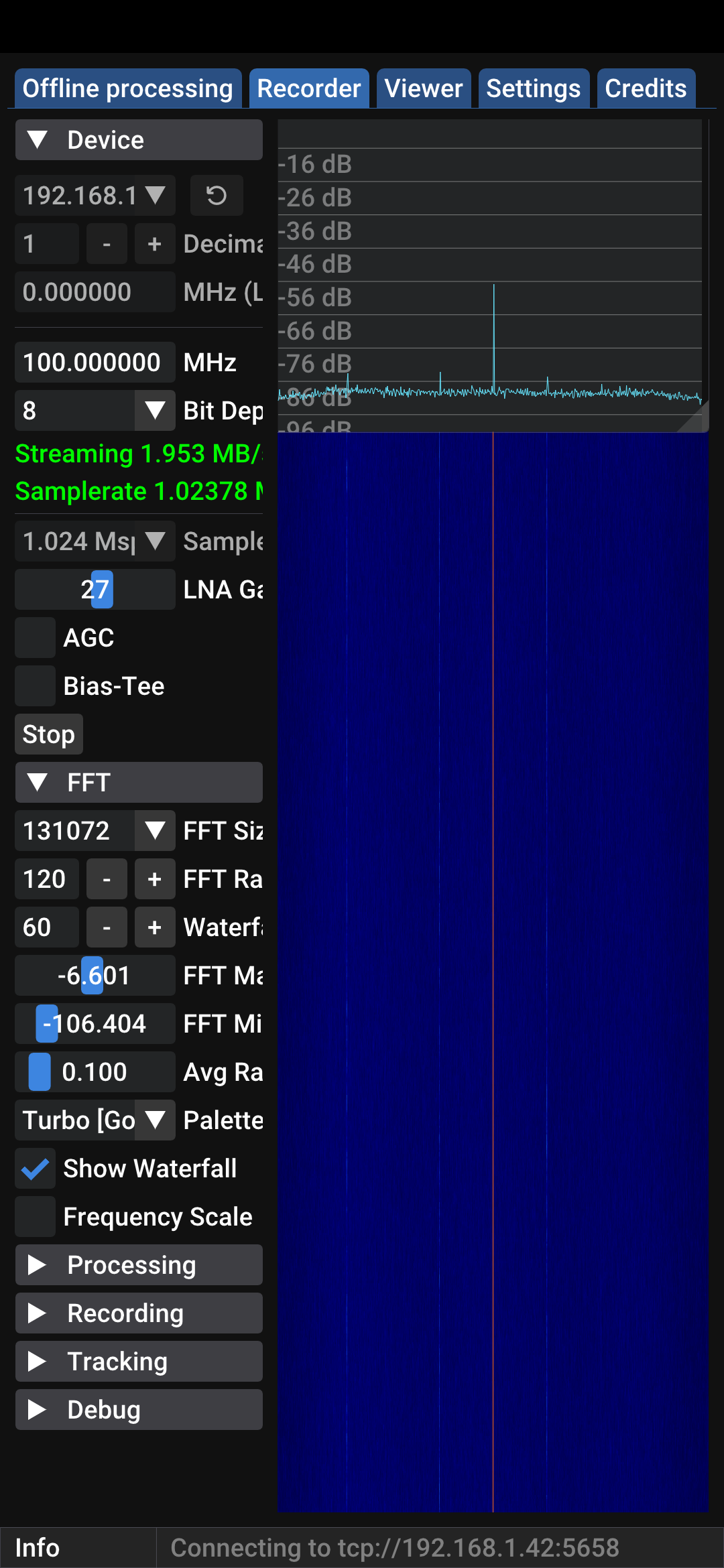


About this app
SatDump listens to satellites passing overhead and turns their radio transmissions into pictures and data. Point an antenna at the sky and the weather satellites on 137 MHz will hand you cloud images of your own region a few minutes after the pass ends.
It handles a long list of formats (NOAA APT, Meteor LRPT, HRPT and many S-band missions) and if you are in view of a geostationary satellite such as GOES or GK-2A, it can process that on the phone as well. You can decode live from the radio or open a recording made earlier on a computer; it is the same software as the desktop version.
This needs radio hardware you supply yourself: a supported SDR receiver (RTL-SDR, Airspy, Airspy HF+, HydraSDR or HackRF) plugged into your phone, plus an antenna. Not every SDR that works on a desktop works on Android.
From the app’s home page
- See the codeHow it’s made, every line is public
- WebsiteThe app’s own home page
- Questions & commentsTalk with the people who make it
- Report a problemTell the makers something is broken
- All versionsOlder downloads and what changed
- LicenseThe rules for using and sharing it
More like this
 SDR++
Listen to the radio spectrum with an SDR dongle
SDR++
Listen to the radio spectrum with an SDR dongle
 RF Analyzer
See the radio waves around you on your phone
RF Analyzer
See the radio waves around you on your phone
 Robot36
Decode slow-scan TV pictures that are sent as radio sound
Robot36
Decode slow-scan TV pictures that are sent as radio sound
 VibeSDR
Listen to radio waves with a USB receiver
VibeSDR
Listen to radio waves with a USB receiver
 Breezy Weather
A weather app that lets you pick the forecaster
Breezy Weather
A weather app that lets you pick the forecaster
 WeatherMaster
A good-looking forecast from the source you pick
WeatherMaster
A good-looking forecast from the source you pick