
OSMfocus Reborn
Point at any building or road to see its OpenStreetMap tags
Made by ubipo · free and open source
This comes straight from OSMfocus Reborn’s own GitHub page, and it’s free. Need help installing?
What it looks like
About this app
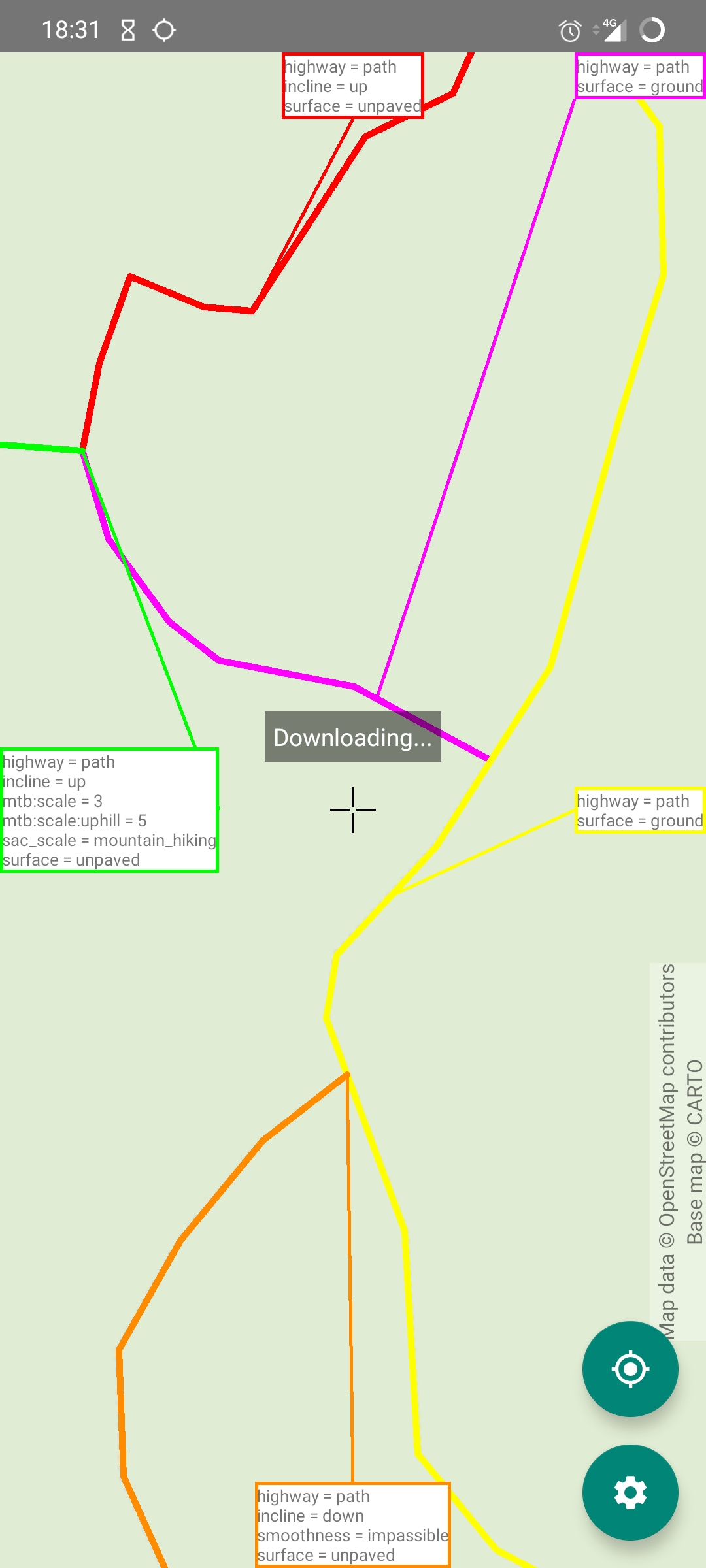
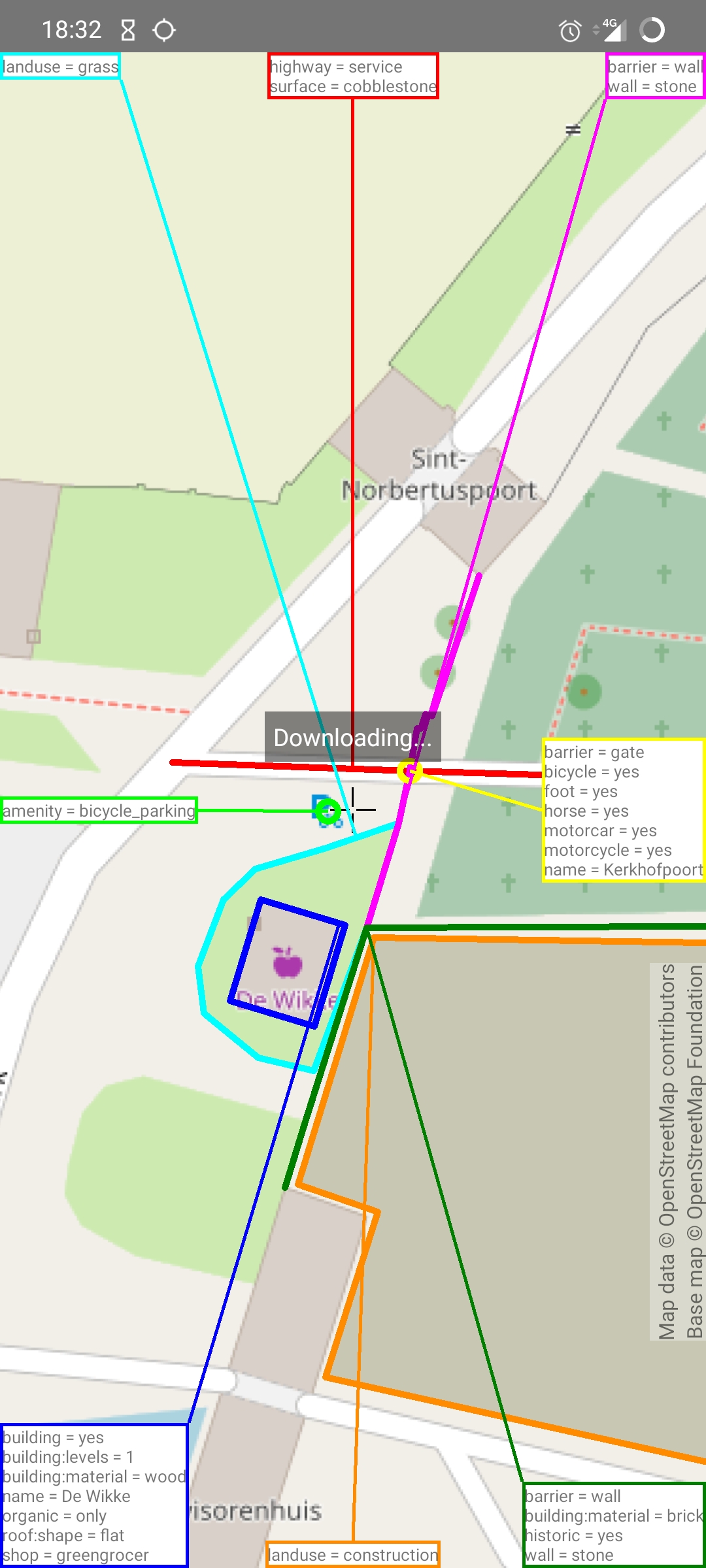
OSMfocus Reborn lets you look inside OpenStreetMap, the free map of the world that anyone can edit. Slide the map until the crosshair in the middle sits over a building or a road. A line then joins it to a box at the edge of the screen, and the box lists every tag stored for that object. Tap a box to open a fuller page about the element.
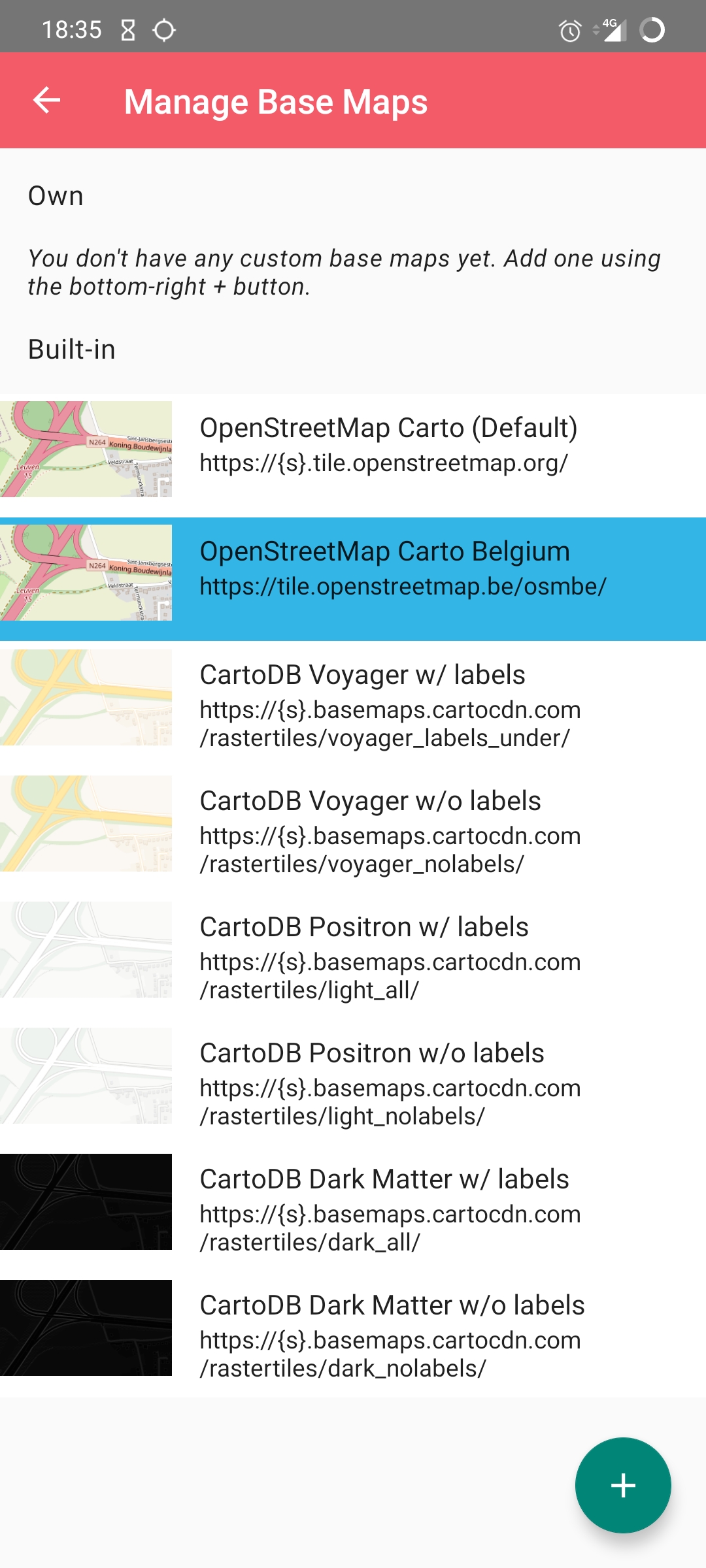
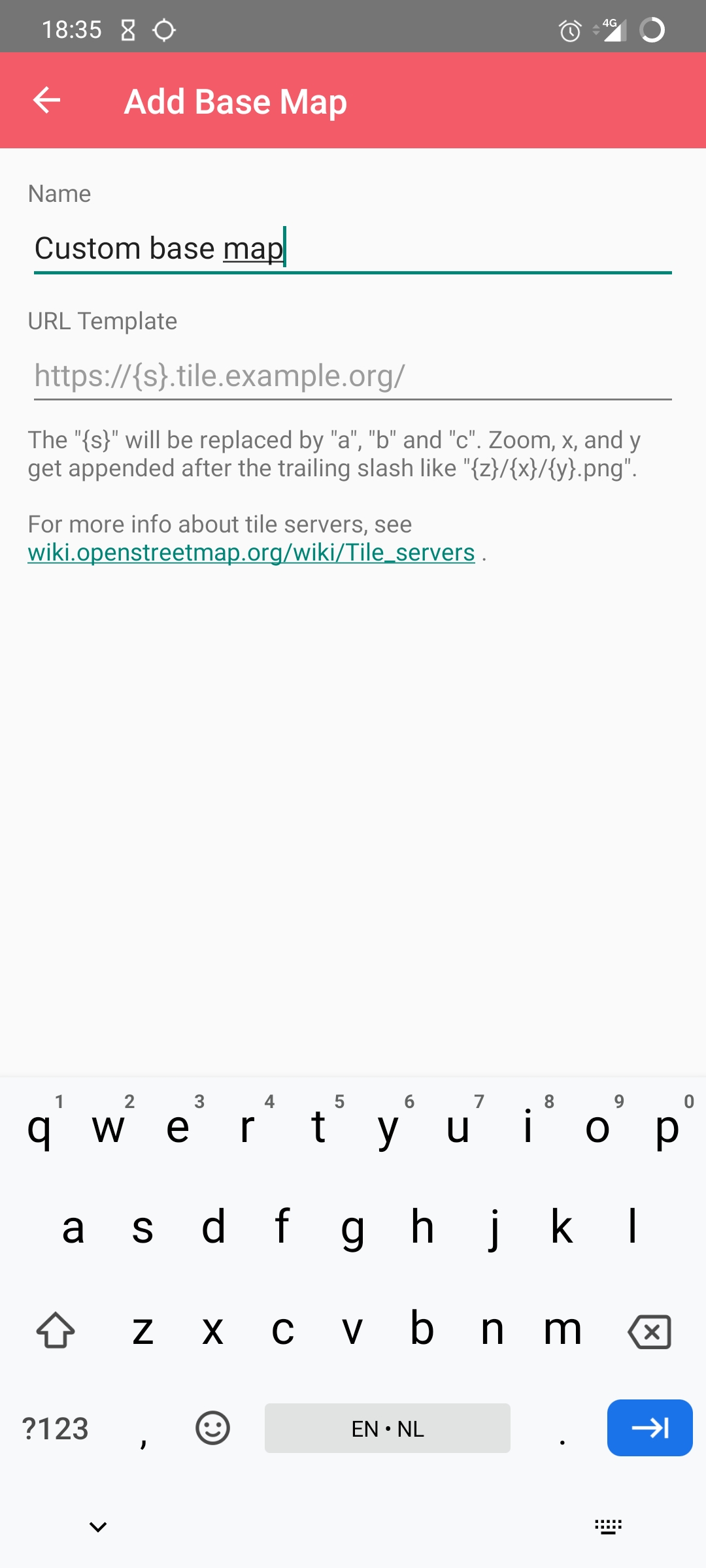
It is useful if you map, check or just like poking at map data. You can filter objects by tag, show or hide nodes, ways, relations and notes, and let the map rotate with a gesture. Objects only appear once you zoom in close enough. The background map can be switched to other built-in styles, or to your own tile server by typing in its address. You can also jump to your current location, copy the coordinates of a spot, open an object on openstreetmap.org or in OsmAnd, and leave an OpenStreetMap note.
You need an internet connection, because the map and the data are fetched as you move around. Leaving a note means logging in to your OpenStreetMap account. The app is for looking rather than editing the map, and it is in English only. It replaces an older OSMfocus app that is no longer around.
From the app’s home page
- See the codeHow it’s made, every line is public
- Questions & commentsTalk with the people who make it
- Report a problemTell the makers something is broken
- All versionsOlder downloads and what changed
- LicenseThe rules for using and sharing it
More like this
 OpenStop
Answer simple questions to map how accessible public transport stops are
OpenStop
Answer simple questions to map how accessible public transport stops are
 StreetComplete
Improve the world map by answering easy questions
StreetComplete
Improve the world map by answering easy questions
 Every Door
Add shops and places to the open world map
Every Door
Add shops and places to the open world map
 OSMTracker
Record a GPS track with notes, photos and voice memos
OSMTracker
Record a GPS track with notes, photos and voice memos
 GeoShare
Open any map link in the map app you actually want
GeoShare
Open any map link in the map app you actually want
 KartaView
Capture street-level photos to help improve open maps
KartaView
Capture street-level photos to help improve open maps