This comes straight from Octo4a’s own GitHub page, and it’s free. Need help installing?
What it looks like
About this app
Octo4a installs OctoPrint on an Android phone, so you can watch and control your 3D printer from a web browser on any device in the house. If there is an old handset sitting in a drawer, this saves you buying a Raspberry Pi for the job.
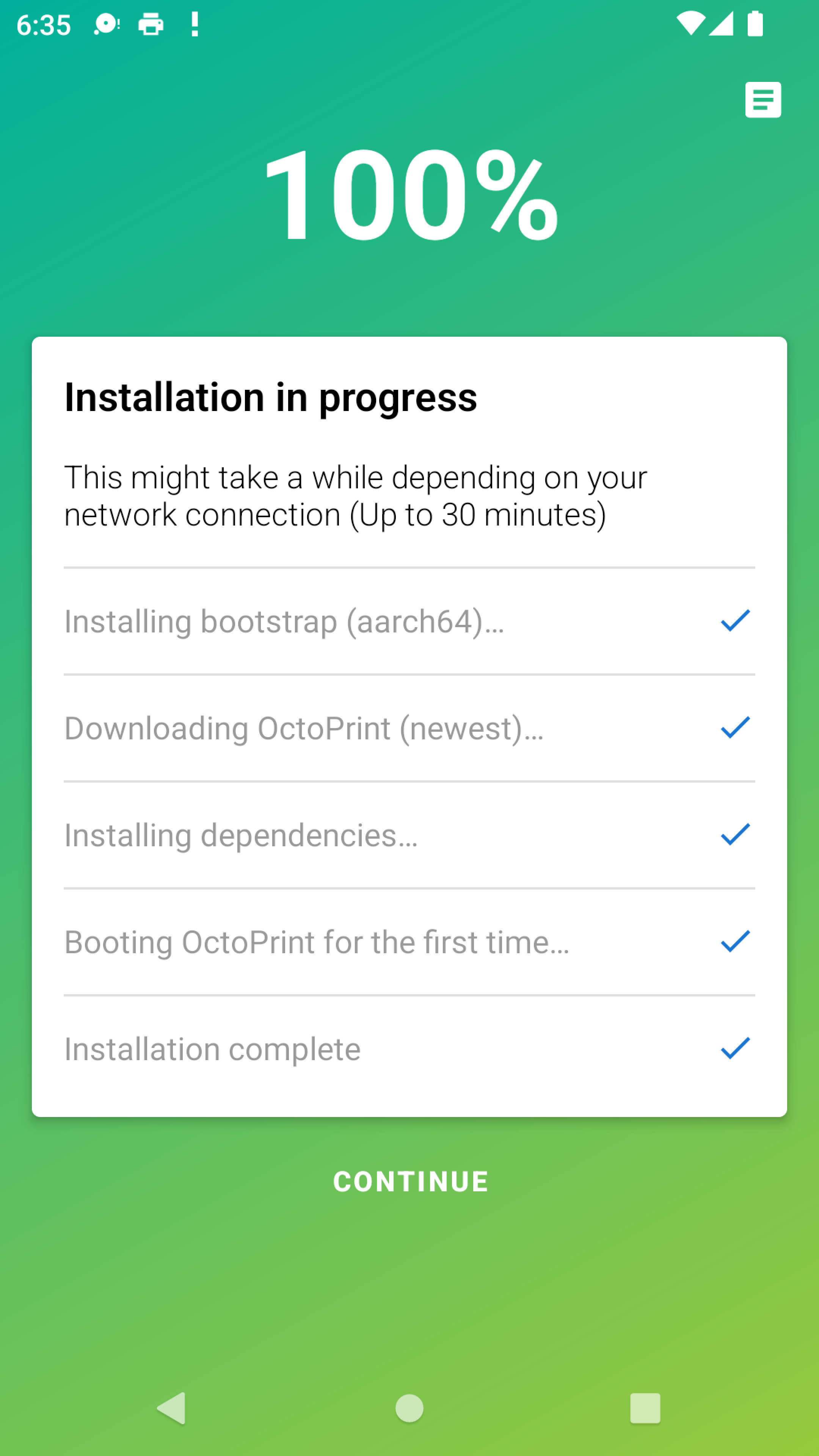
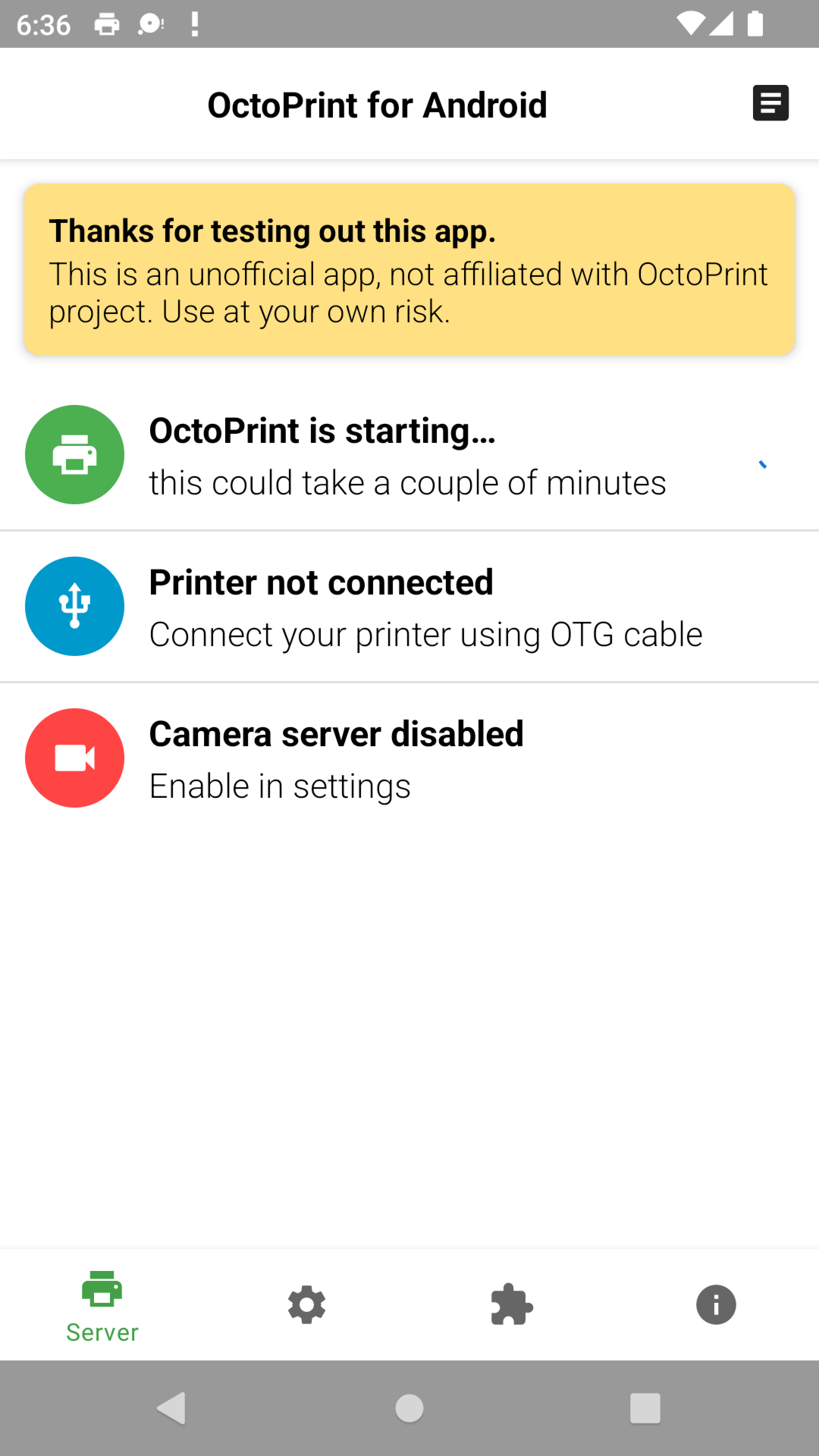
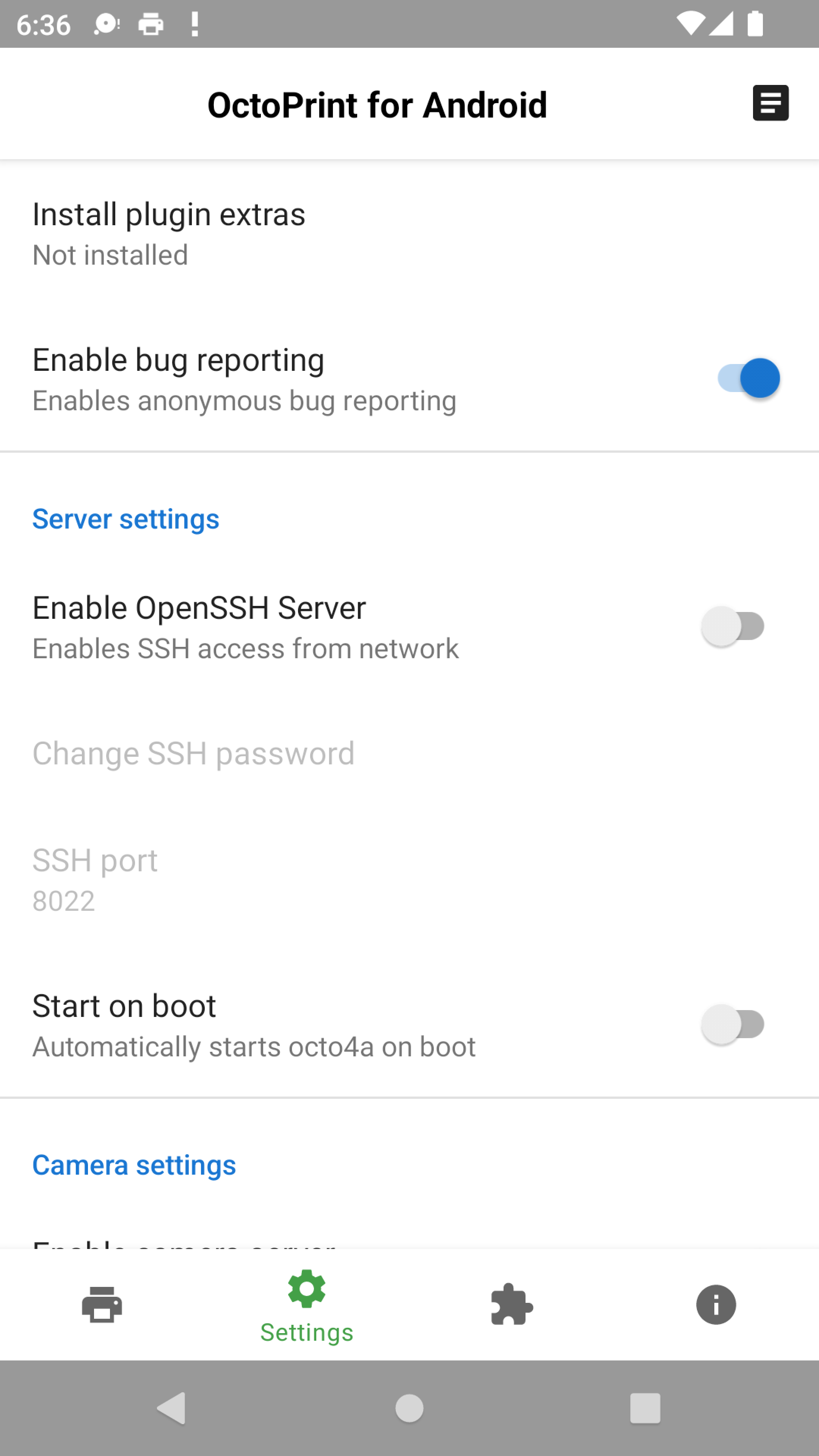
You tap Install OctoPrint and the app downloads and sets the whole thing up for you, with no Linux knowledge needed. The printer connects over USB OTG through a custom driver, so the phone does not need root, and the phone's own camera can act as the printer camera, including timelapses with Octolapse. If you like tinkering, you can log in over SSH afterwards.
Check two things before you start. The phone must support USB OTG, and some models cannot charge and use OTG at the same time, which matters for long prints. The project keeps a community list of which phones people have had luck with. The first install needs an internet connection and can take a while. Development has been quiet since 2024, so it still does the job but is not seeing regular updates.
From the app’s home page
- See the codeHow it’s made, every line is public
- Questions & commentsTalk with the people who make it
- Report a problemTell the makers something is broken
- All versionsOlder downloads and what changed
- LicenseThe rules for using and sharing it
More like this
 BeamKlipper
Run your 3D printer's Klipper host on an old phone
BeamKlipper
Run your 3D printer's Klipper host on an old phone
 ServerBox
Check on your servers from your phone
ServerBox
Check on your servers from your phone
 EtchDroid
Write a Linux install image to a USB stick from your phone
EtchDroid
Write a Linux install image to a USB stick from your phone
 ConnectBot
The original SSH client for Android
ConnectBot
The original SSH client for Android
 Open Headunit
Turn a spare tablet into an Android Auto screen for your car
Open Headunit
Turn a spare tablet into an Android Auto screen for your car
 droidVNC-NG
See and control your phone from your computer
droidVNC-NG
See and control your phone from your computer