This comes straight from EtchDroid’s own GitHub page, and it’s free. Need help installing?
What it looks like
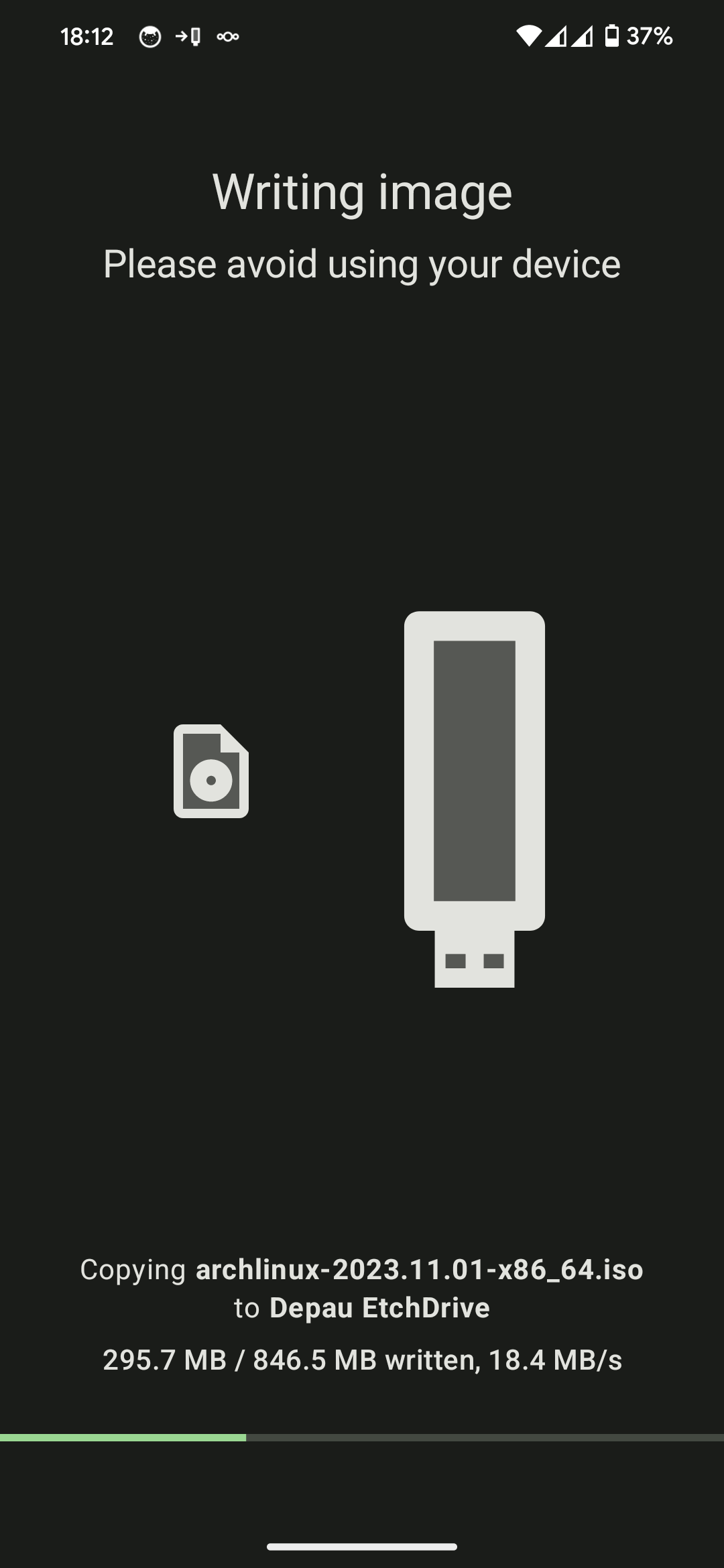
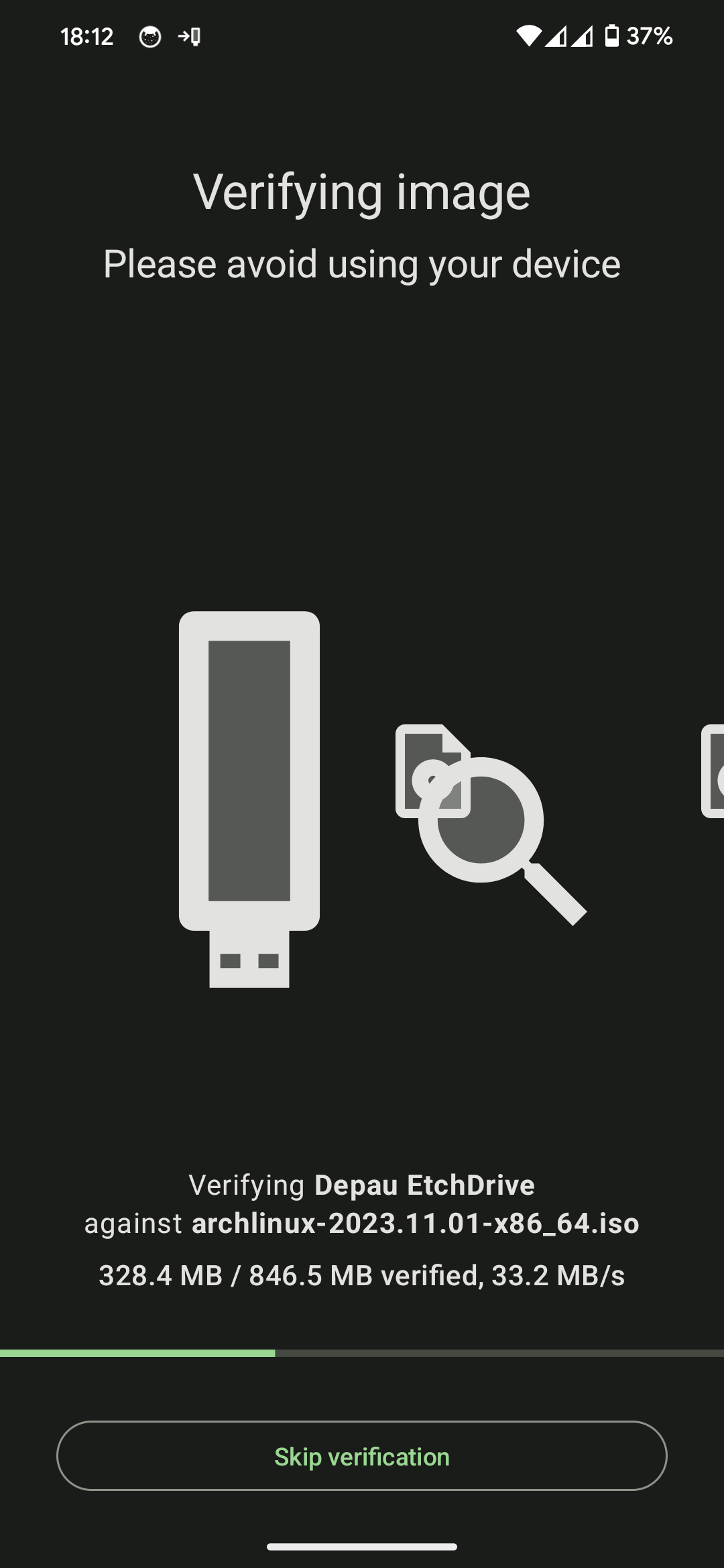
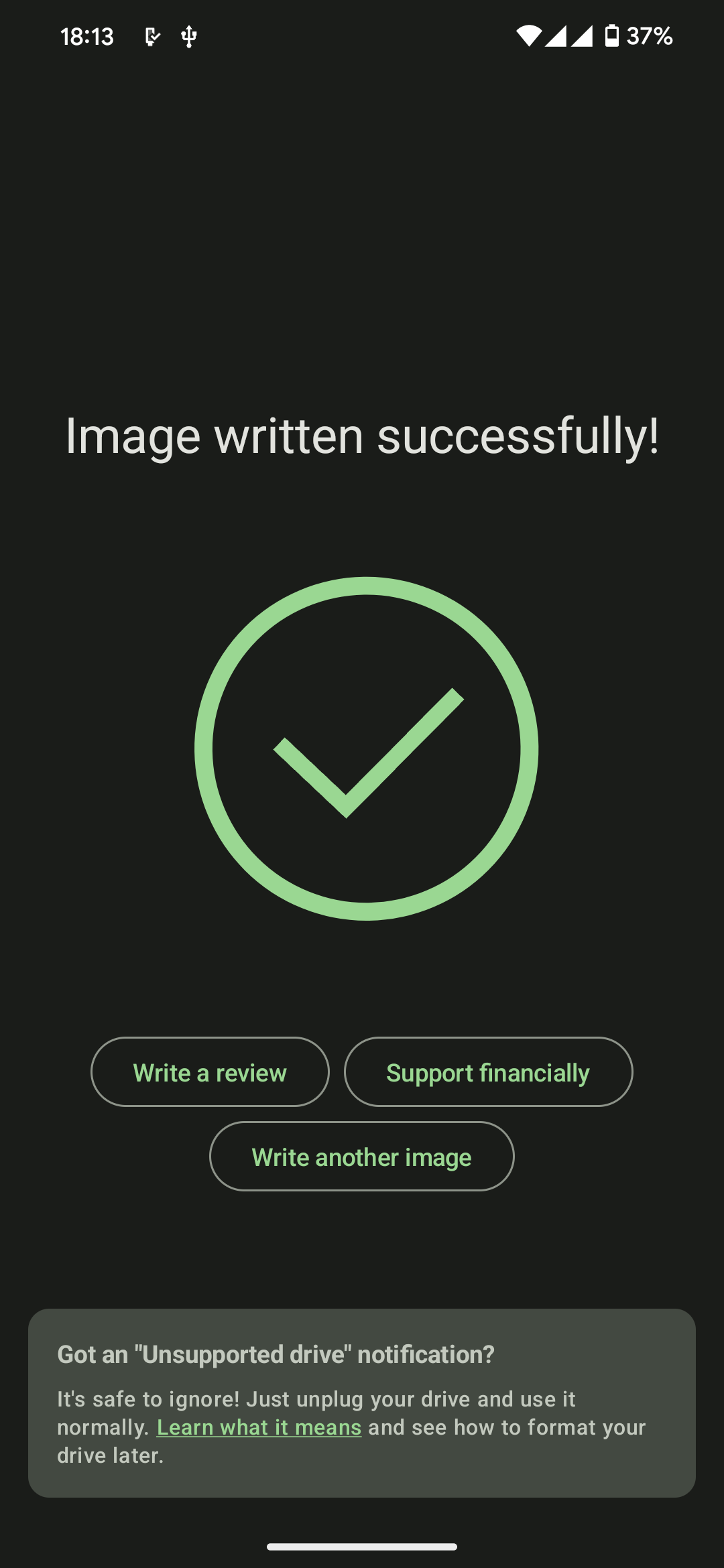
About this app
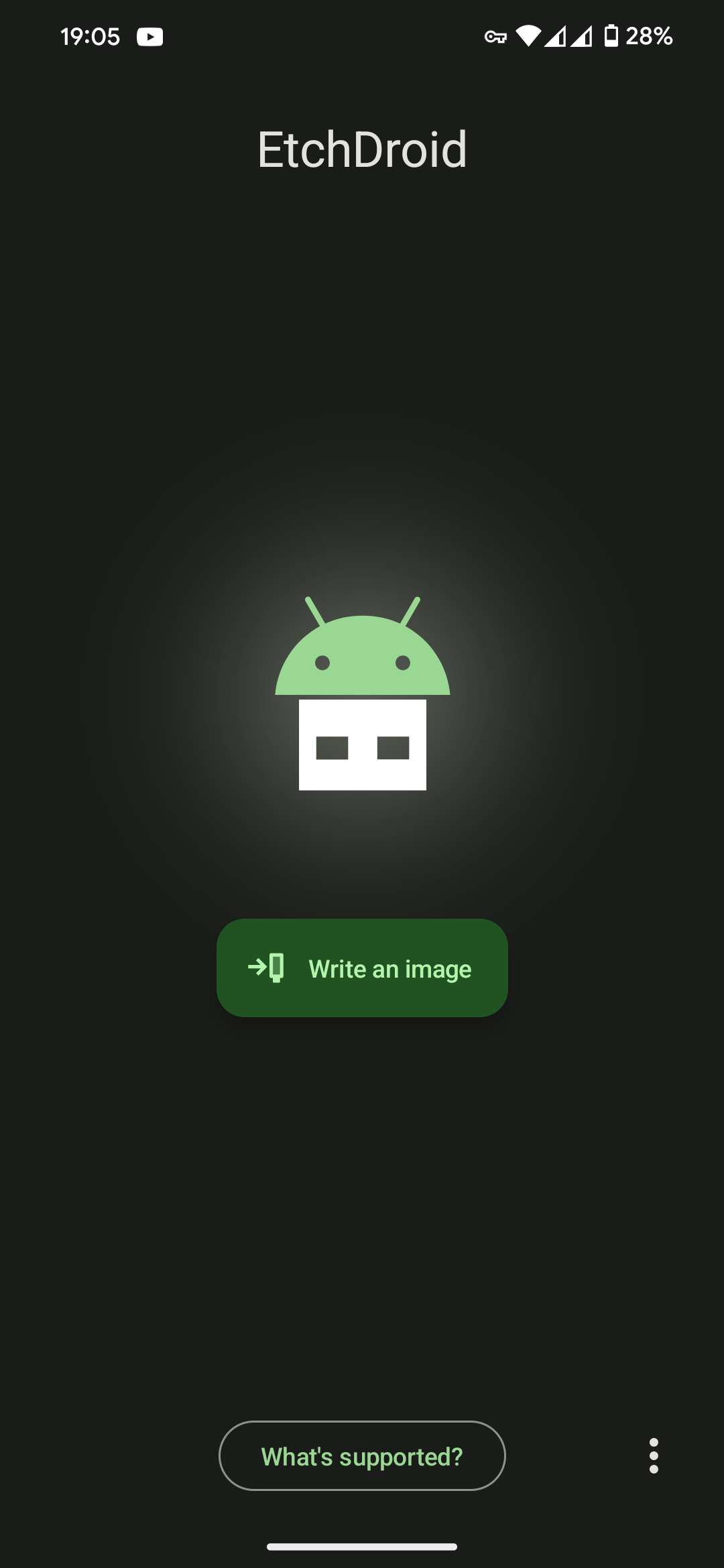
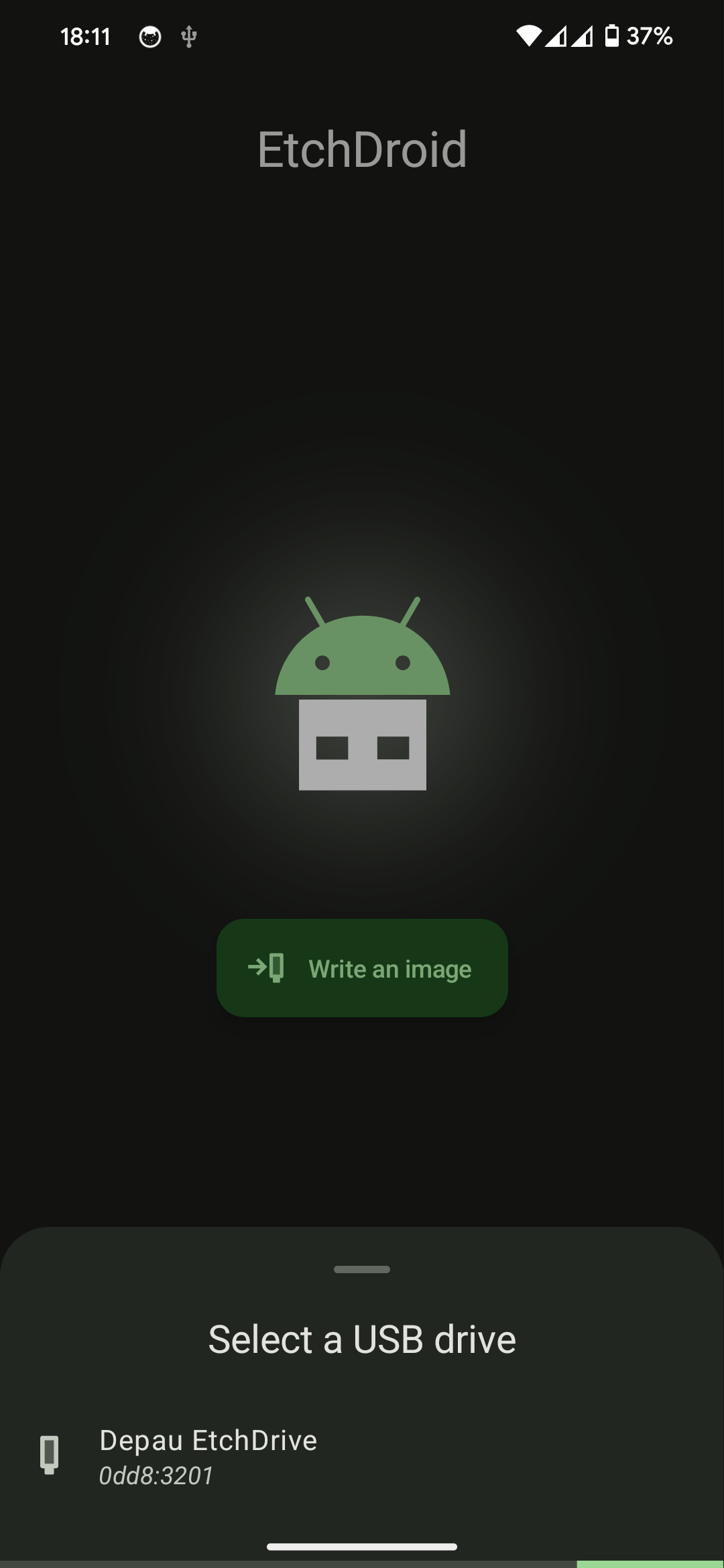
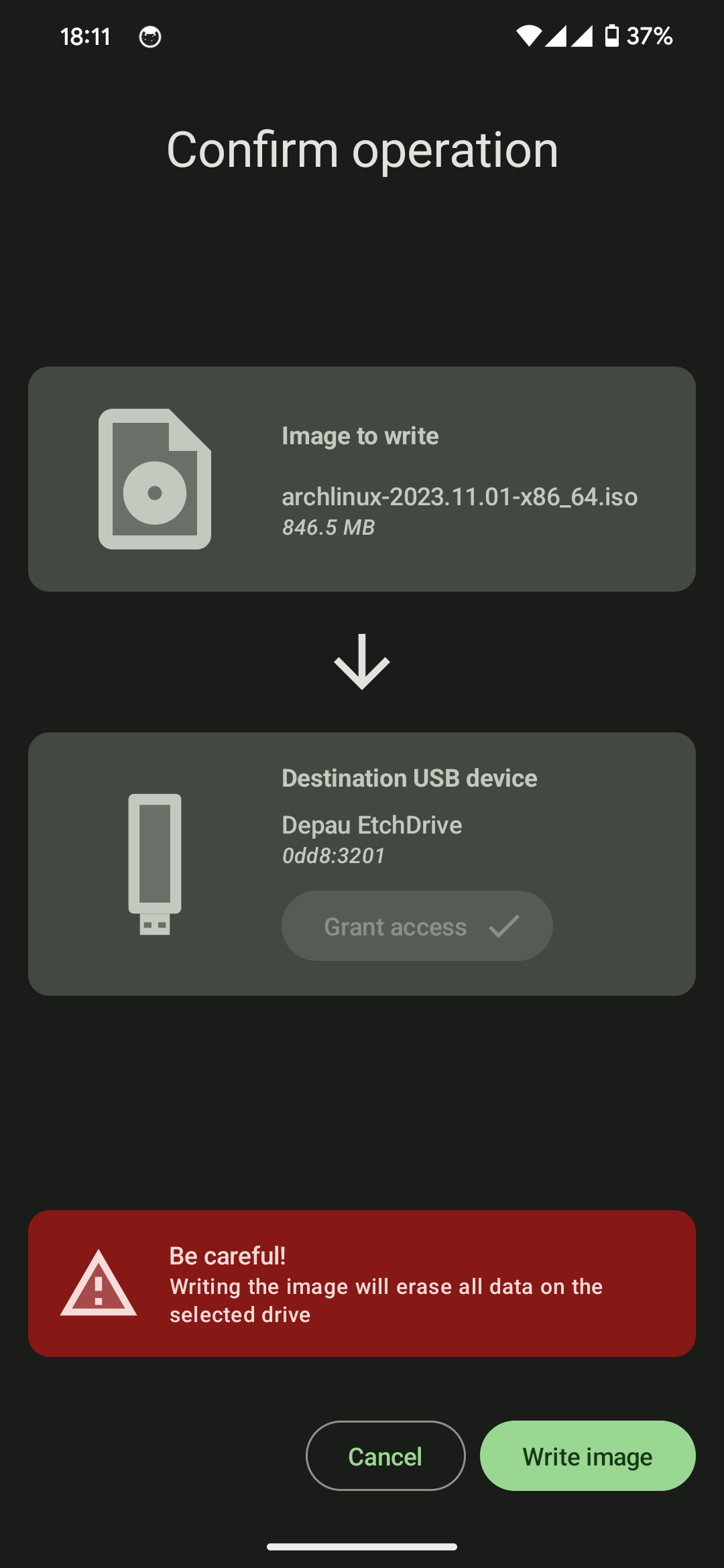
When your laptop will not boot and you need a rescue USB, EtchDroid gets you out of it. Plug a USB stick into your phone with an OTG adapter, pick a disk image you have downloaded, and it writes a bootable drive. No root needed, no computer needed.
It handles modern GNU/Linux images including Ubuntu, Debian, Fedora, Arch, Linux Mint, Pop!_OS and FreeBSD, and Raspberry Pi SD card images once you have unzipped them.
A few things it cannot do: official Microsoft Windows ISOs, Apple DMG files, and Linux images older than about 2010. It writes to USB flash drives and USB SD card readers only, not to external hard drives, SSDs, hubs or docks. The Google Play and GitHub builds send anonymous diagnostics (the name of the image file and the USB device ID) which you can switch off in the menu; the F-Droid build has none.
From the app’s home page
- See the codeHow it’s made, every line is public
- WebsiteThe app’s own home page
- Questions & commentsTalk with the people who make it
- Report a problemTell the makers something is broken
- All versionsOlder downloads and what changed
- LicenseThe rules for using and sharing it
More like this
 Rufid
Make a bootable USB stick straight from your phone
Rufid
Make a bootable USB stick straight from your phone
 Ventoid
Make a bootable USB stick from your phone
Ventoid
Make a bootable USB stick from your phone
 Simple USB Terminal
Talk to Arduinos and other USB serial gadgets
Simple USB Terminal
Talk to Arduinos and other USB serial gadgets
 Podroid
Run Linux containers and desktops on your phone
Podroid
Run Linux containers and desktops on your phone
 Open Headunit
Turn a spare tablet into an Android Auto screen for your car
Open Headunit
Turn a spare tablet into an Android Auto screen for your car
 Vectras VM
Run another operating system in a window
Vectras VM
Run another operating system in a window