This download comes from F-Droid, a trusted library of free open-source apps. Need help installing?
What it looks like
About this app
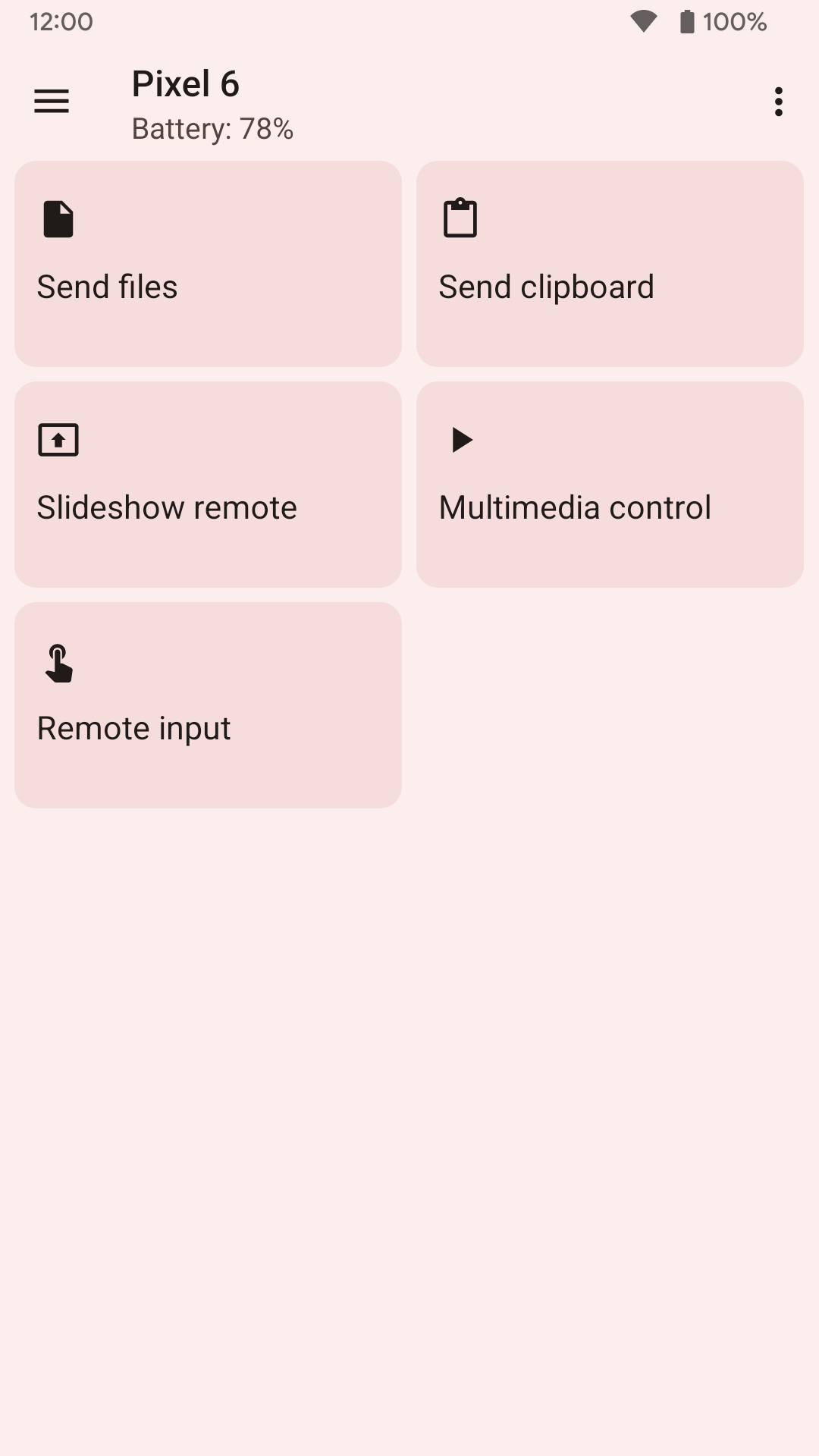
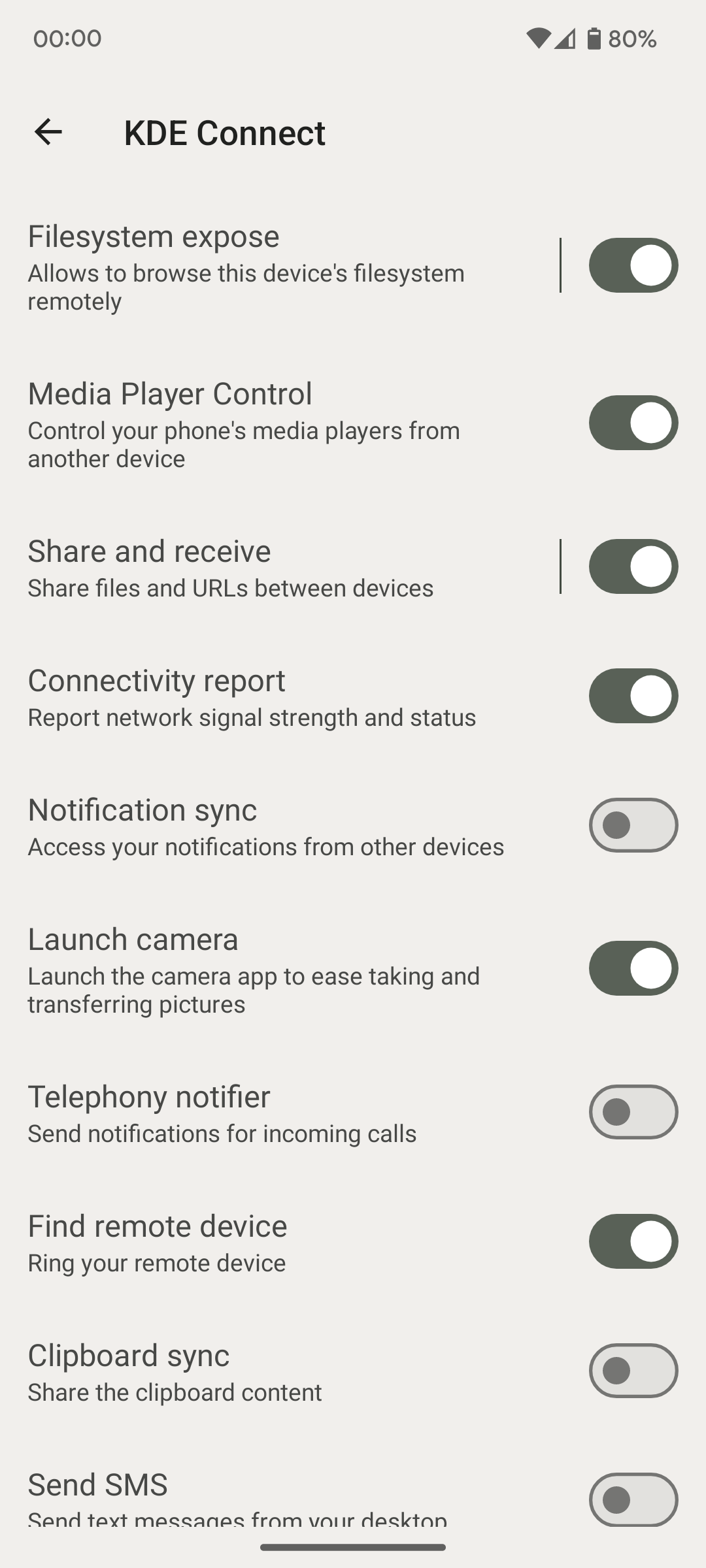
KDE Connect joins your phone and your computer together over the Wi-Fi you already have. Copy something on one and paste it on the other, send files and links either way, read and reply to your phone's notifications from the desktop, and read and send text messages from the computer's keyboard.
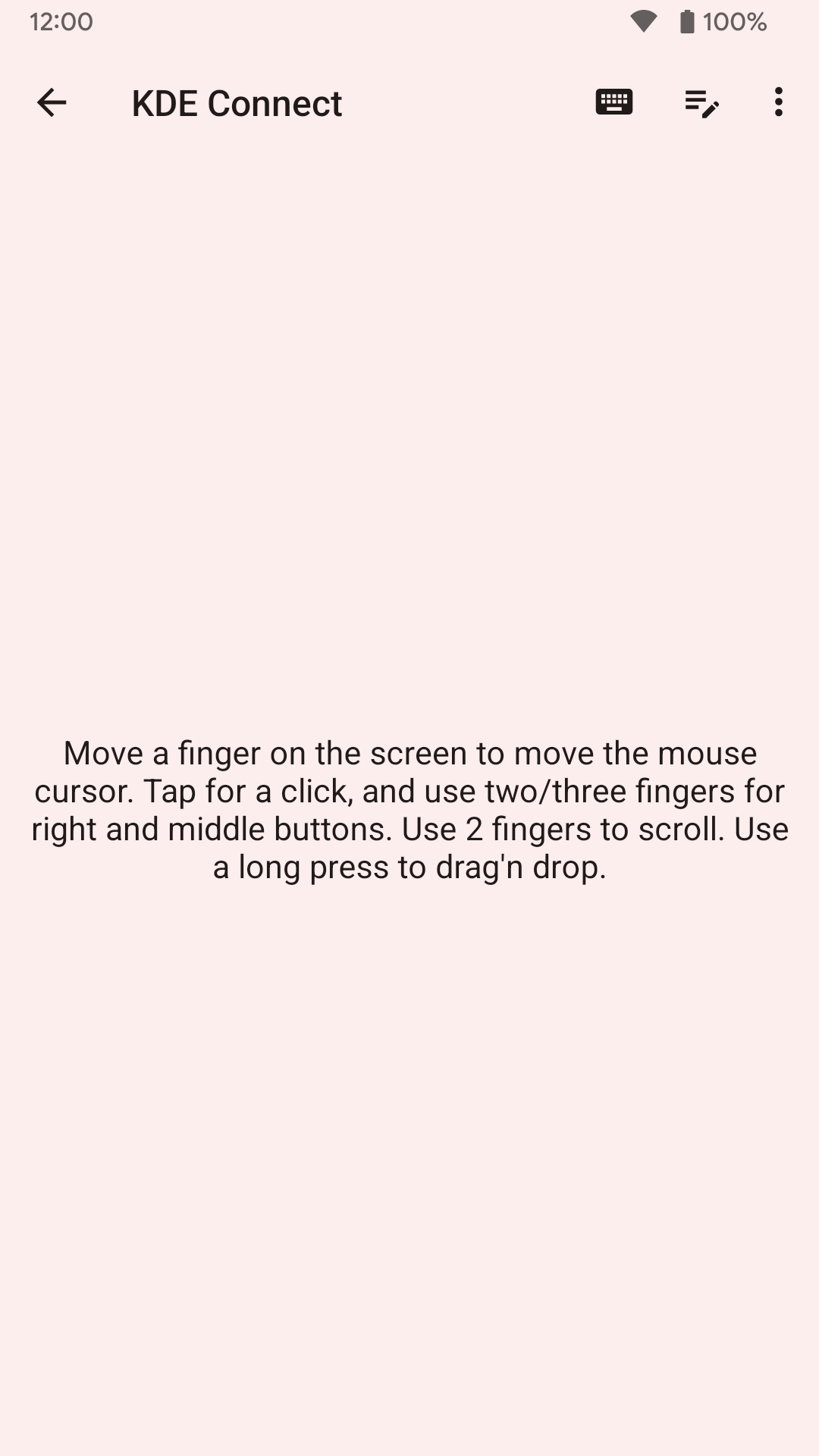
The phone screen also works as a touchpad and keyboard, which is handy when the computer is across the room, and it can advance presentation slides or act as a remote for media players on the computer. Everything goes directly between your two devices over the local network, encrypted with TLS, so none of it passes through anyone else's server.
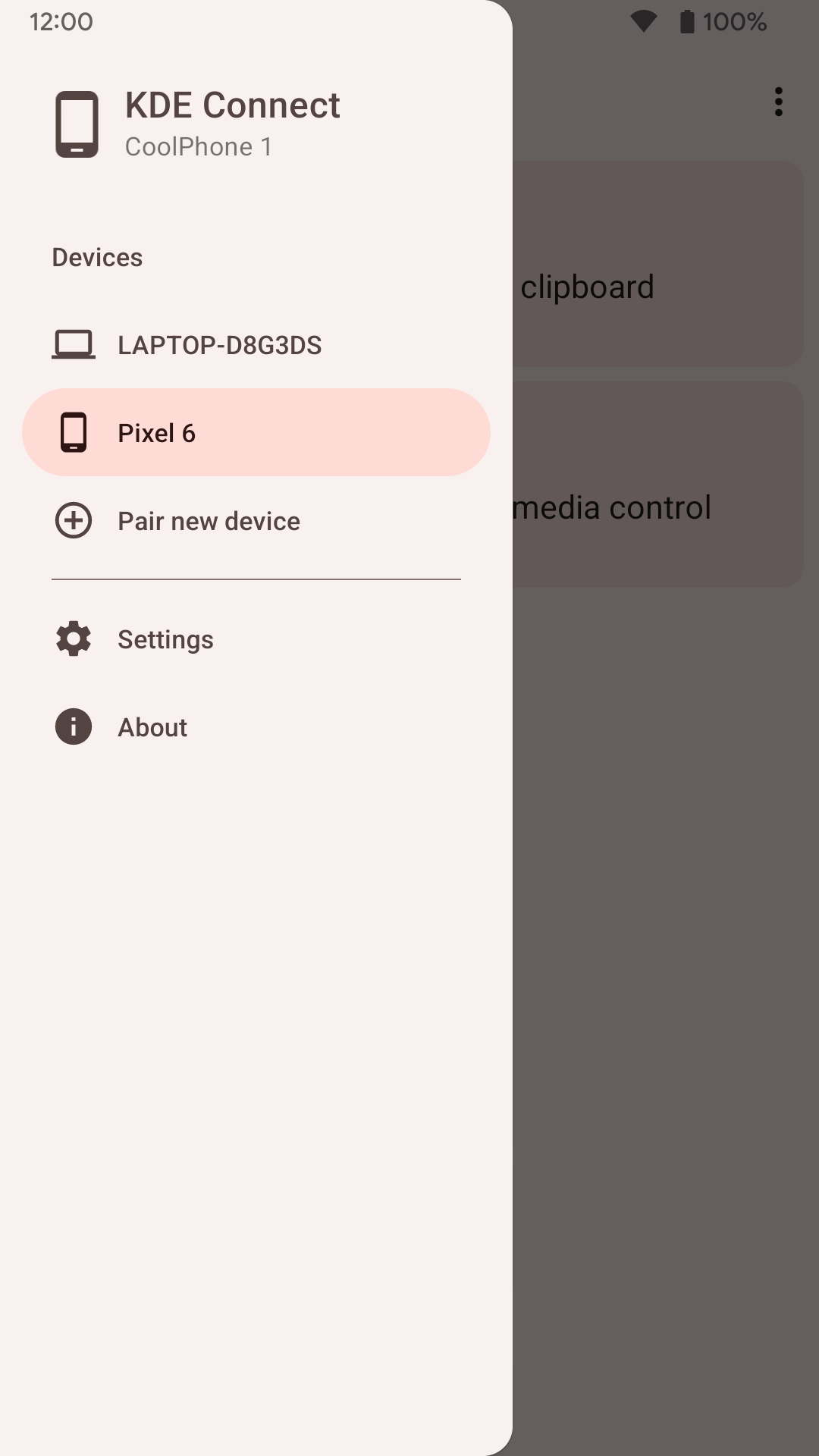
It only works in pairs: you need the matching KDE Connect desktop app installed on your computer, and both devices have to be on the same network. Linux is where it is best supported. There is a Windows build in the Microsoft Store, but macOS has no official release.
From the app’s home page
- See the codeHow it’s made, every line is public
- WebsiteThe app’s own home page
- Questions & commentsTalk with the people who make it
- Report a problemTell the makers something is broken
- All versionsOlder downloads and what changed
- LicenseThe rules for using and sharing it
More like this
 Sefirah
Link your phone and your PC
Sefirah
Link your phone and your PC
 ClipShare
One clipboard and file drop across your devices
ClipShare
One clipboard and file drop across your devices
 Clip Share
Copy on one device, paste on another
Clip Share
Copy on one device, paste on another
 PlainApp
Manage your phone from a web browser
PlainApp
Manage your phone from a web browser
 Syncthing-Fork
Keep folders in sync between your own devices
Syncthing-Fork
Keep folders in sync between your own devices
 Round Sync
Sync your phone with almost any cloud storage
Round Sync
Sync your phone with almost any cloud storage