
This comes straight from Ubuntu Launcher’s own GitHub page, and it’s free. Need help installing?
What it looks like
About this app
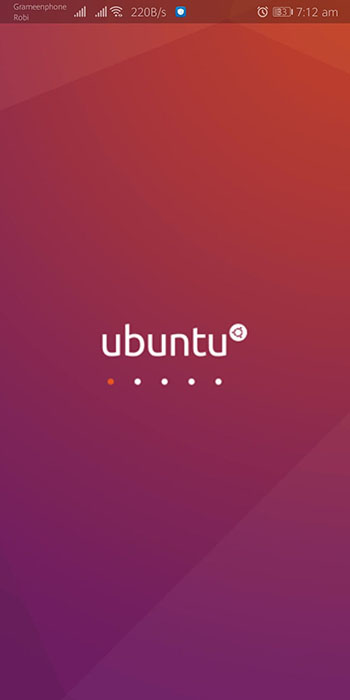
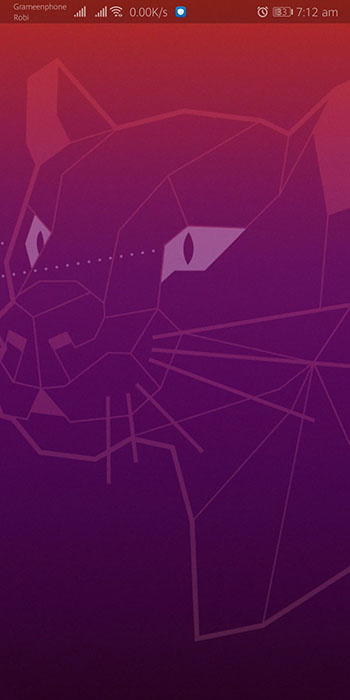
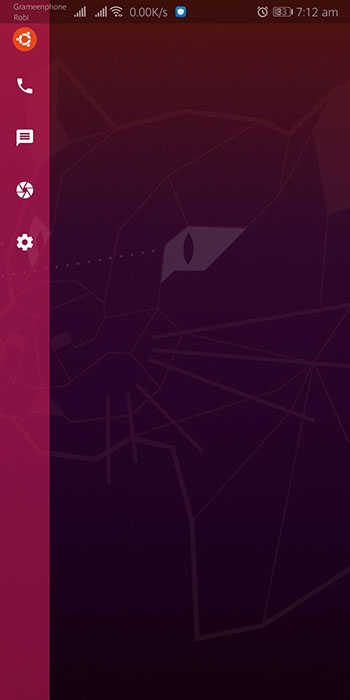
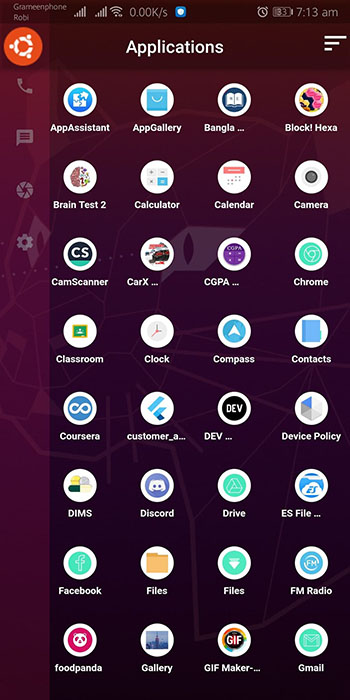
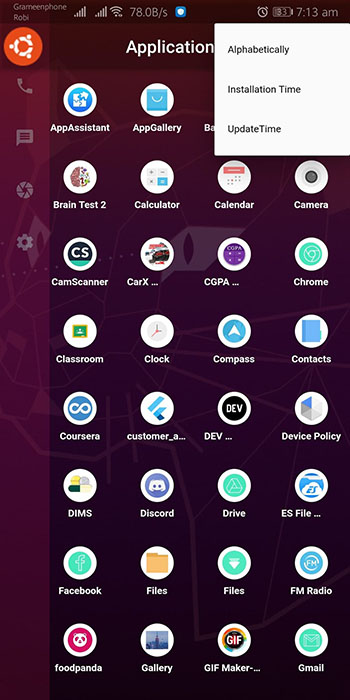
Ubuntu Launcher replaces your Android home screen with one styled after the Ubuntu GNOME desktop. It is deliberately plain: an empty home screen, a side bar of shortcut apps, a search bar for finding apps, and no ads.
Long-press the home screen to change the wallpaper, long-press a sidebar icon to swap that shortcut, and sort your app list alphabetically or by when apps were installed or updated. You can set it as your default launcher.
It started as one person's side project and is still fairly basic. It targets Android 12 rather than the newest release and updates come rarely, so on a recent phone some parts may not look or behave quite right. Try it for a while before making it your default.
From the app’s home page
- See the codeHow it’s made, every line is public
- Questions & commentsTalk with the people who make it
- Report a problemTell the makers something is broken
- All versionsOlder downloads and what changed
- LicenseThe rules for using and sharing it
More like this
 AnLinux
Run a full Linux distro on your phone, no root
AnLinux
Run a full Linux distro on your phone, no root
 Yagni Launcher
A 2 MB home screen with no bloat and no tracking
Yagni Launcher
A 2 MB home screen with no bloat and no tracking
 Olauncher
A plain launcher that helps you use your phone less
Olauncher
A plain launcher that helps you use your phone less
 KISS Launcher
Type a few letters to open anything on your phone
KISS Launcher
Type a few letters to open anything on your phone
 Podroid
Run Linux containers and desktops on your phone
Podroid
Run Linux containers and desktops on your phone
 T-UI Launcher
Run your phone like a computer terminal
T-UI Launcher
Run your phone like a computer terminal