
This comes straight from TermuC’s own GitHub page, and it’s free. Need help installing?
What it looks like
About this app
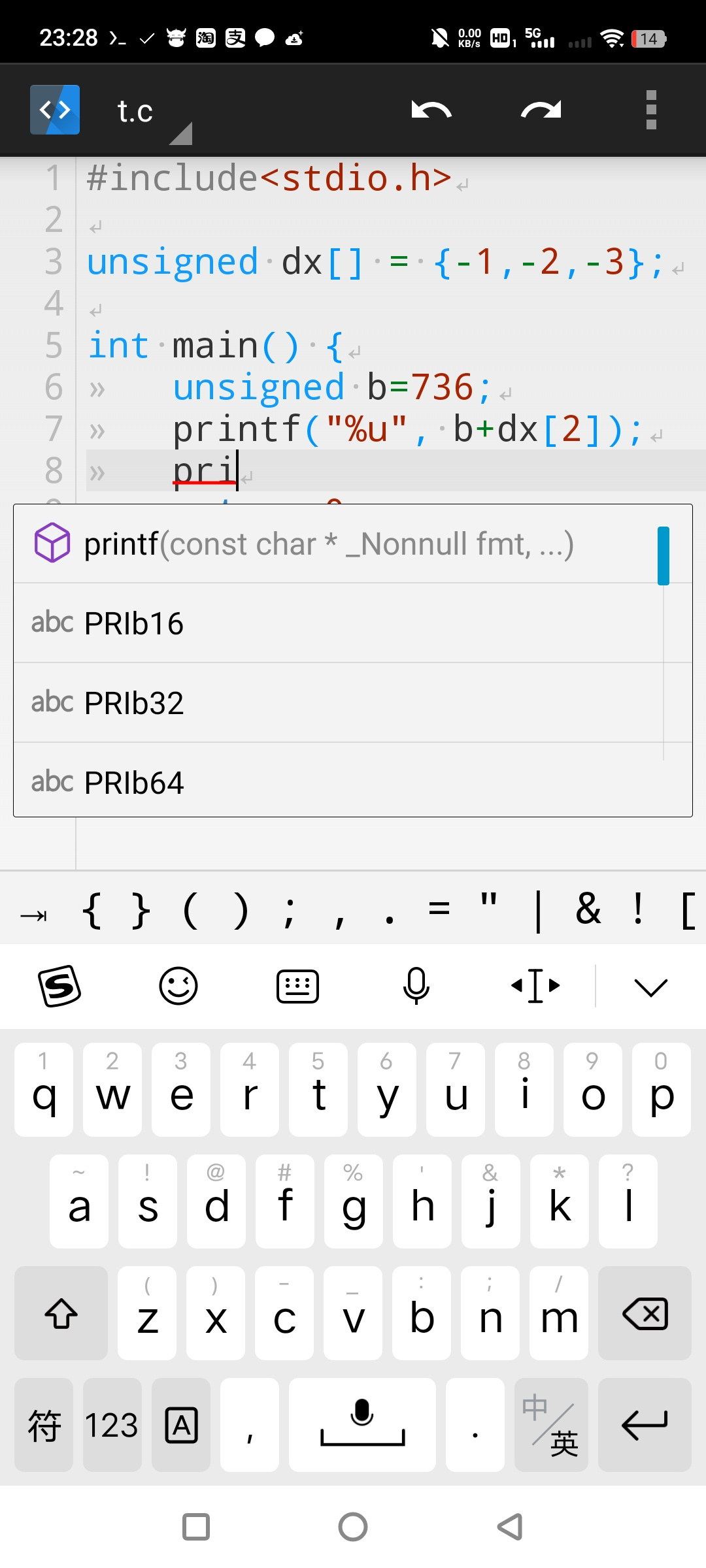
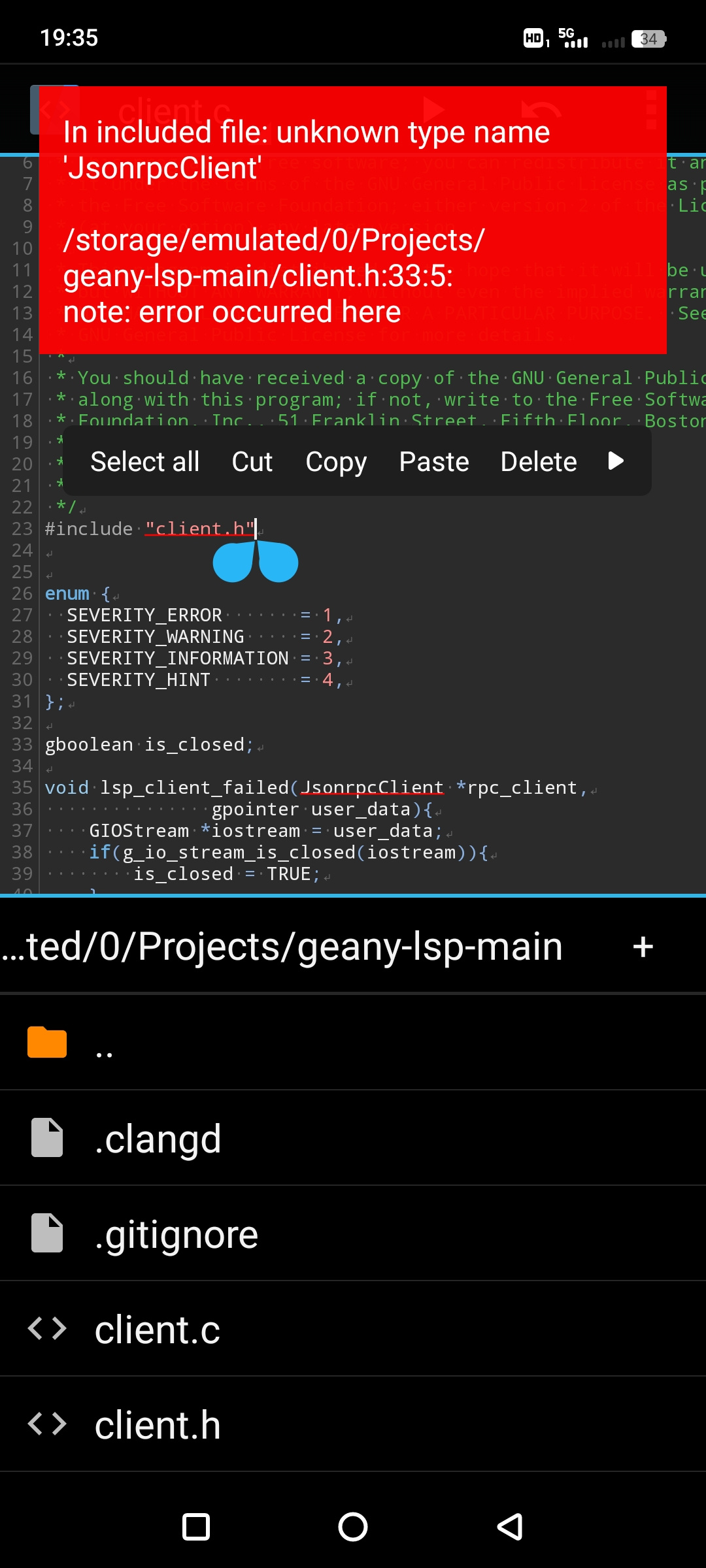
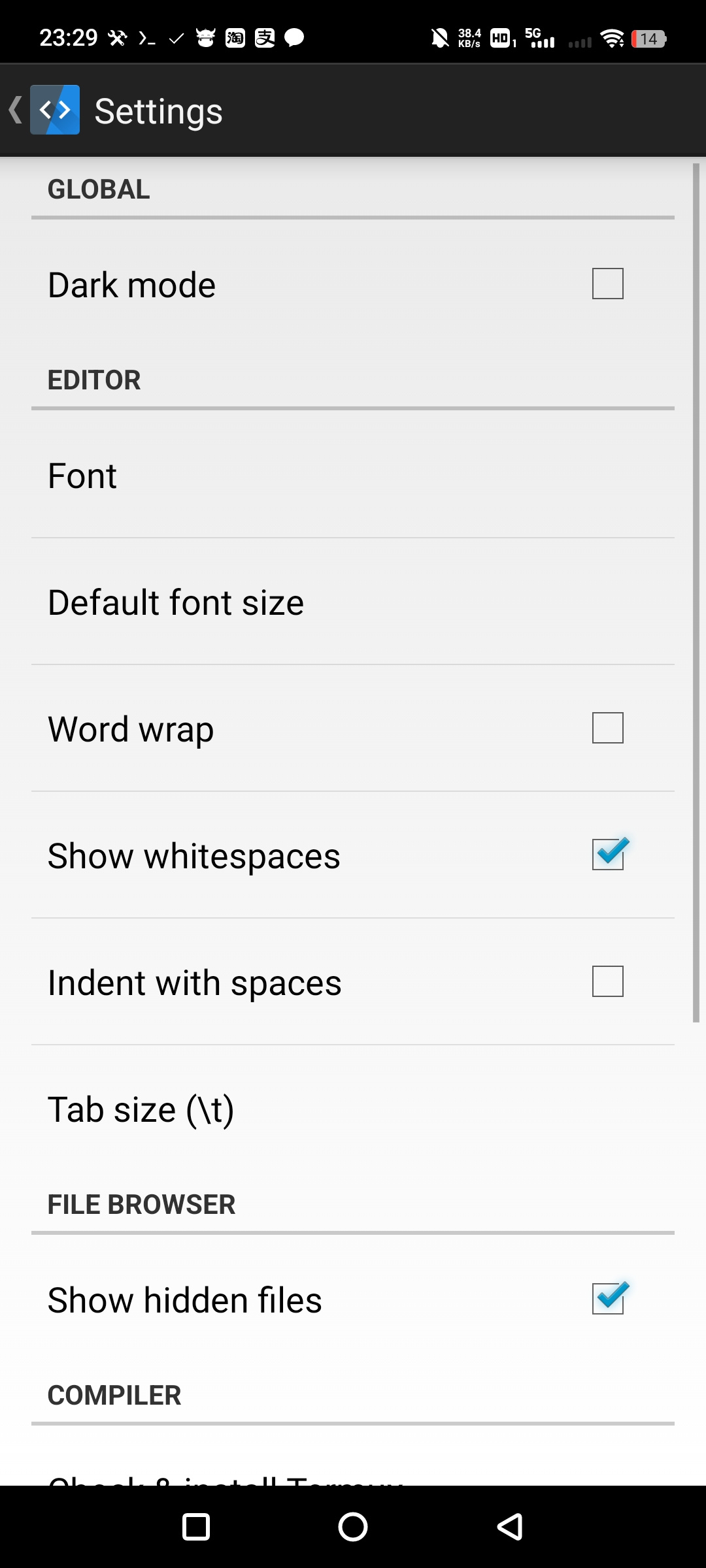
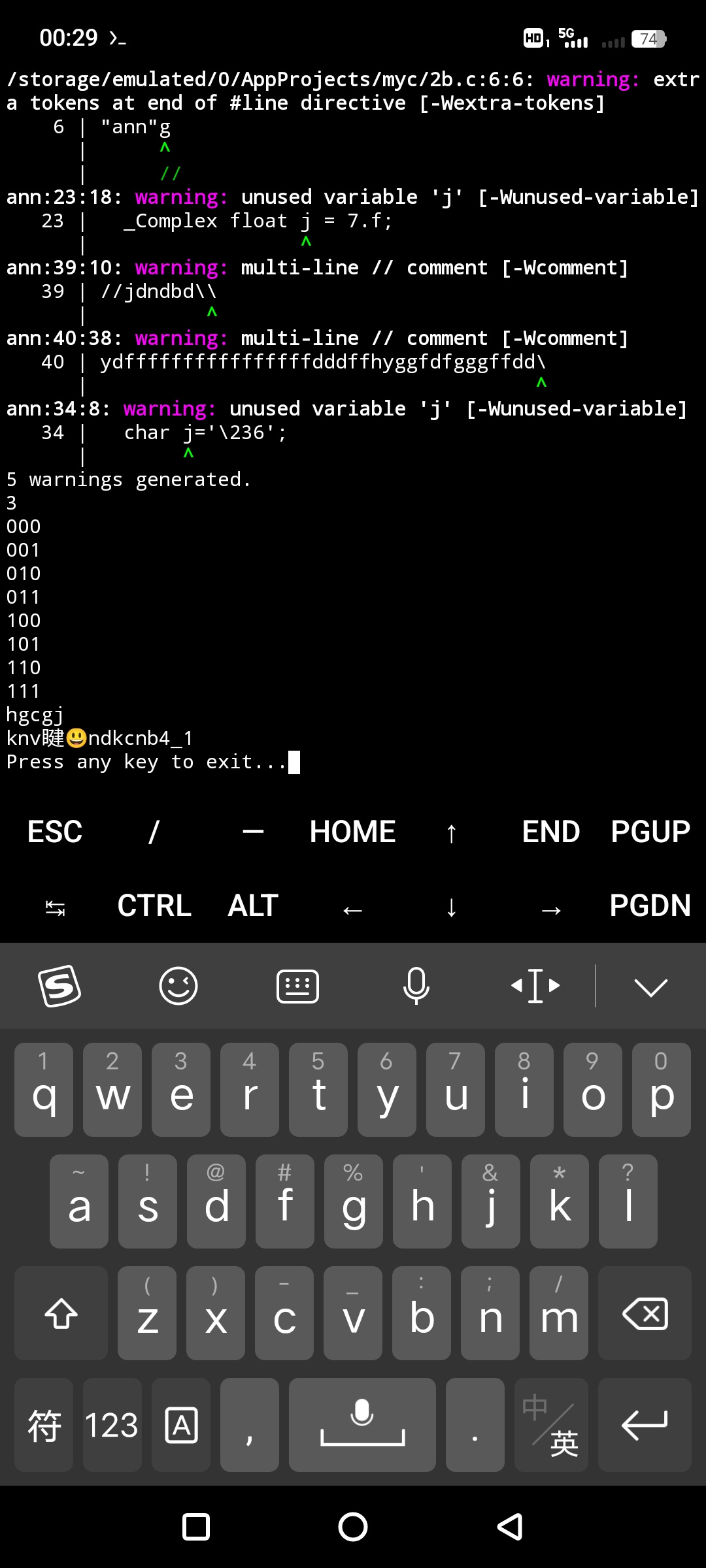
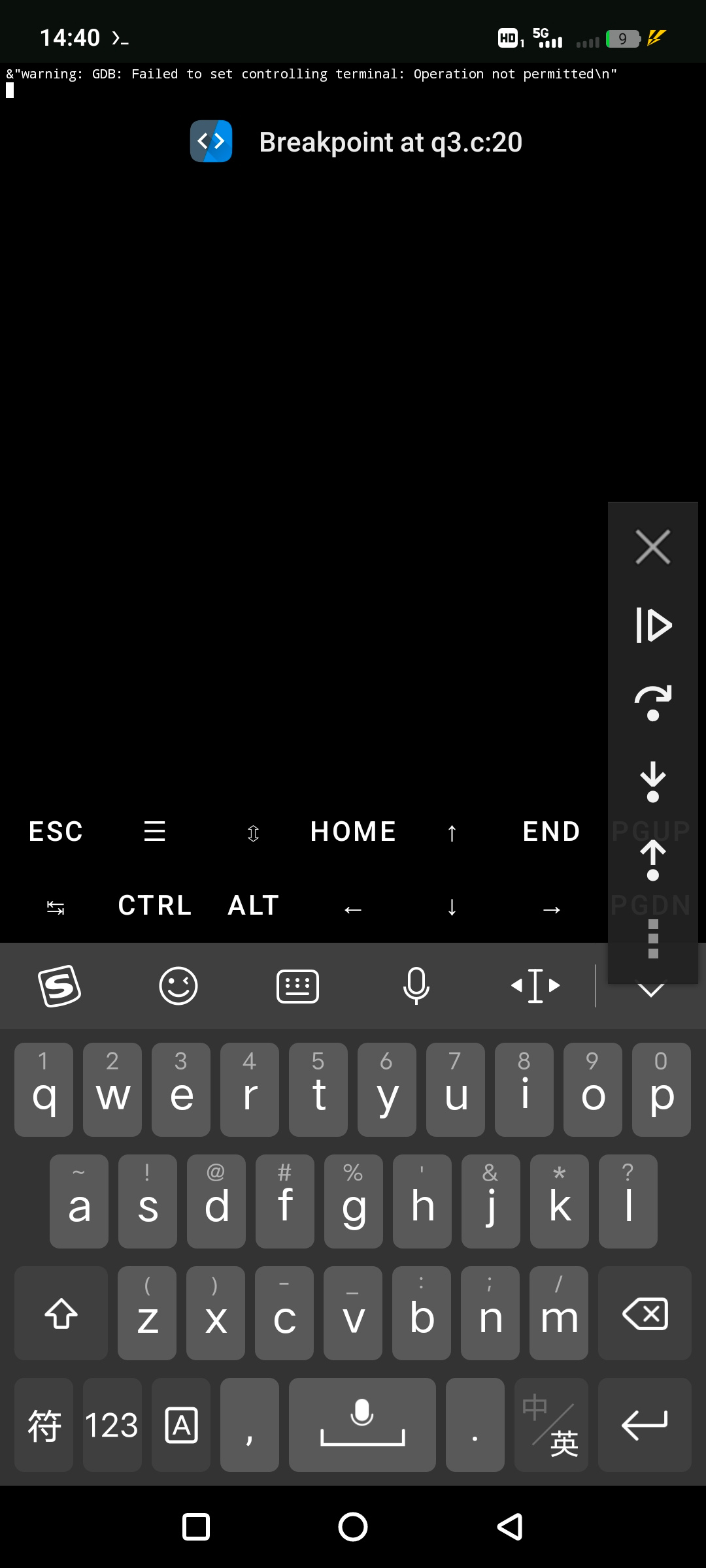
TermuC is a small C and C++ editor for Android. You write code on your phone and then build and run it, without a computer anywhere in the loop. It colours your code, completes as you type, formats it, jumps to definitions, renames symbols, suggests fixes and shows compiler errors right where they happen. It keeps your files organised as projects, and there is a dark mode.
The trick is that TermuC does not carry its own compiler. It hands the real work to Termux, the Linux environment app, and talks to the clangd language server running inside it. That keeps TermuC small and gives you a proper toolchain instead of a toy one.
So you do need Termux installed first, and you need to follow the project's Setup guide to get clang, clangd and netcat installed inside it. Skip that step and TermuC will not build anything.
From the app’s home page
- See the codeHow it’s made, every line is public
- Questions & commentsTalk with the people who make it
- Report a problemTell the makers something is broken
- All versionsOlder downloads and what changed
- LicenseThe rules for using and sharing it
More like this
 VSCodroid
VS Code and a bash terminal, running on your phone
VSCodroid
VS Code and a bash terminal, running on your phone
 Squircle CE
Write and edit code on your phone
Squircle CE
Write and edit code on your phone
 Image Toolbox
One app for every photo edit you can think of
Image Toolbox
One app for every photo edit you can think of
 Acode
A powerful code and text editor for Android
Acode
A powerful code and text editor for Android
 ReFra
A smooth modern gallery for your pictures
ReFra
A smooth modern gallery for your pictures
 Xed Editor
An advanced text editor with a terminal built in
Xed Editor
An advanced text editor with a terminal built in