
SpamBlocker (Call & SMS)
Block spam calls and texts with rules you control
Made by aj3423 · free and open source
This comes straight from SpamBlocker (Call & SMS)’s own GitHub page, and it’s free. Need help installing?
What it looks like
About this app
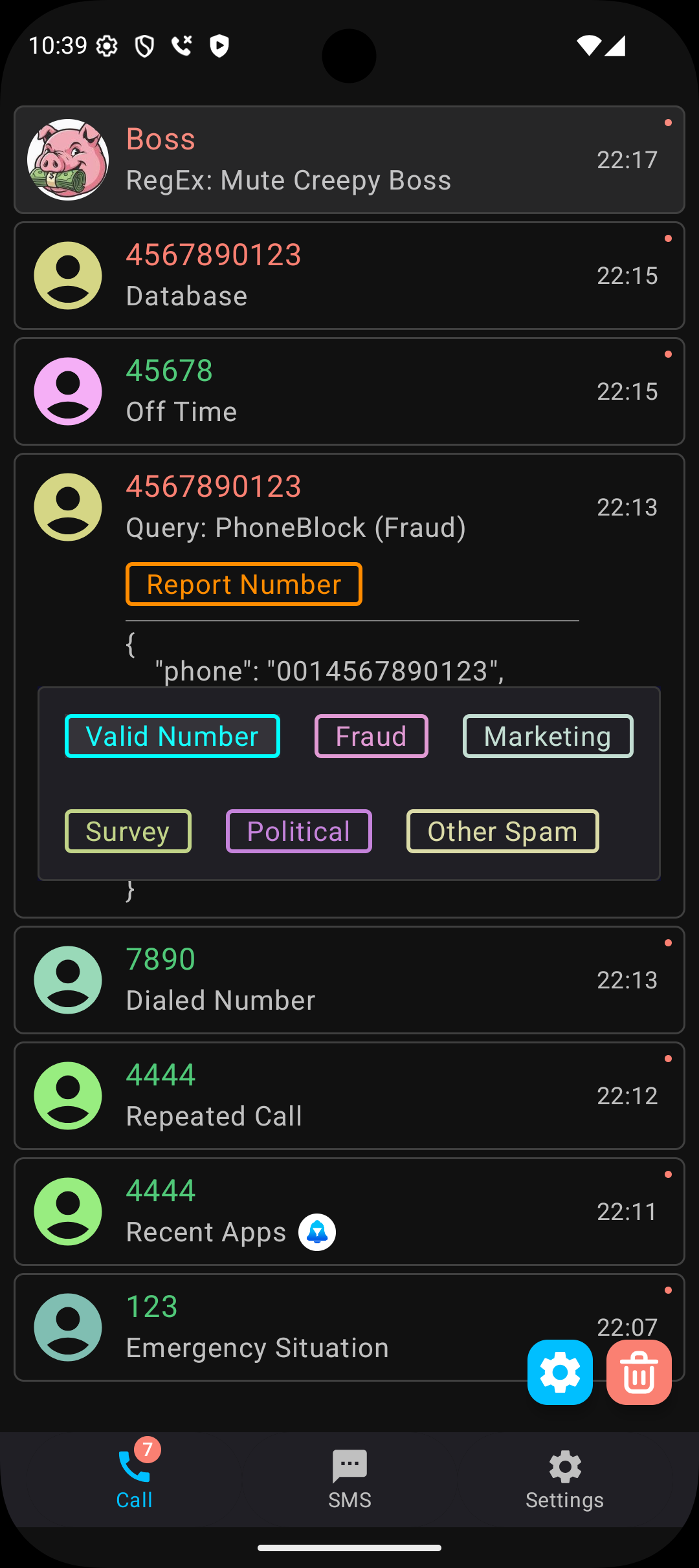
SpamBlocker stops unwanted calls and texts without replacing your phone app or your messages app. For calls it works as a caller ID app, and a blocked call can be rejected, silenced, or answered and hung up on straight away.
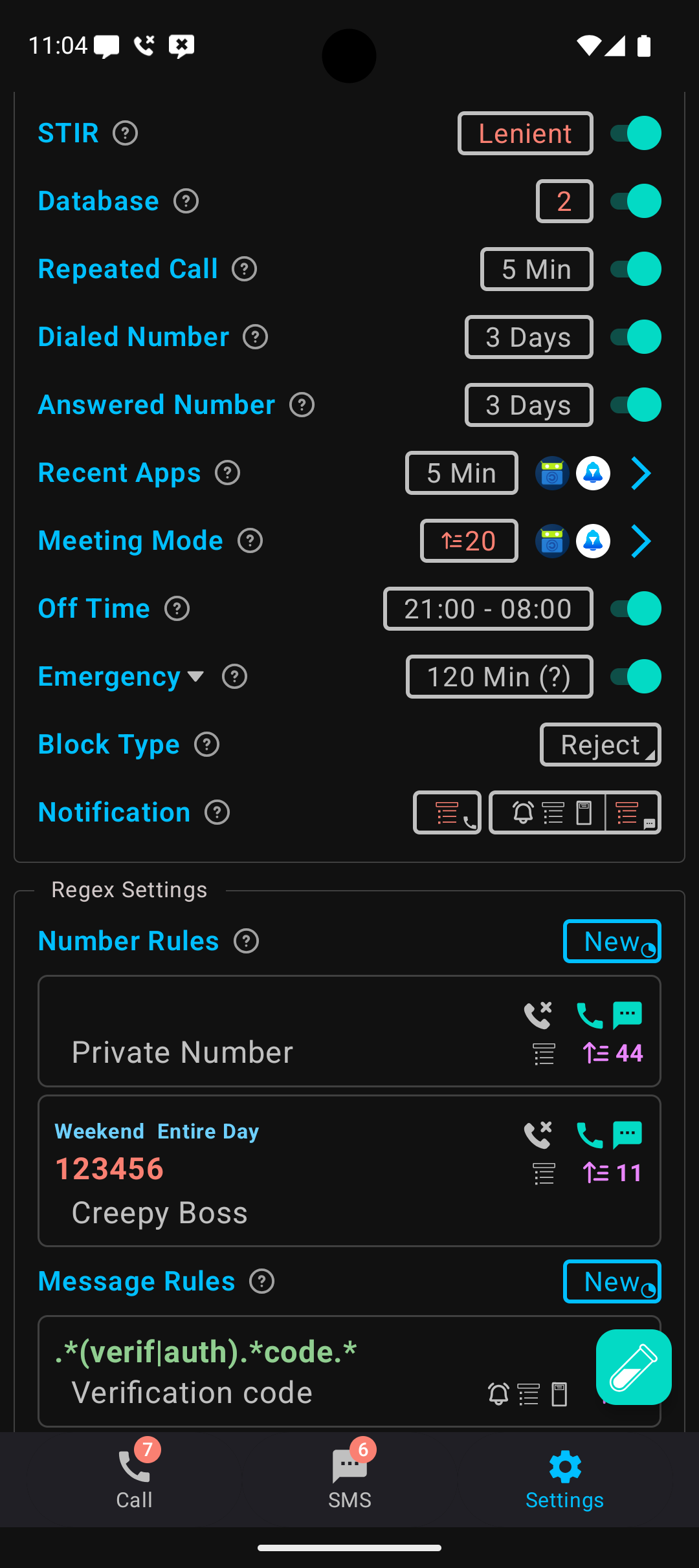
You build the rules yourself. It can let through your contacts, numbers you have called or answered before, and people who ring repeatedly. It can allow a call shortly after you dial an emergency number, or right after another app sends you a notification, such as a delivery driver. Other filters block numbers from a spam database you download, look a number up online while it rings, go by location or carrier name, or use your own regular expressions. It can stop floods of one-time-code texts, decline calls during video meetings, and learn from texts you sort into spam and not spam (this part is experimental).
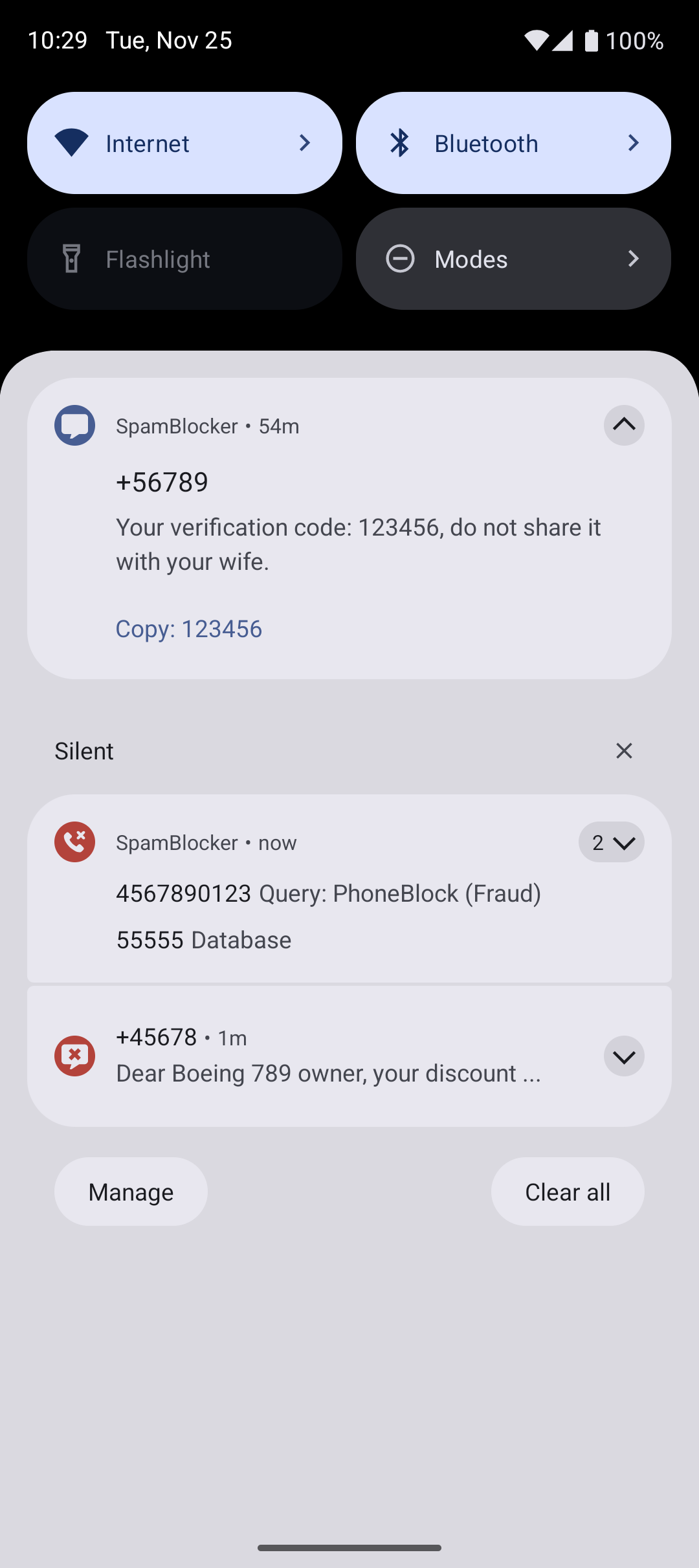
Texts work differently from calls. SpamBlocker takes over the notifications for incoming messages, so you turn them off in your messages app to avoid doubles, and blocked texts still stay in that app. RCS chats are not supported. It needs Android 10 or later and may ask to be exempt from battery optimisation so it keeps working after you swipe it away. The many translations were made with AI, so some wording may be off. Offline features collect no data. The online ones are optional, and the GitHub releases include a build without the internet permission.
From the app’s home page
- See the codeHow it’s made, every line is public
- Questions & commentsTalk with the people who make it
- Report a problemTell the makers something is broken
- All versionsOlder downloads and what changed
- LicenseThe rules for using and sharing it
More like this
 v2rayNG
Send your phone's internet through your own proxy server
v2rayNG
Send your phone's internet through your own proxy server
 Clash Meta for Android
Send some apps through a proxy, the rest direct
Clash Meta for Android
Send some apps through a proxy, the rest direct
 Ente
Photo backup where only you can see the photos
Ente
Photo backup where only you can see the photos
 Amnezia VPN
Run your own VPN on a server you rent
Amnezia VPN
Run your own VPN on a server you rent
 microG Services
Run apps that need Google, without Google
microG Services
Run apps that need Google, without Google
 Aegis Authenticator
Protect your accounts with 2-step codes
Aegis Authenticator
Protect your accounts with 2-step codes