
This comes straight from SMS2Email’s own GitHub page, and it’s free. Need help installing?
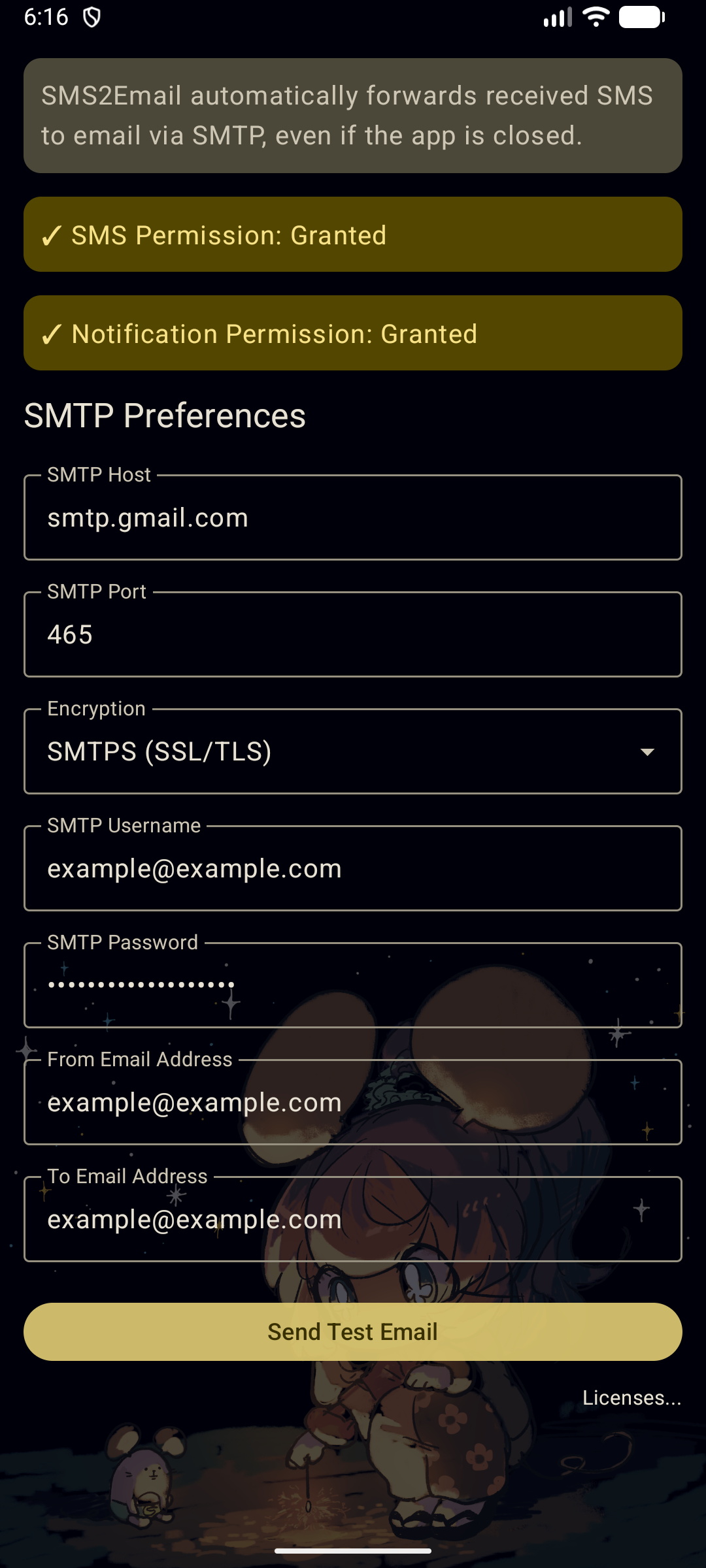
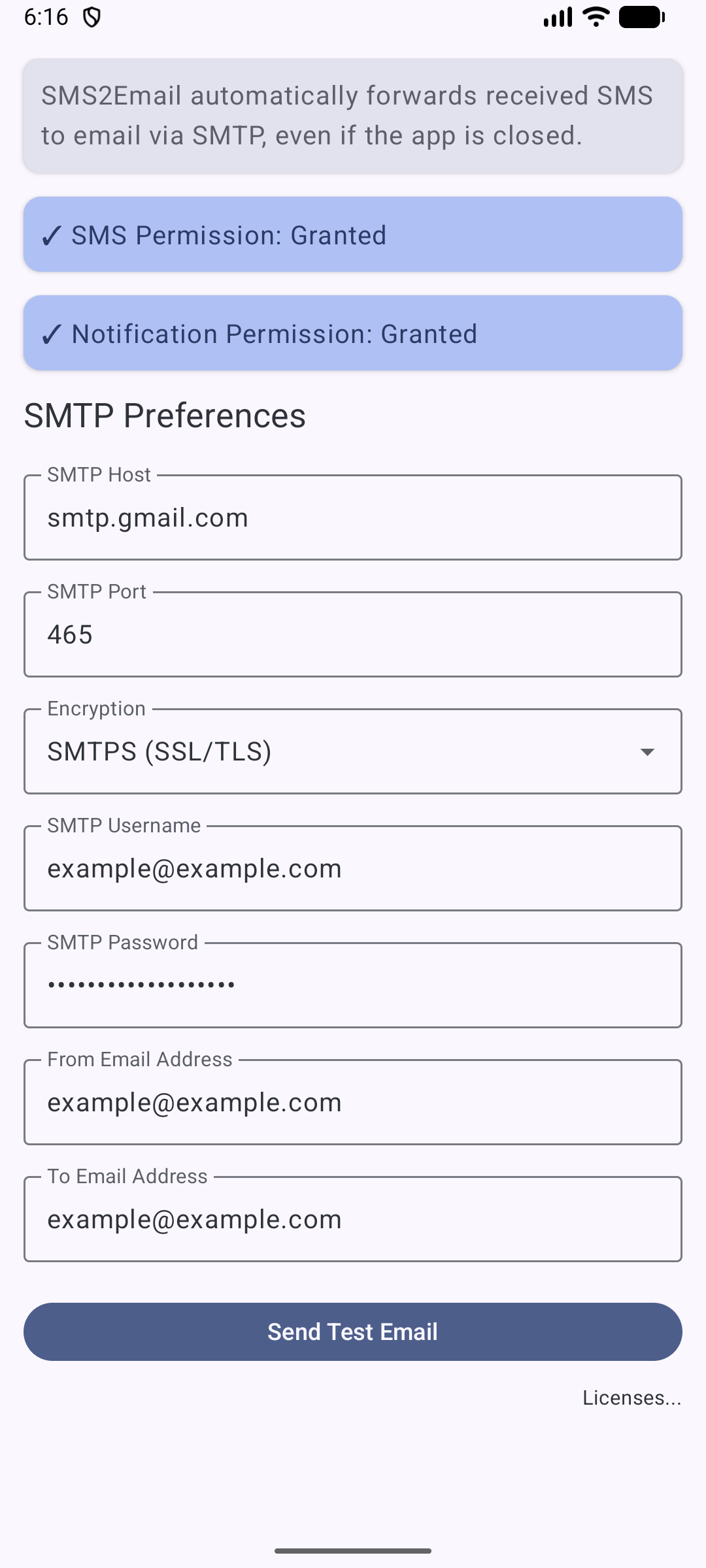
What it looks like
About this app
SMS2Email sends a copy of every text message your phone receives on to an email address you choose. Handy if you keep a second phone or a spare SIM at home, or if you just want your one-time codes and alerts somewhere you can search them later.
It sits quietly in the background and mails each new SMS out through an email server you point it at, so the messages go straight from your phone to your own inbox.
You have to fill in your own account details before it can do anything: the outgoing (SMTP) server address and port, the username and password, and the address to send to. Many email providers make you create a separate app password for this rather than using your normal one.
From the app’s home page
- See the codeHow it’s made, every line is public
- Questions & commentsTalk with the people who make it
- Report a problemTell the makers something is broken
- All versionsOlder downloads and what changed
- LicenseThe rules for using and sharing it
More like this
 SMS Backup+
Back up your texts and call log to your email
SMS Backup+
Back up your texts and call log to your email
 SMS Telebot
Forward your texts, calls and battery alerts to Telegram or email
SMS Telebot
Forward your texts, calls and battery alerts to Telegram or email
 SmsForwarder
Send your texts and alerts on to somewhere else
SmsForwarder
Send your texts and alerts on to somewhere else
 Telegram SMS
Forward your texts and missed calls to Telegram
Telegram SMS
Forward your texts and missed calls to Telegram
 SMS Import / Export
Back up your text messages to a file
SMS Import / Export
Back up your text messages to a file
 DataBackup
Back up apps and their data properly
DataBackup
Back up apps and their data properly