
This comes straight from Immich Swipe’s own GitHub page, and it’s free. Need help installing?
What it looks like
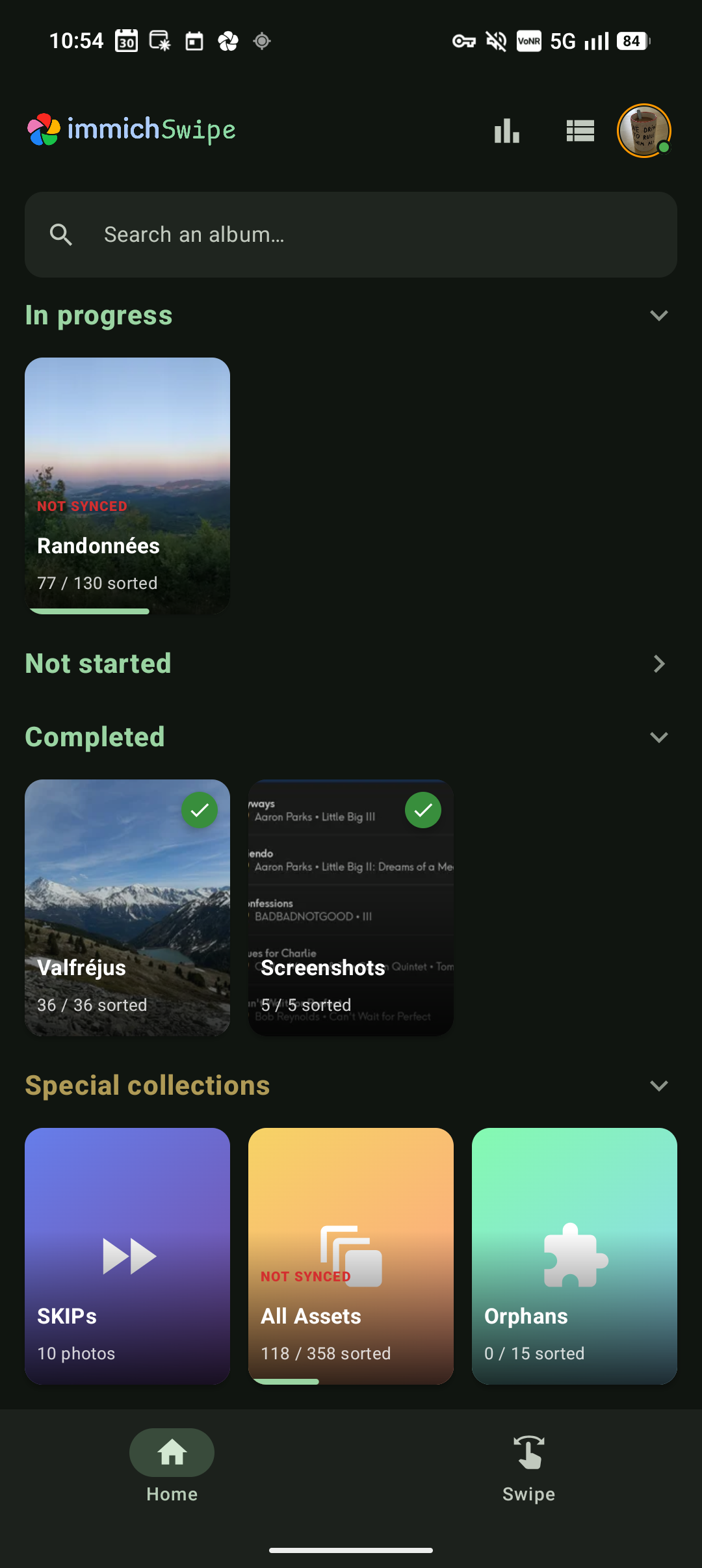
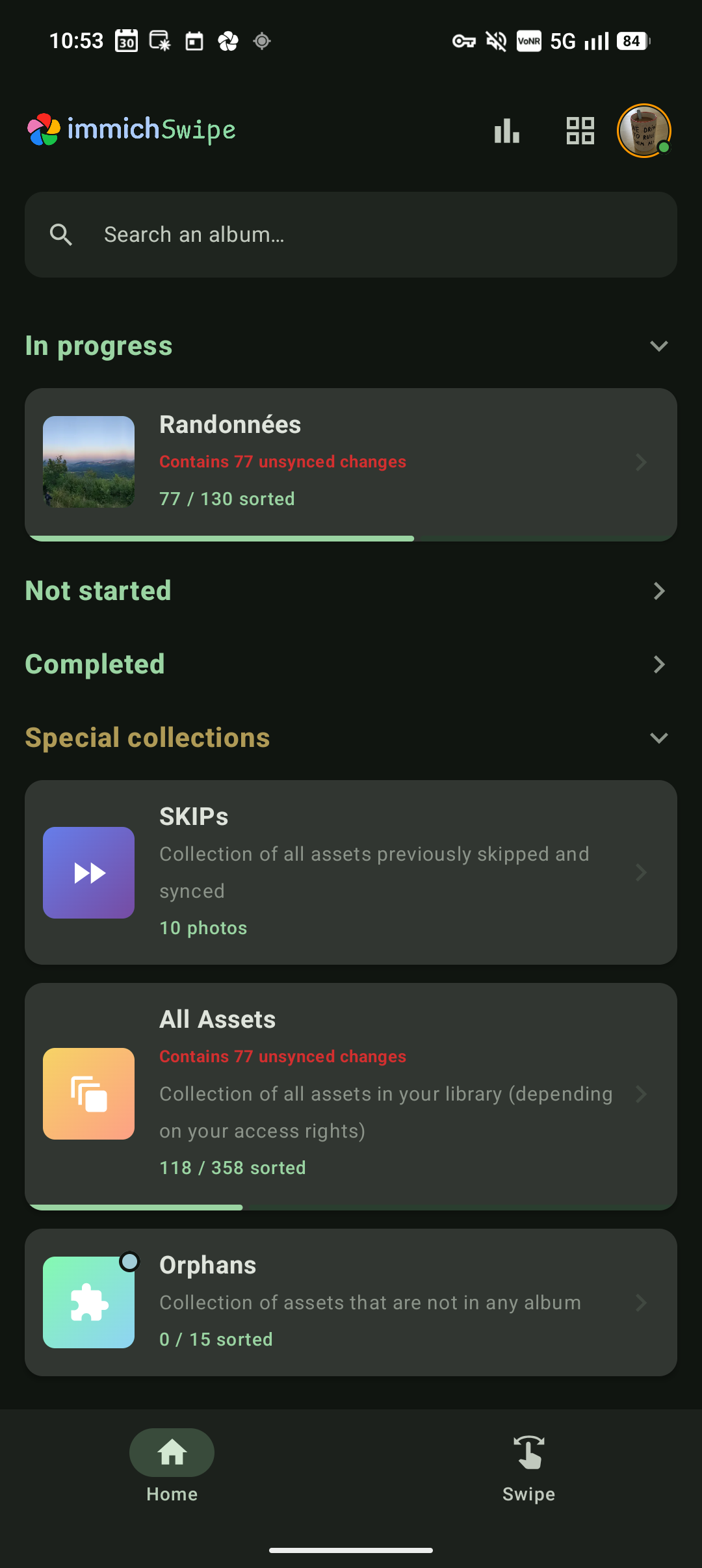
About this app
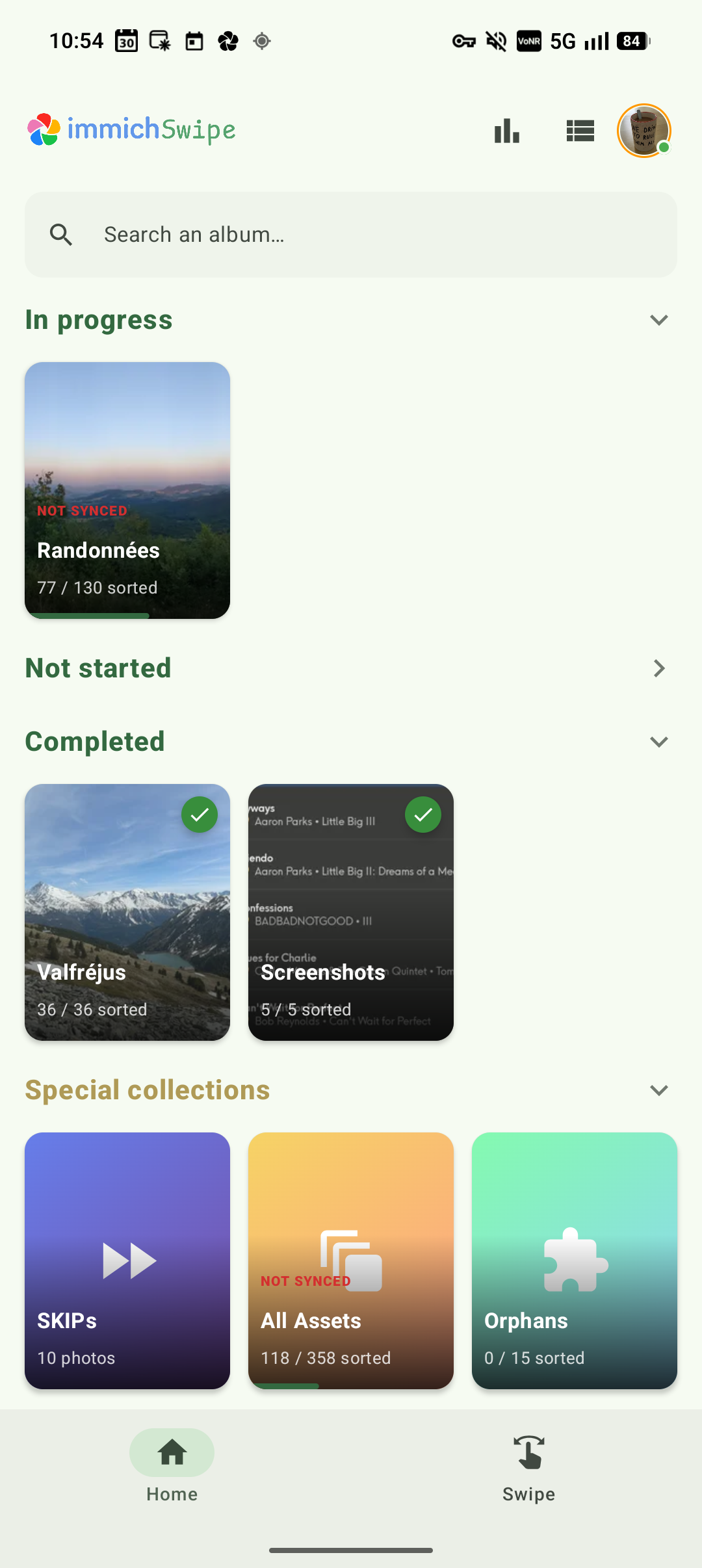
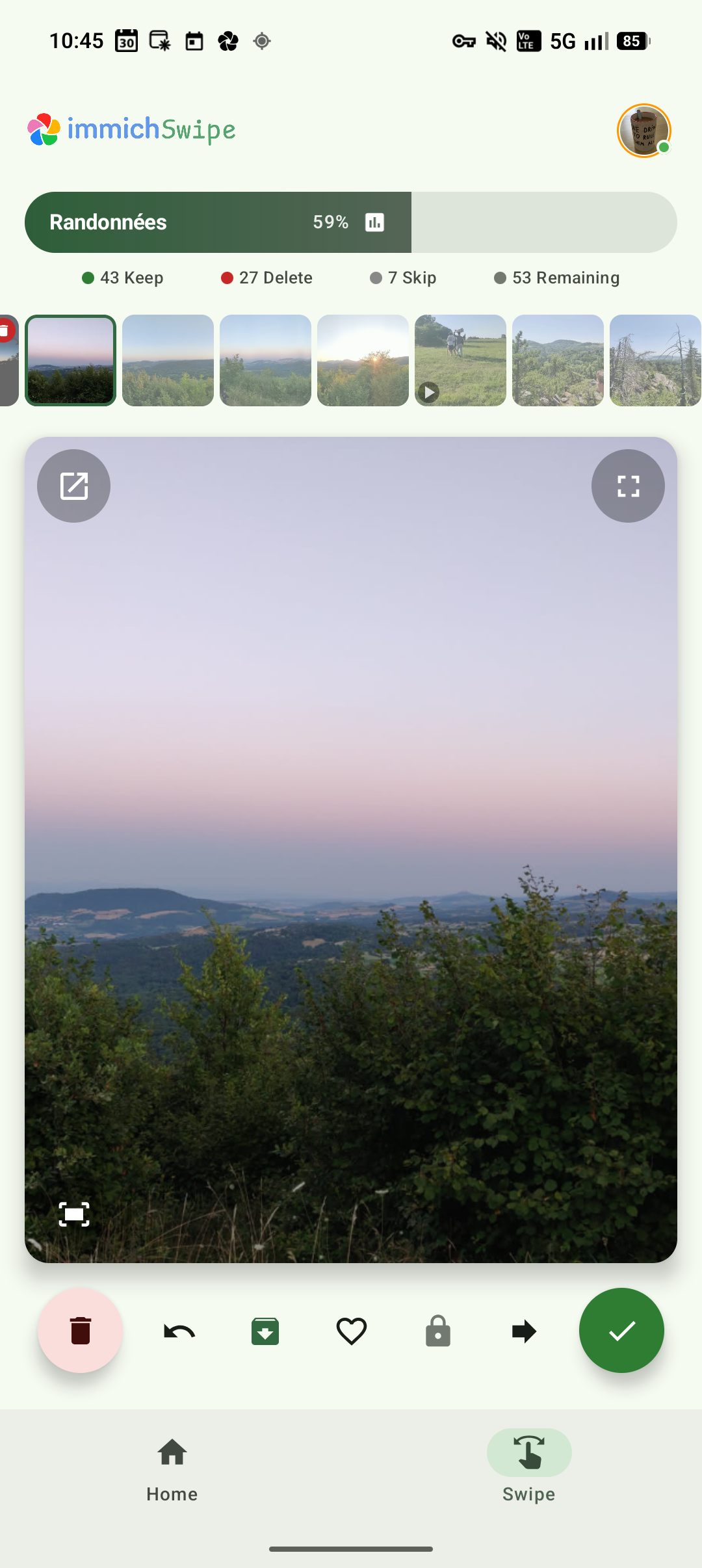
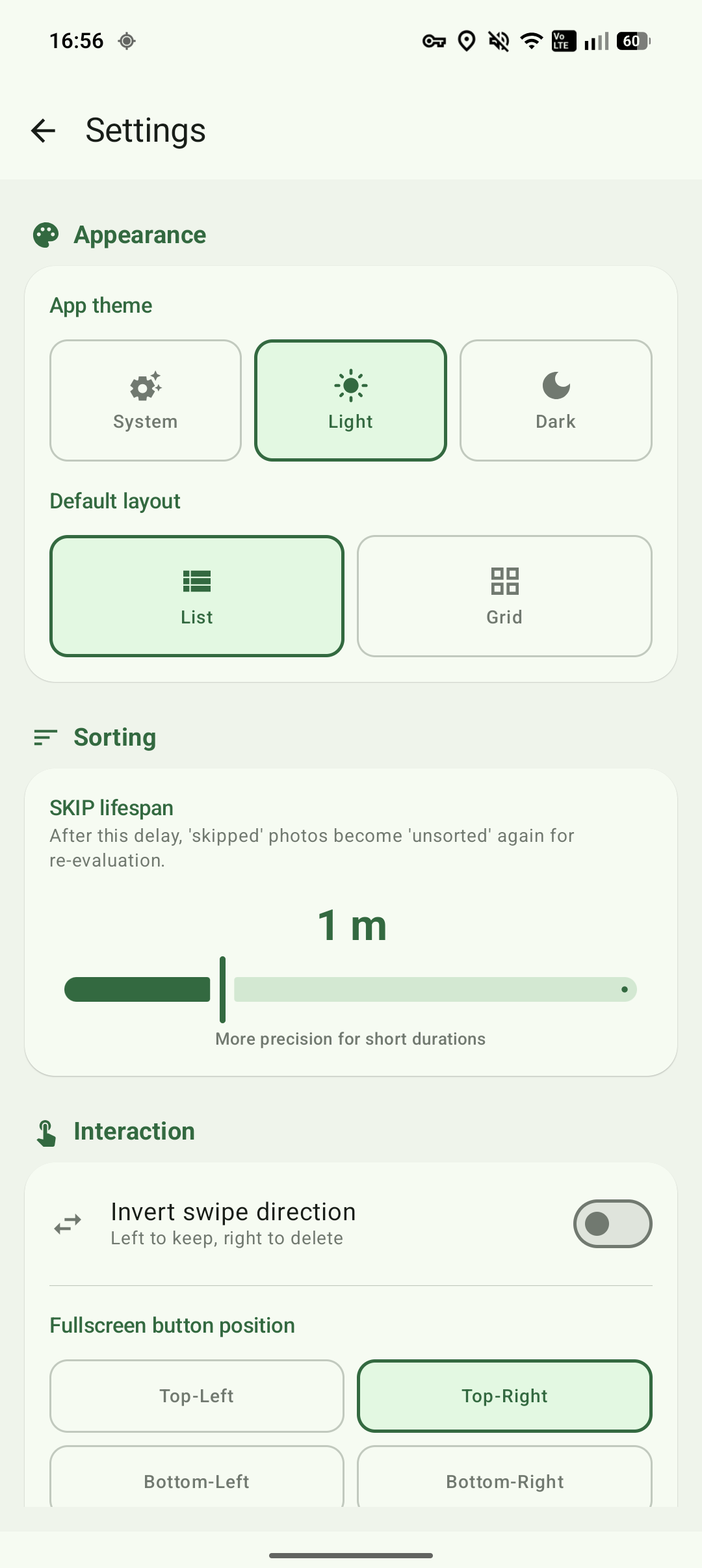
If you keep your photos on your own Immich server, the library has probably grown far faster than you have ever sorted it. Immich Swipe deals them out one at a time like cards: swipe right to keep, left to delete, or skip the ones you cannot decide about yet and let them come back in a day or a month.
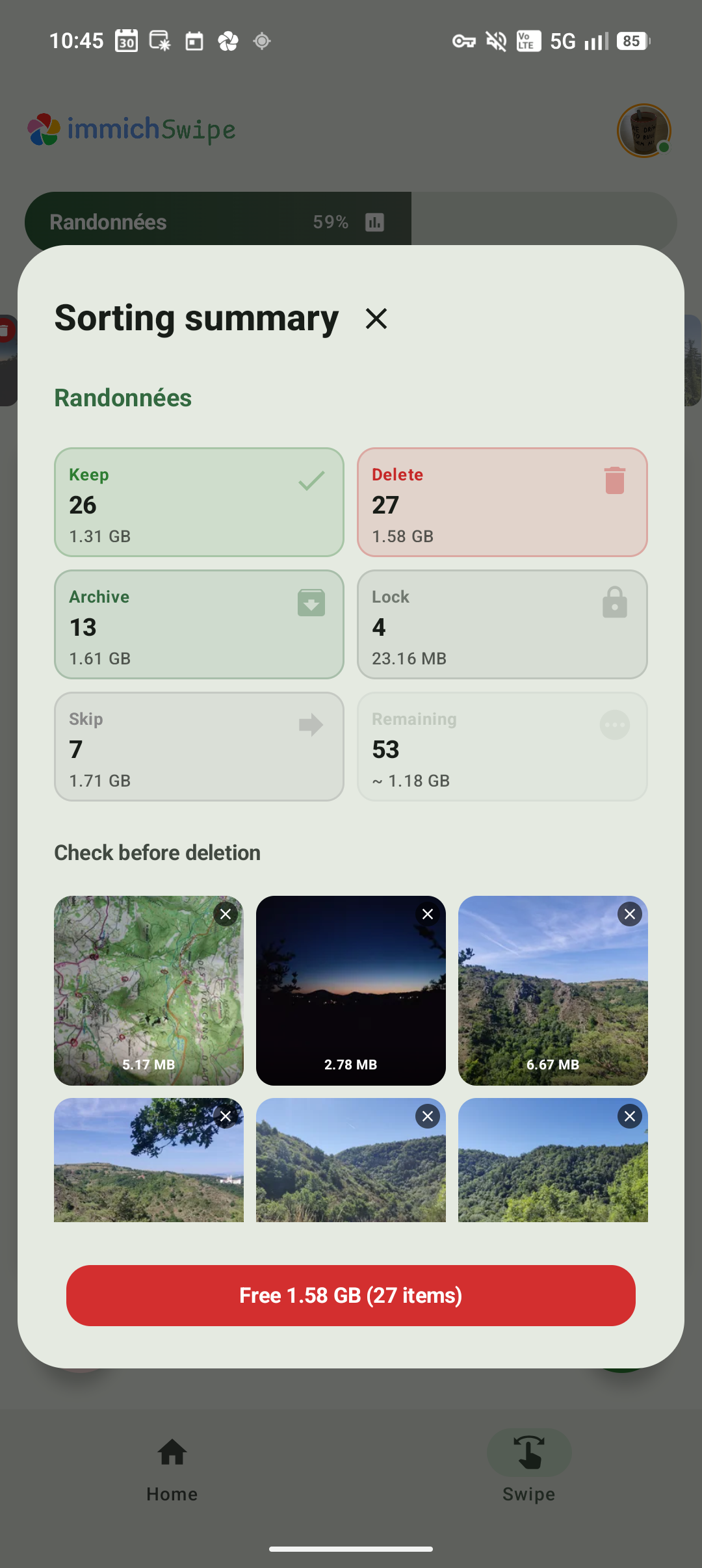
Nothing changes on the server until you say so. A review screen lists every decision first and shows how much space you would get back, and anything you delete goes to the Immich trash rather than disappearing, so a slip is recoverable. You can also archive photos, add them to albums, rotate them, edit descriptions, and switch between several Immich accounts while keeping each one's progress separate.
You need your own Immich server and an API key with the right permissions, which the project lists in full. It is an independent app, not an official part of Immich, and the interface is available in English, French and Spanish.
From the app’s home page
- See the codeHow it’s made, every line is public
- Questions & commentsTalk with the people who make it
- Report a problemTell the makers something is broken
- All versionsOlder downloads and what changed
- LicenseThe rules for using and sharing it
More like this
 Aves
A gallery that understands your files deeply
Aves
A gallery that understands your files deeply
 ReFra
A smooth modern gallery for your pictures
ReFra
A smooth modern gallery for your pictures
 Immich
Back up your photos to a server you own
Immich
Back up your photos to a server you own
 PicQuery
Find a photo by describing what's in it
PicQuery
Find a photo by describing what's in it
 CloudGallery
Back up your photos to storage you choose
CloudGallery
Back up your photos to storage you choose
 A Photo Manager
Sort photos by place, date and tags
A Photo Manager
Sort photos by place, date and tags