
This comes straight from HID Client’s own GitHub page, and it’s free. Need help installing?
What it looks like
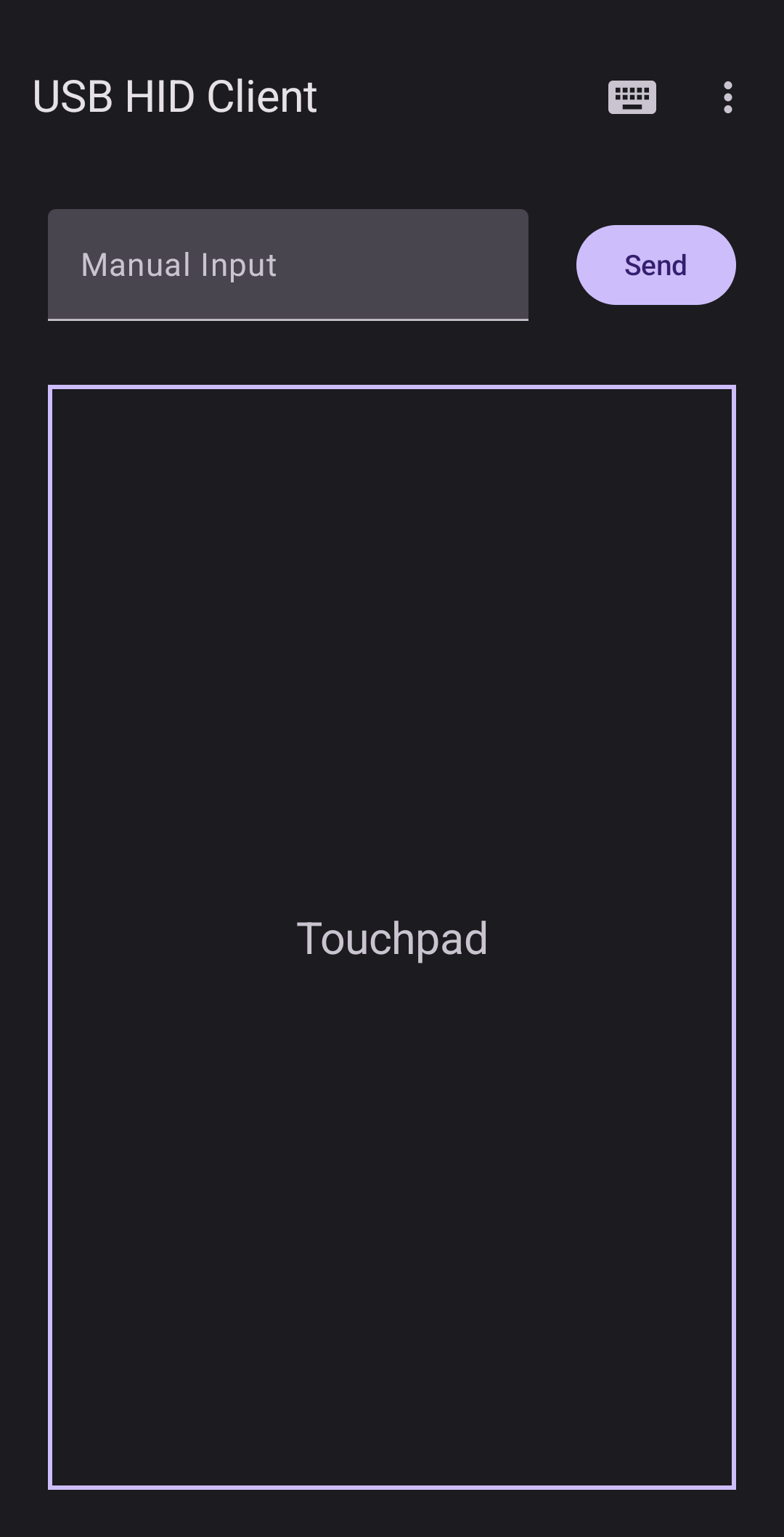
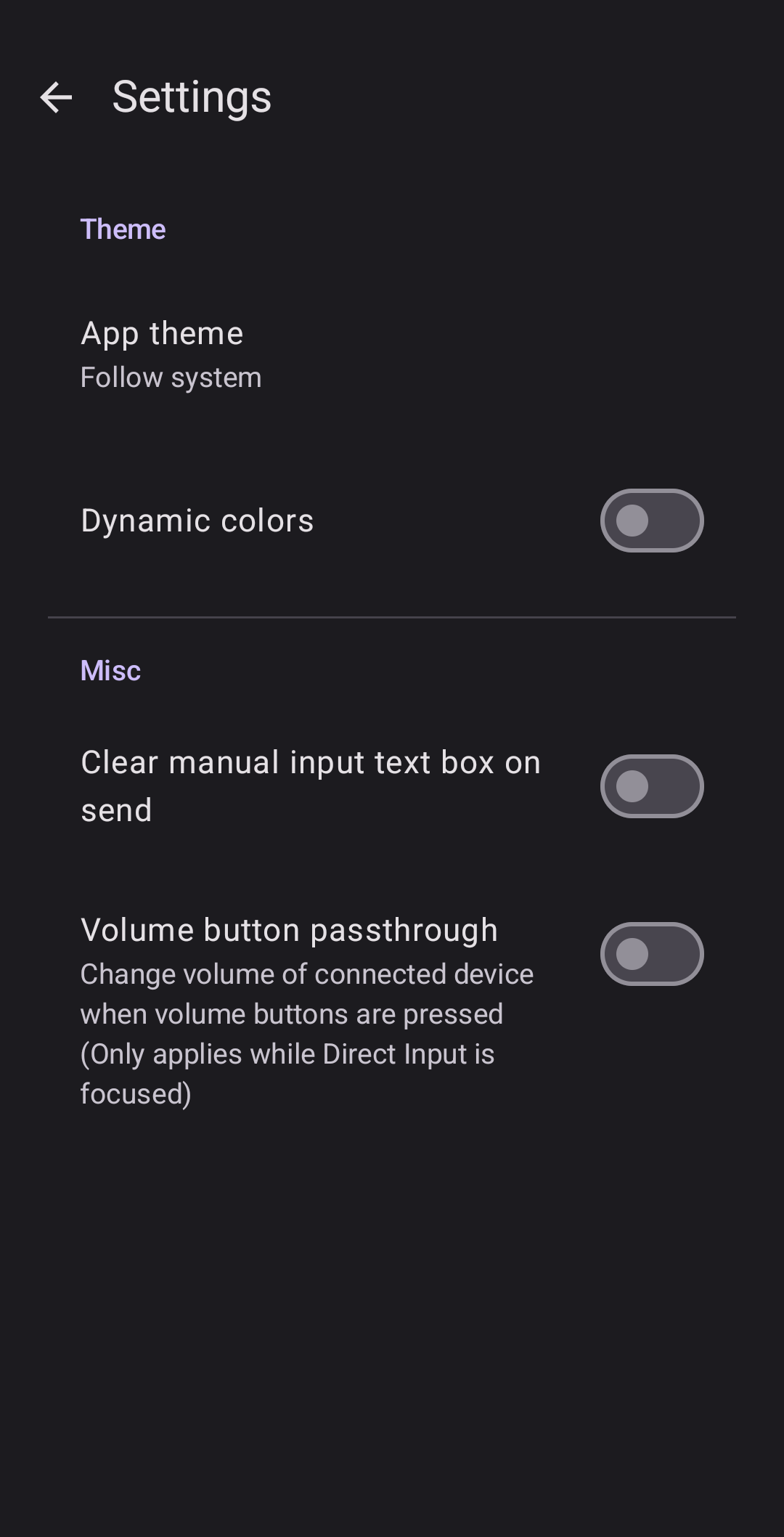
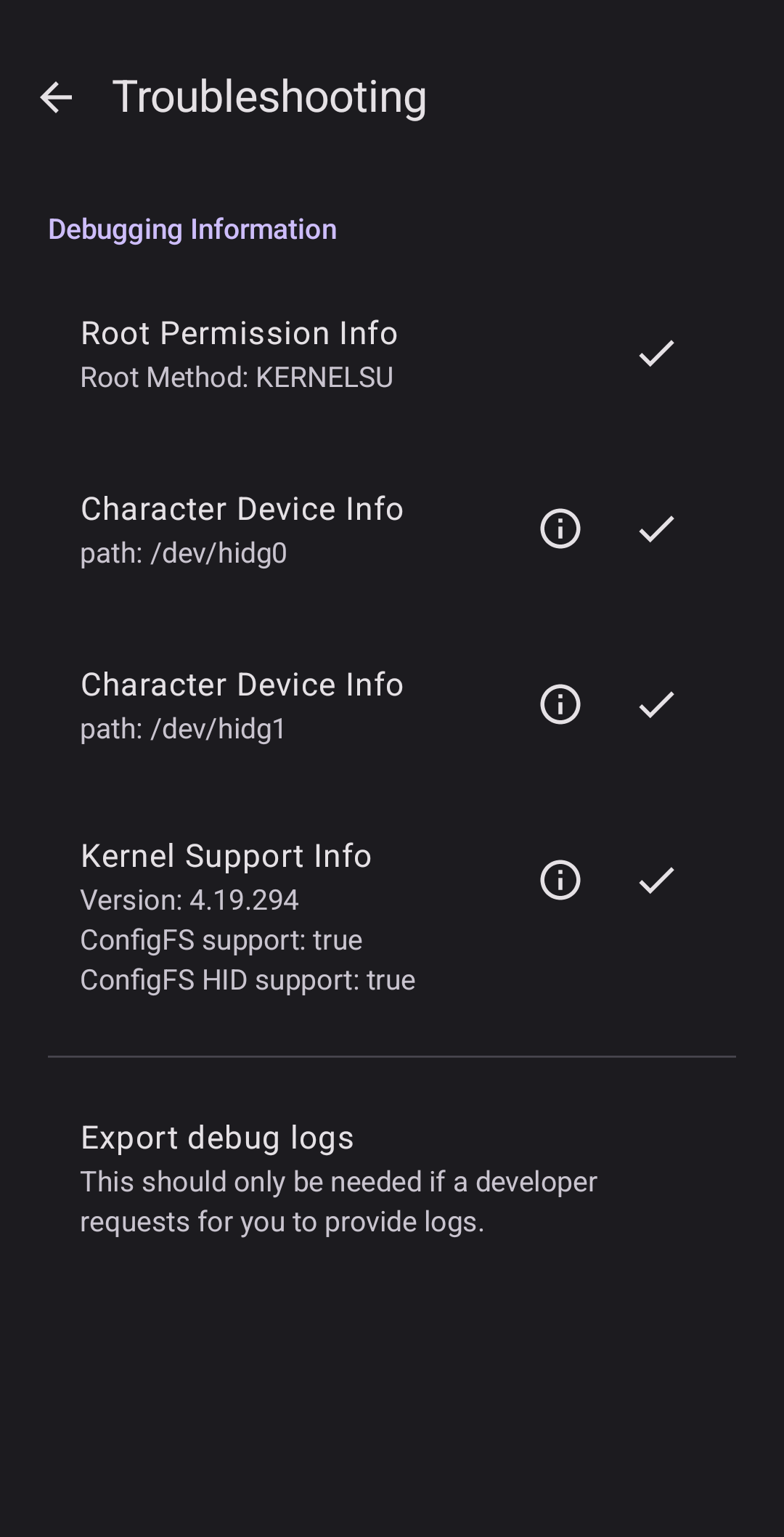
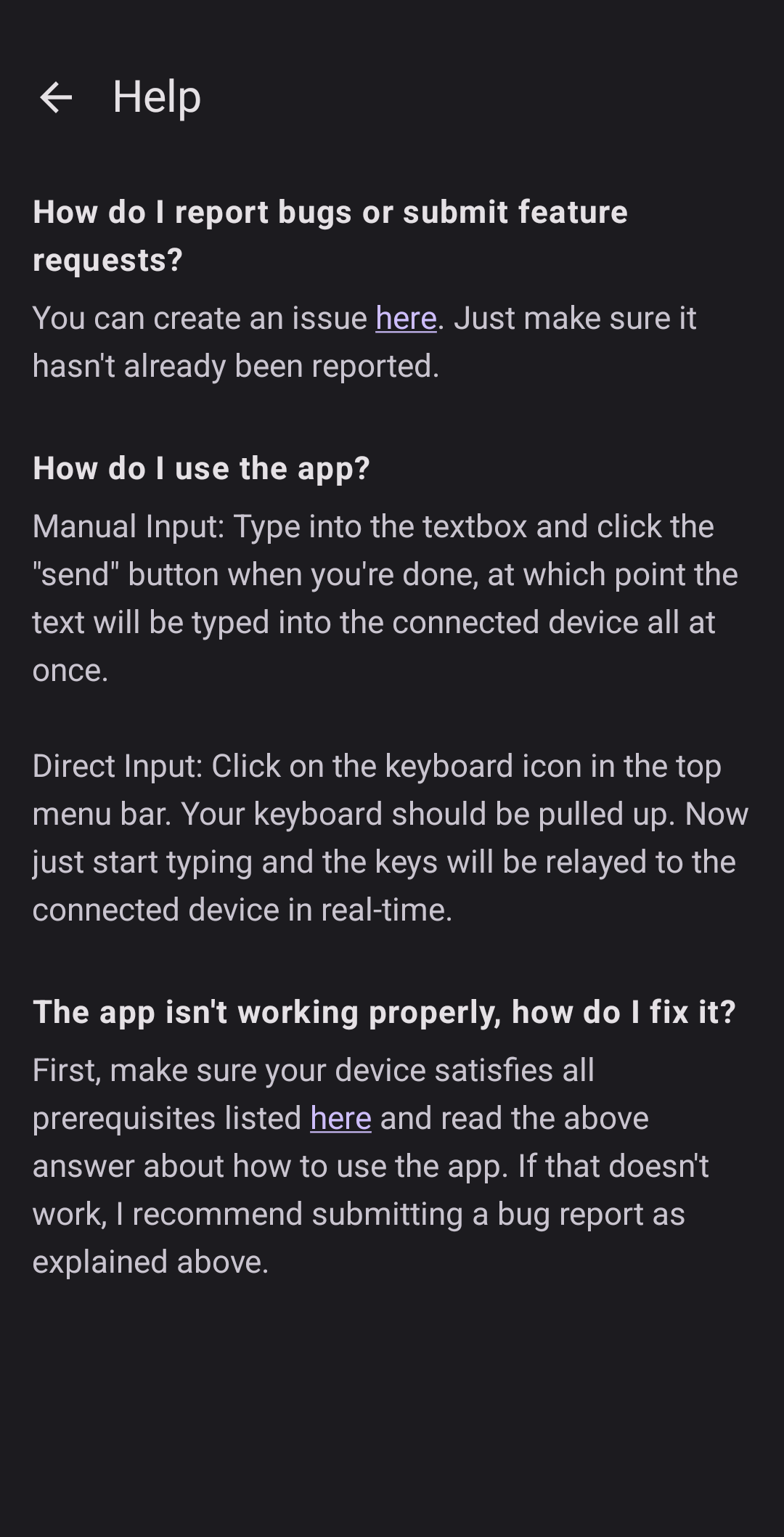
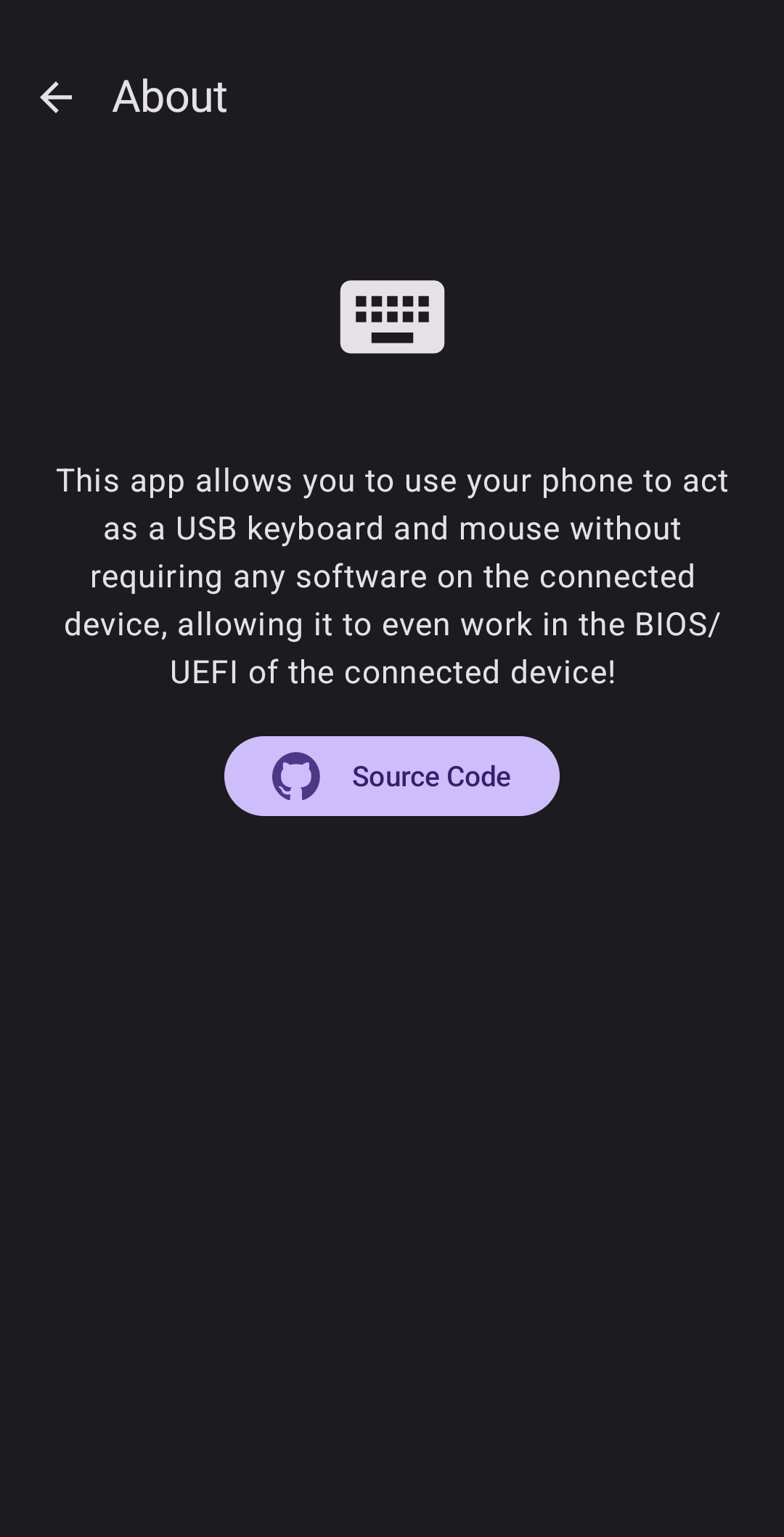
About this app
Plug your phone into a computer with a USB cable and this app makes that computer see a real keyboard and mouse. Whatever you type on the phone lands on the computer, you can move its mouse pointer, and multimedia keys work too, so you can turn the volume up and down from your pocket.
Nothing has to be installed on the computer's side. Because it looks like ordinary USB hardware at a very low level, it works even before an operating system has loaded, which means you can drive a BIOS or UEFI screen with it. Under the hood the app adds HID functions to your phone's own USB gadget.
This one needs a rooted phone, with no way around it, and the root has to be Magisk or KernelSU because the app patches SELinux rules as it runs. Special keys such as modifiers and function keys are much easier with a keyboard app like Unexpected Keyboard, though most things work with any keyboard. It has been tested mainly with a Linux computer on the other end.
From the app’s home page
- See the codeHow it’s made, every line is public
- Questions & commentsTalk with the people who make it
- Report a problemTell the makers something is broken
- All versionsOlder downloads and what changed
- LicenseThe rules for using and sharing it
More like this
 Bluetooth Remote
Use your phone as a Bluetooth keyboard, mouse and media remote
Bluetooth Remote
Use your phone as a Bluetooth keyboard, mouse and media remote
 Kontroller
Turn your phone into a wireless mouse and keyboard
Kontroller
Turn your phone into a wireless mouse and keyboard
 Bluke
Turn your phone into a wireless keyboard, gamepad or trackpad
Bluke
Turn your phone into a wireless keyboard, gamepad or trackpad
 USB Device Info
See exactly what you just plugged in
USB Device Info
See exactly what you just plugged in
 RemotePointer
Turn your phone into a wireless mouse and keyboard
RemotePointer
Turn your phone into a wireless mouse and keyboard
 Shizuku
Let trusted apps do system-level jobs without rooting
Shizuku
Let trusted apps do system-level jobs without rooting