FsClock
Turn an old phone, tablet or TV into a full-screen clock
Made by schorschii · free and open source
This comes straight from FsClock’s own GitHub page, and it’s free. Need help installing?
What it looks like
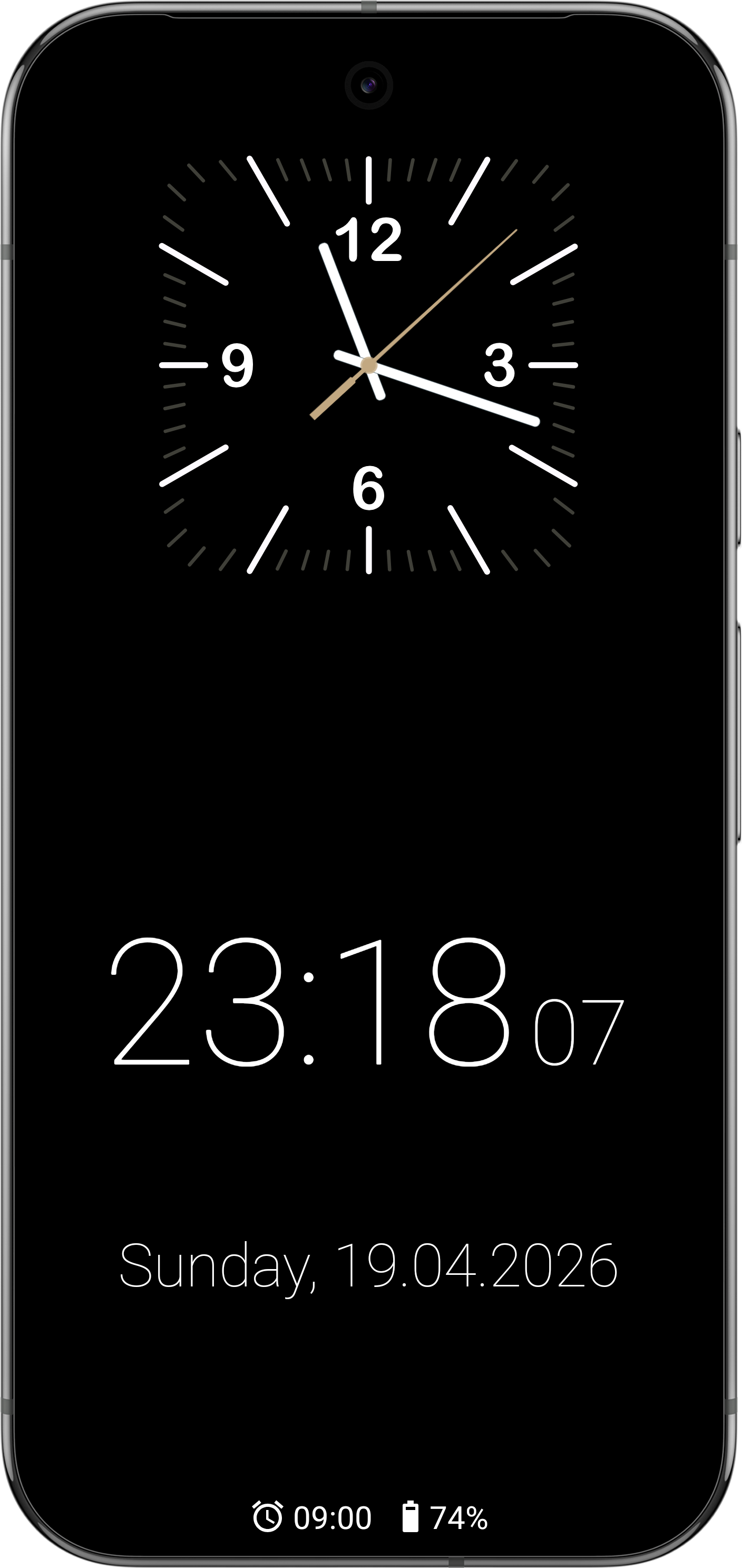
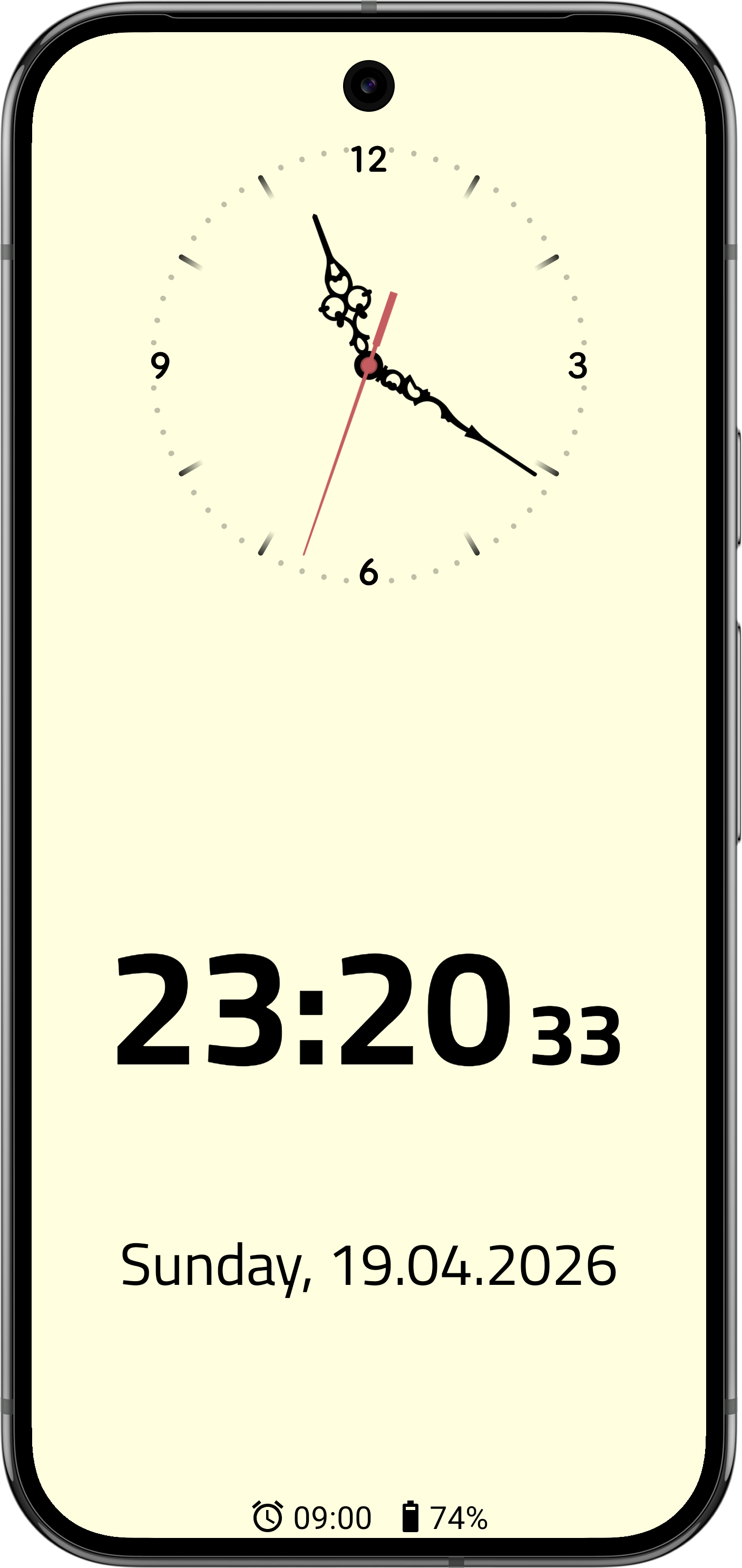
About this app
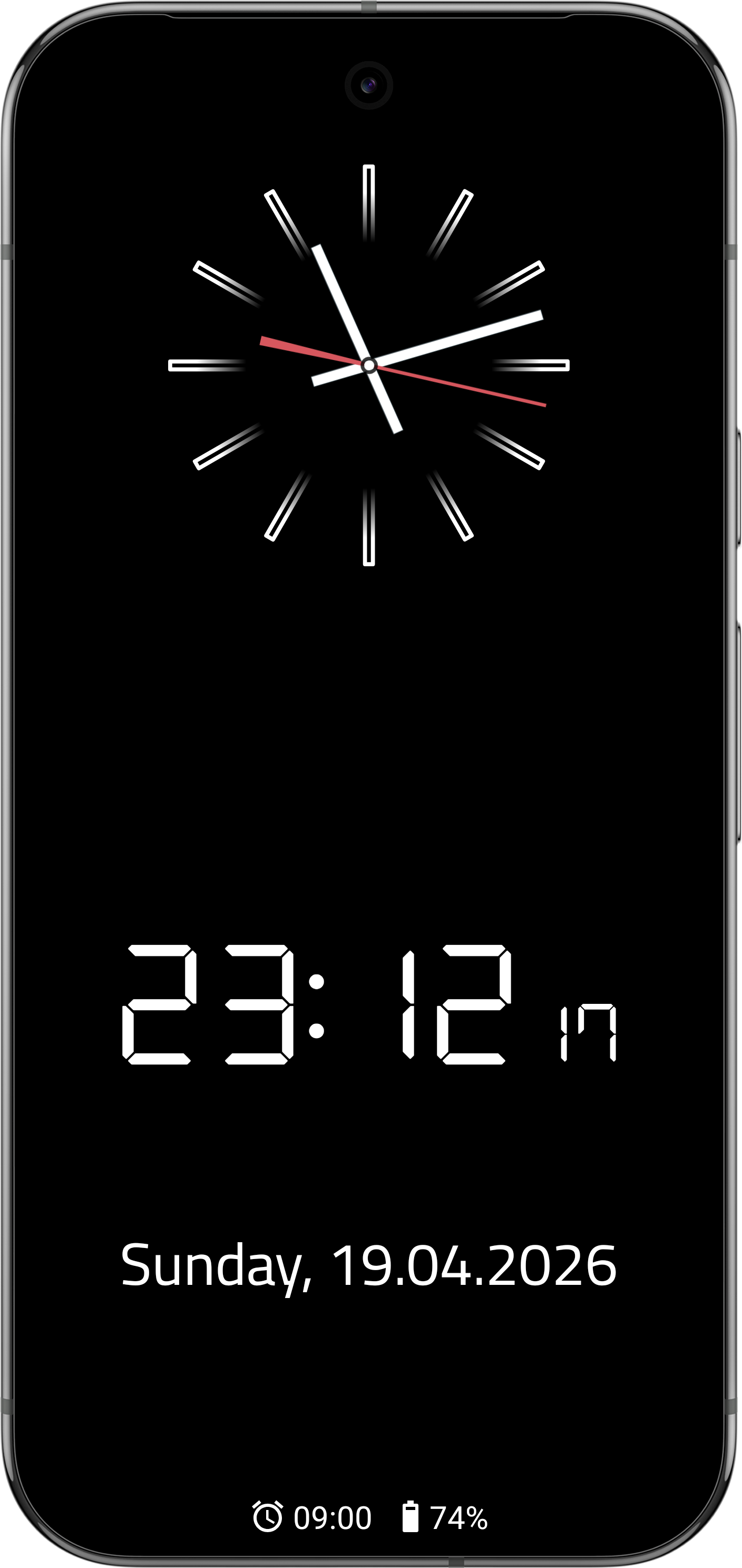
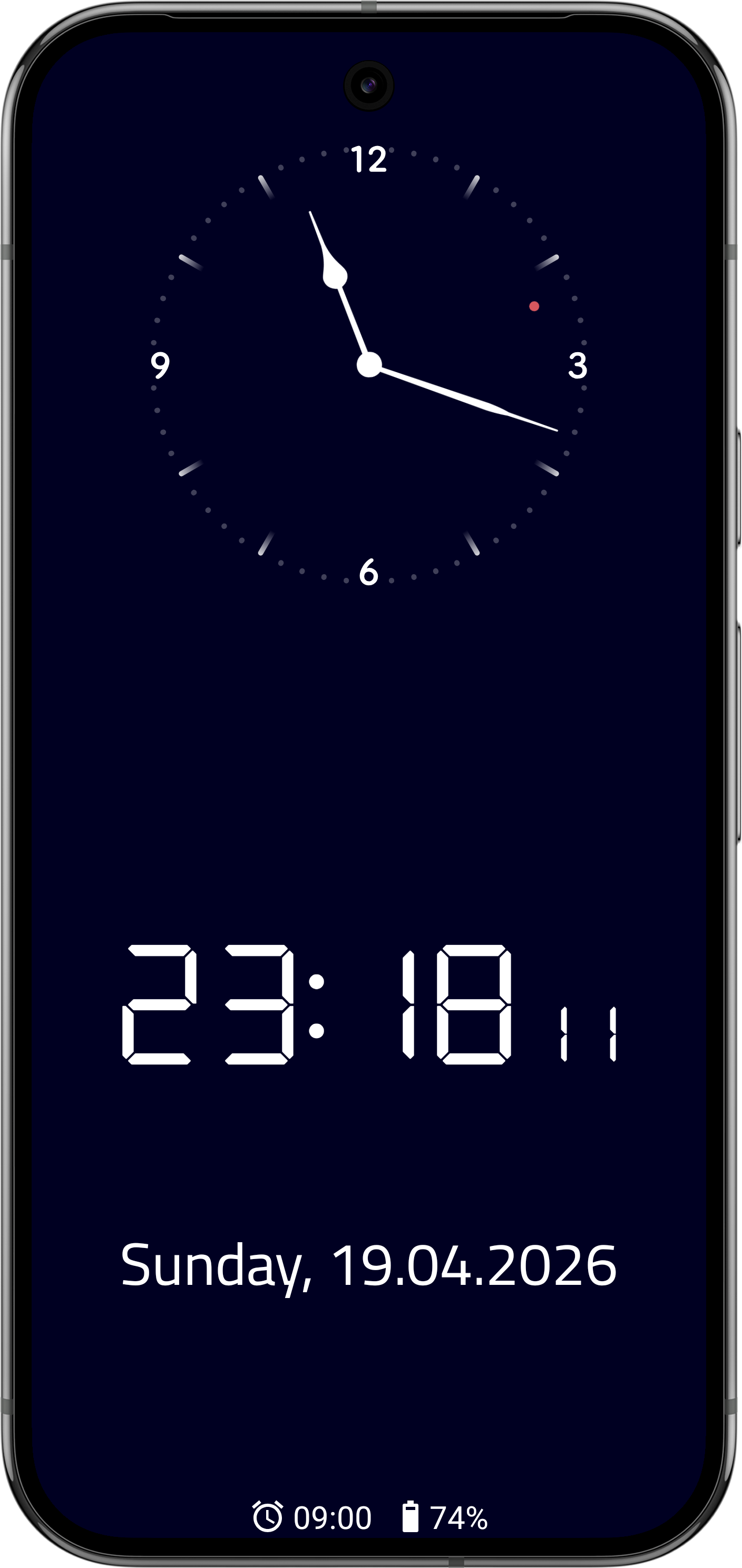
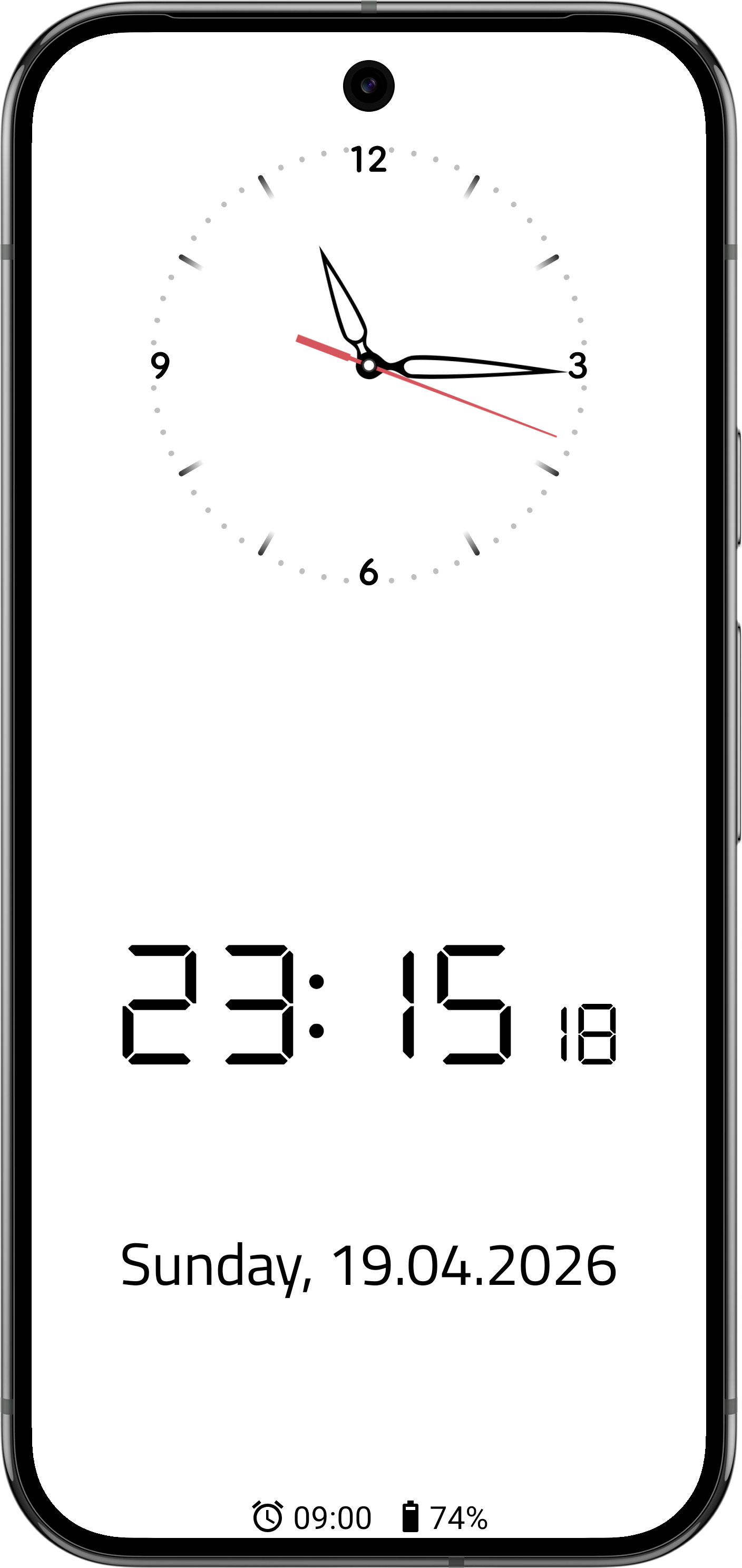
FsClock fills the whole screen with a clock, which gives a phone or tablet you no longer carry around a second life on a shelf or a bedside table. Show analog hands, a digital readout, or both together.
Pick from the clock faces and hands that come with it or use your own images, choose the background and clock colours, and add the date and weekday in whatever format suits you. It can pull in alarms and upcoming appointments from your Android calendar, and it nudges the display slightly over time so an OLED screen does not burn in. Set it as your system screensaver (Daydream) and it comes on by itself.
It runs on Android TV boxes as well as phones and tablets. The basic clock is free; the advanced settings are unlocked by a one-off payment, either an in-app purchase or an unlock code through GitHub sponsorship.
From the app’s home page
- See the codeHow it’s made, every line is public
- Questions & commentsTalk with the people who make it
- Report a problemTell the makers something is broken
- All versionsOlder downloads and what changed
- LicenseThe rules for using and sharing it
More like this
 NightDream
Turn a phone into a bedside clock that dims itself at night
NightDream
Turn a phone into a bedside clock that dims itself at night
 10-bit Clock Widget
Tells the time in coloured dots
10-bit Clock Widget
Tells the time in coloured dots
 Breezy Weather
A weather app that lets you pick the forecaster
Breezy Weather
A weather app that lets you pick the forecaster
 Apps2Samsung
Install apps on a Samsung TV from your phone
Apps2Samsung
Install apps on a Samsung TV from your phone
 HTTP Shortcuts
Home screen buttons that fire off web requests
HTTP Shortcuts
Home screen buttons that fire off web requests
 Clock
A privacy-first alarm clock and timer
Clock
A privacy-first alarm clock and timer