
This comes straight from FreeOTP+’s own GitHub page, and it’s free. Need help installing?
What it looks like
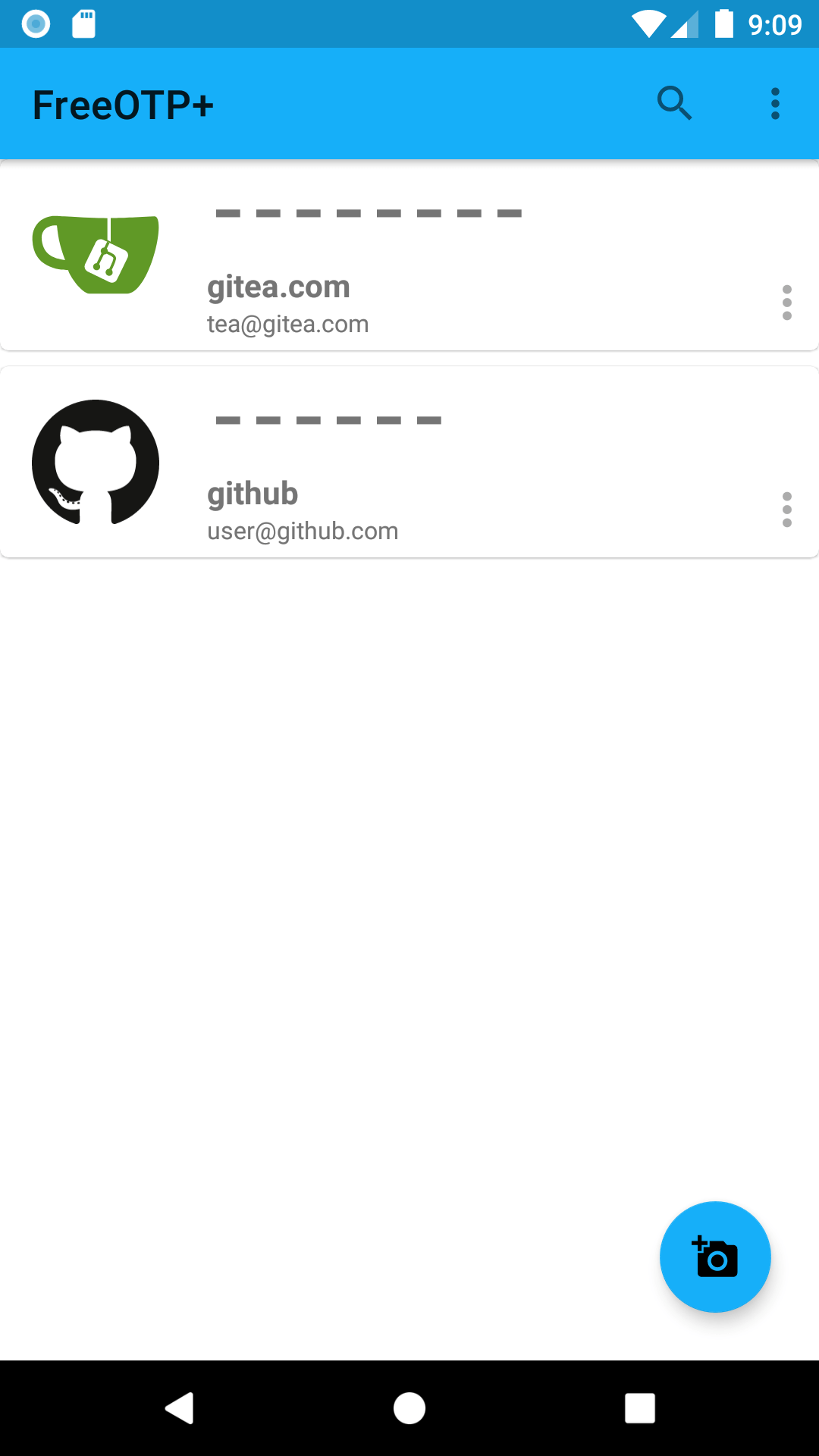
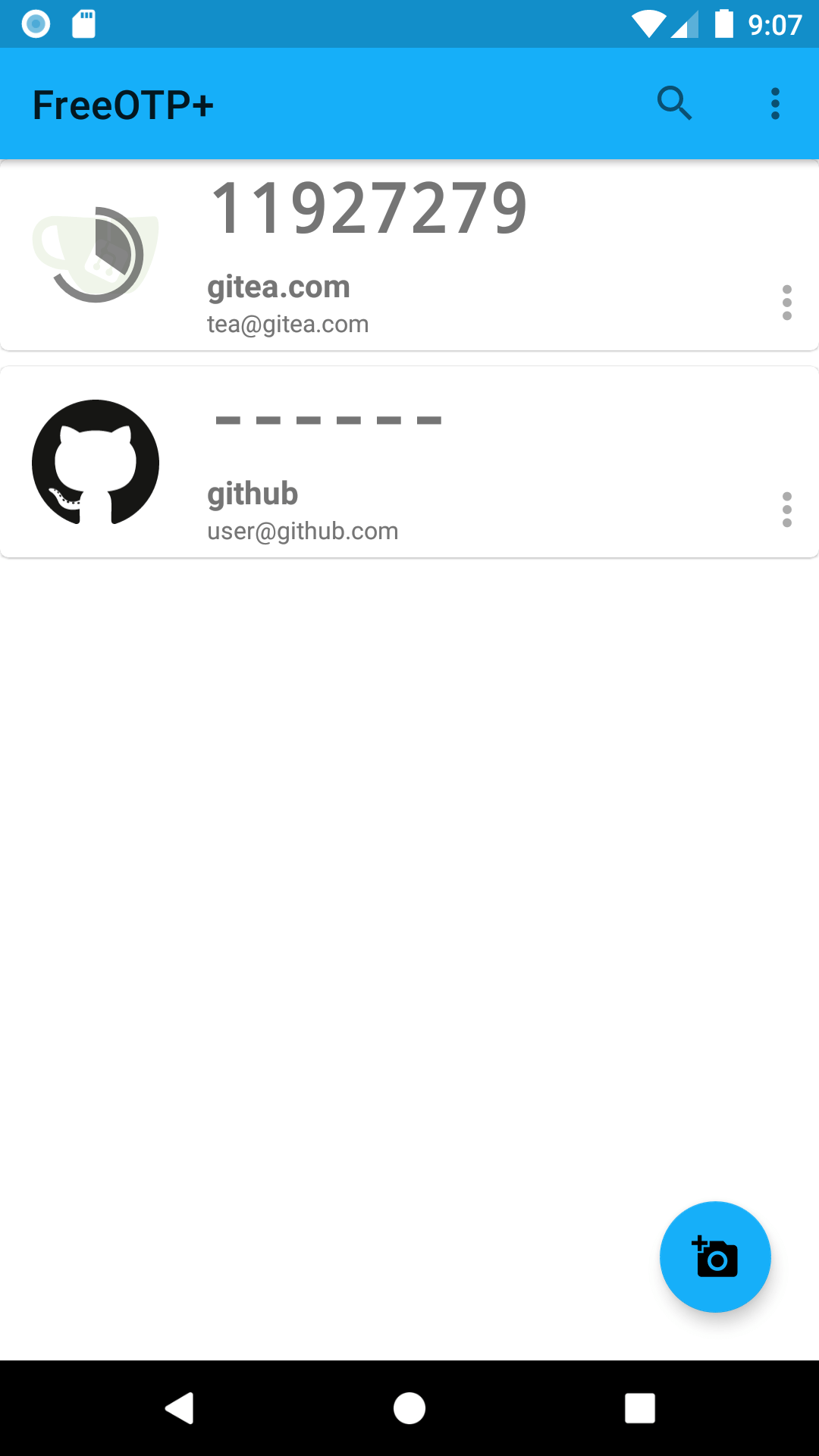
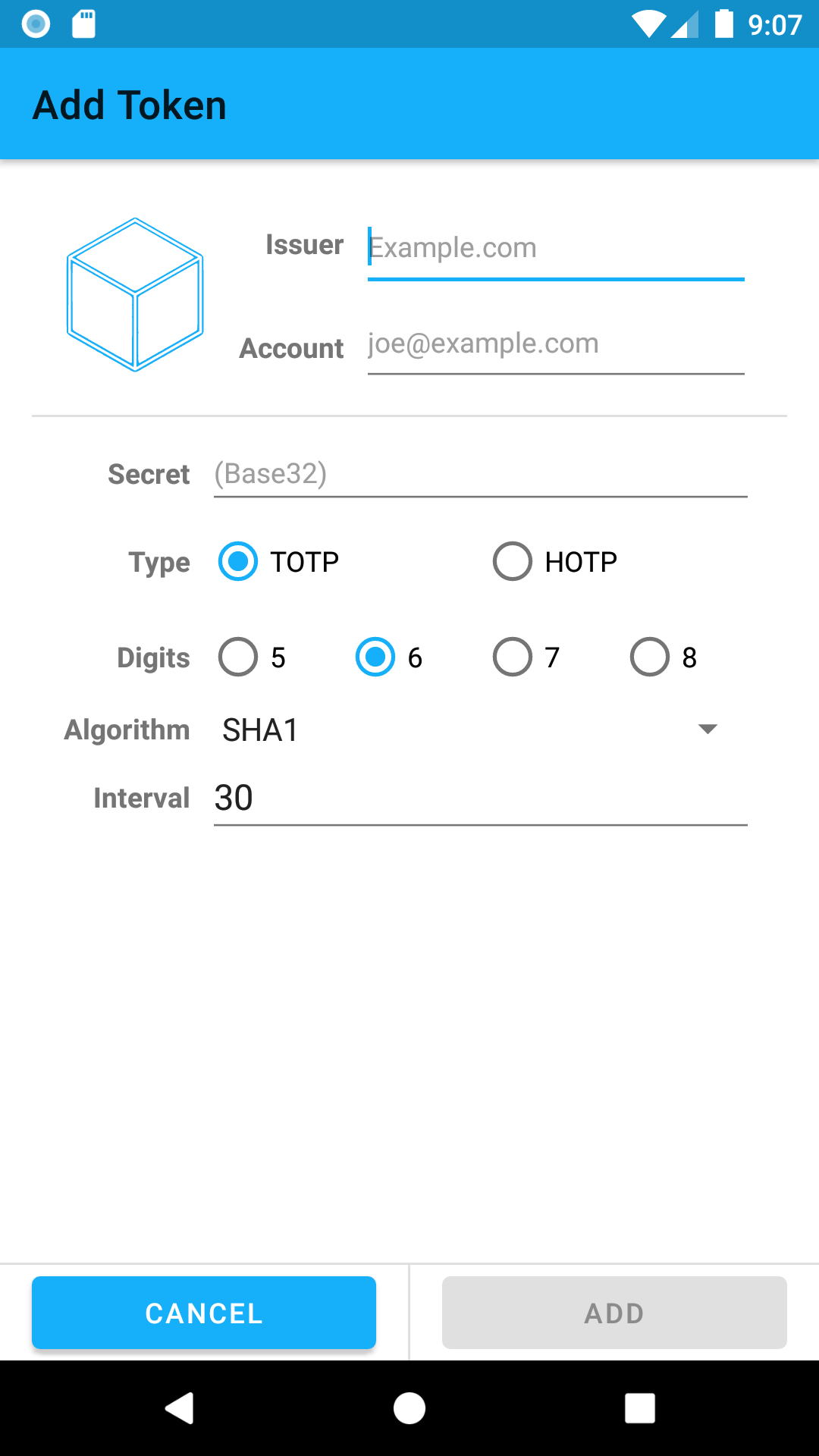
About this app
FreeOTP+ produces the 6-digit codes a website asks for after your password. Scan the QR code the site shows you and the codes start appearing on your phone, worked out on the device itself rather than fetched from anywhere.
It is a fork of Red Hat's FreeOTP, and its main addition is a way out: you can export your saved logins to a file, on the phone or in a storage app such as Google Drive, and import them again when you get a new phone. There is a search box, categories for tidying a long list, and an option to ask for your fingerprint or PIN before the app opens.
It knows the icons of a couple of hundred popular sites and fills them in for you. Needs Android 5.0 or later.
From the app’s home page
- See the codeHow it’s made, every line is public
- Questions & commentsTalk with the people who make it
- Report a problemTell the makers something is broken
- All versionsOlder downloads and what changed
- LicenseThe rules for using and sharing it
More like this
 2FAS Auth
Two-step login codes, with a backup so you can't lose them
2FAS Auth
Two-step login codes, with a backup so you can't lose them
 Mauth
Your 2-step login codes in one tidy app
Mauth
Your 2-step login codes in one tidy app
 Sanmer Authenticator
Keep your 2-step sign-in codes in one simple app
Sanmer Authenticator
Keep your 2-step sign-in codes in one simple app
 OpenOTP
Keep your 2-step login codes on every device you own
OpenOTP
Keep your 2-step login codes on every device you own
 Etopa
2-step login codes that sync across your devices
Etopa
2-step login codes that sync across your devices
 Stratum
Your two-factor codes, backed up properly
Stratum
Your two-factor codes, backed up properly