This comes straight from Flut Renamer’s own GitHub page, and it’s free. Need help installing?
What it looks like
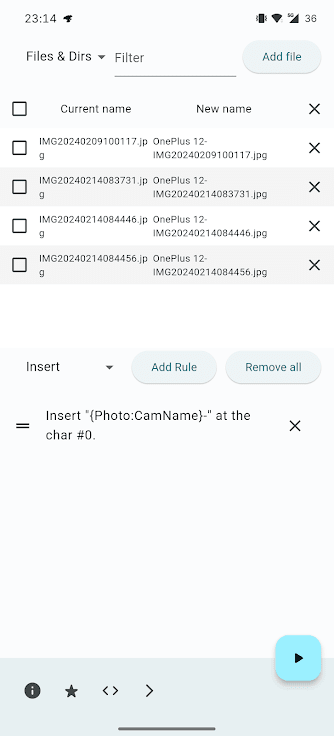
About this app
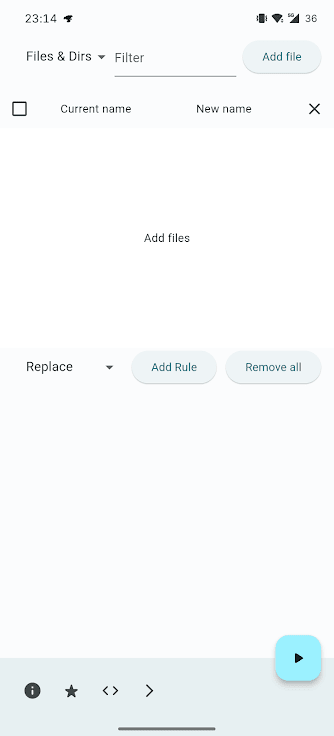
Flut Renamer renames many files in one go. You add the files, build a short list of rules, and the app shows each old name next to its new one before anything changes. Press Rename when the list looks right.
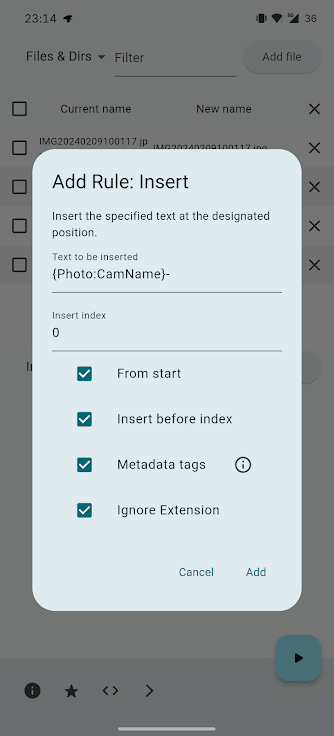
The rules can insert, replace or remove text, number files in a sequence (you set the start number, step and zero padding), rearrange parts of a name, cut names short and change letter case. You can also put details from the file into its name: dates, sizes, photo Exif fields, and audio tags such as artist, album and track number. There are extras for turning simplified Chinese into traditional and back, Chinese into pinyin, and some Cyrillic languages into Latin letters. Rules run from top to bottom, regular expressions work, and you can save a set of rules as a YAML file to load later. It has 12 interface languages, no ads and no in-app purchases.
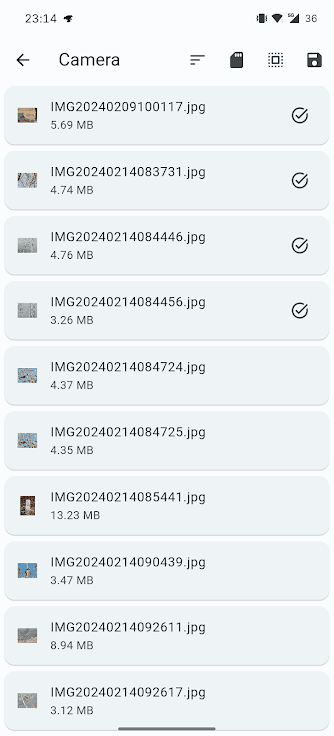
There is no undo button. The app checks for clashing names first and tries to roll back if a rename fails part way, but the developer suggests trying new rules on copies of important files first. On Android it uses the system file picker, so storage that does not allow renaming cannot be changed, and choosing a folder renames the folder itself, not the files inside. Its privacy policy says it collects nothing and has no internet access.
From the app’s home page
- See the codeHow it’s made, every line is public
- Questions & commentsTalk with the people who make it
- Report a problemTell the makers something is broken
- All versionsOlder downloads and what changed
- LicenseThe rules for using and sharing it
More like this
 Aves
A gallery that understands your files deeply
Aves
A gallery that understands your files deeply
 FFShare
Shrink photos, videos and audio before you share them
FFShare
Shrink photos, videos and audio before you share them
 Linked Camera
A camera app that uploads your field photos to Nextcloud
Linked Camera
A camera app that uploads your field photos to Nextcloud
 ExifEraser
Remove hidden location data from photos before sharing
ExifEraser
Remove hidden location data from photos before sharing
 Metadata Remover
Strip hidden details out of your photos
Metadata Remover
Strip hidden details out of your photos
 SnapSafe
A camera that encrypts your photos and keeps them private
SnapSafe
A camera that encrypts your photos and keeps them private