
Fake Traveler
Pick a spot on a map and make your phone report it as its location
Made by mcastillof · free and open source
This download comes from F-Droid, a trusted library of free open-source apps. Need help installing?
What it looks like
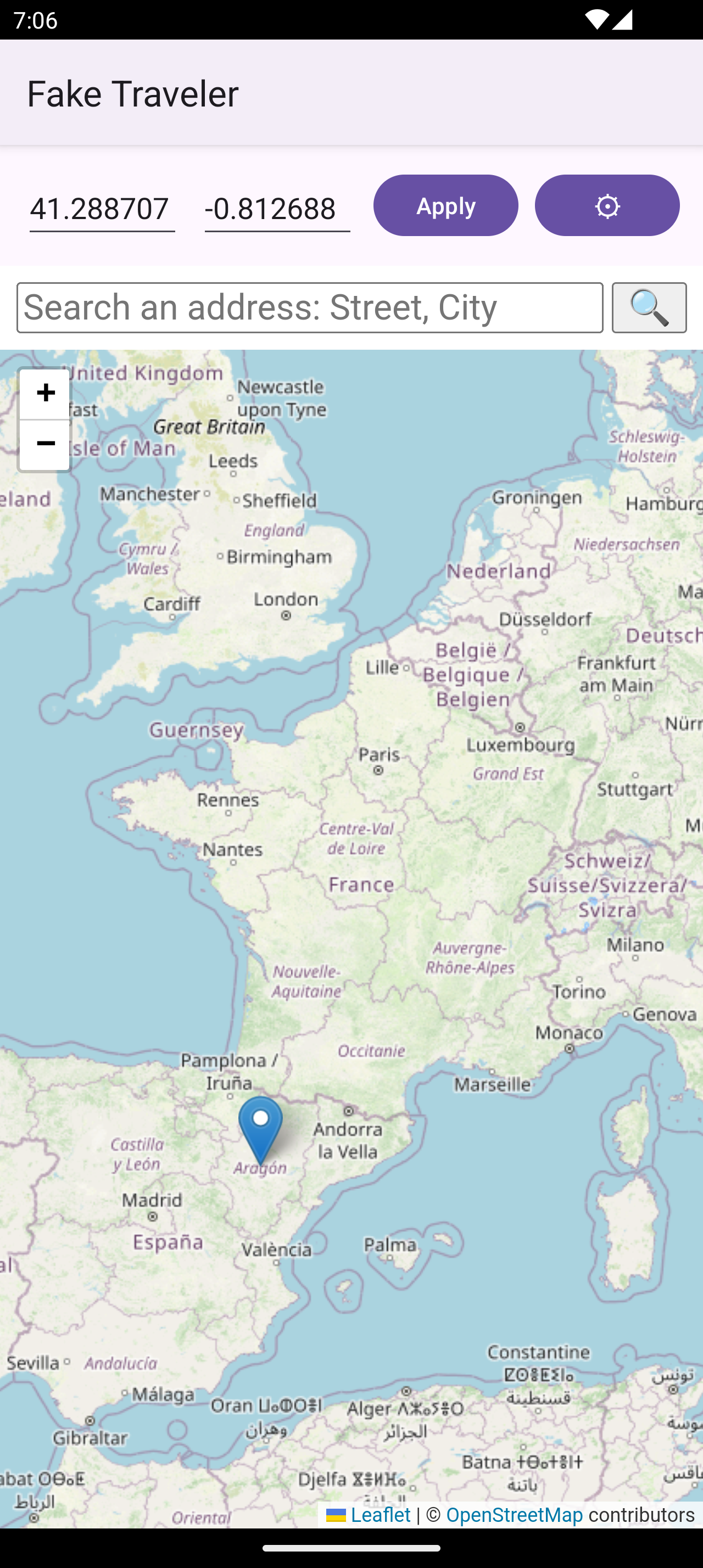
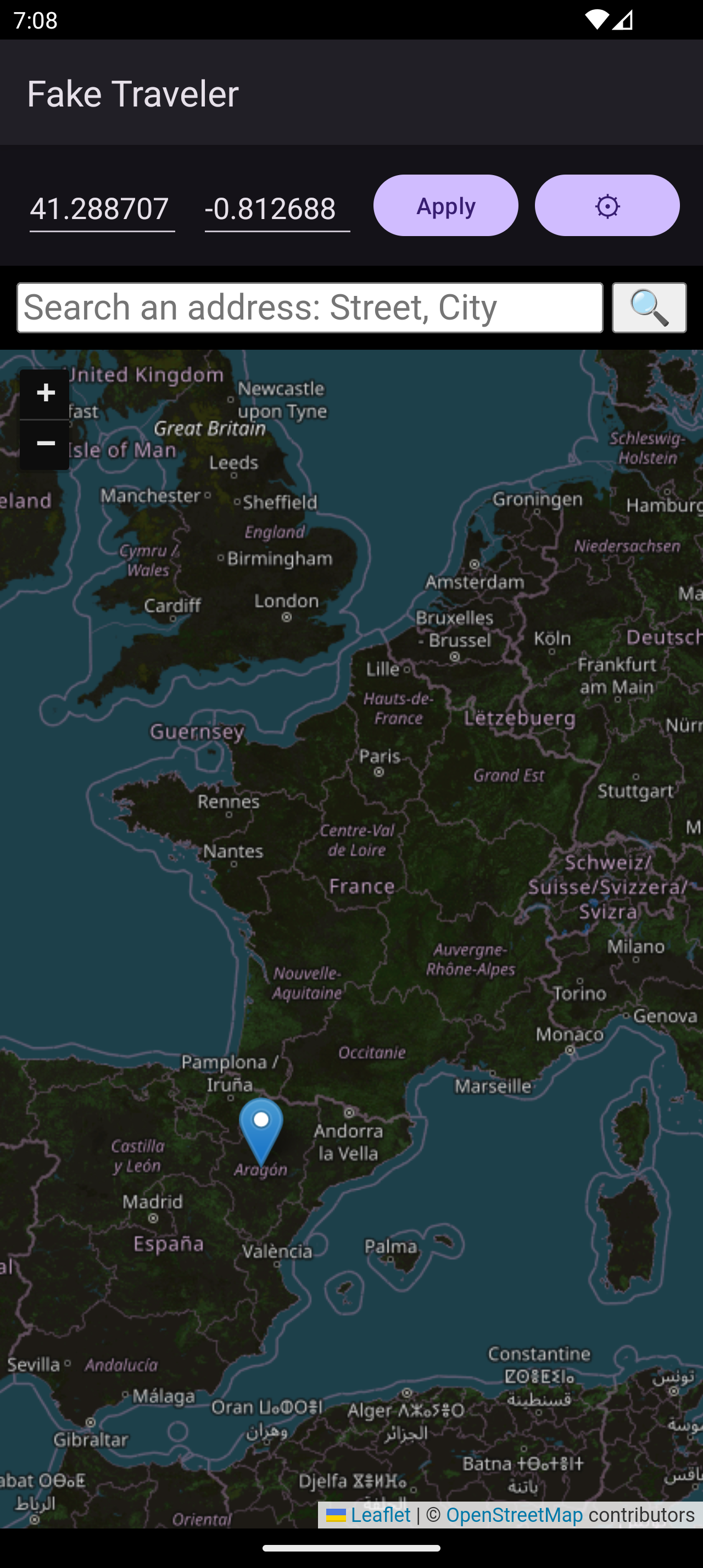
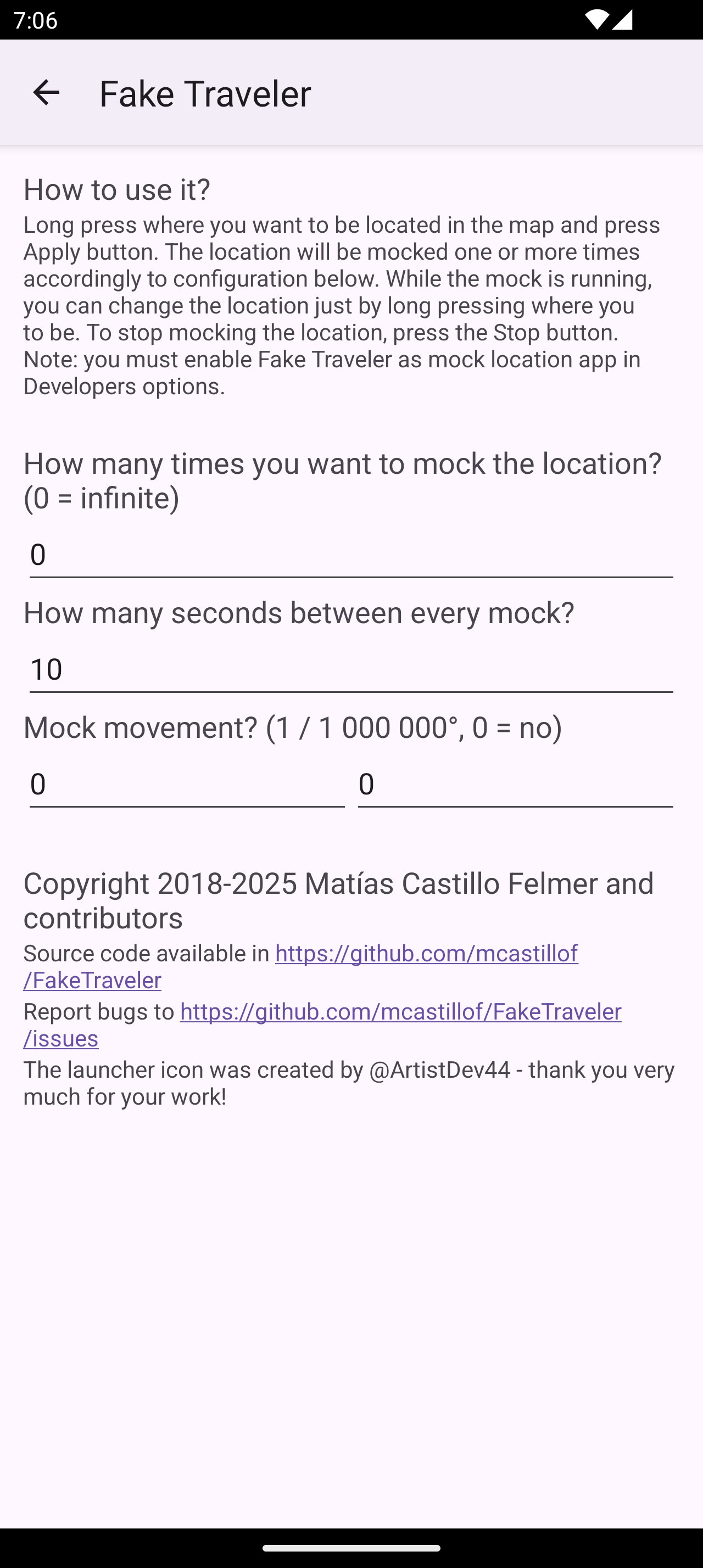
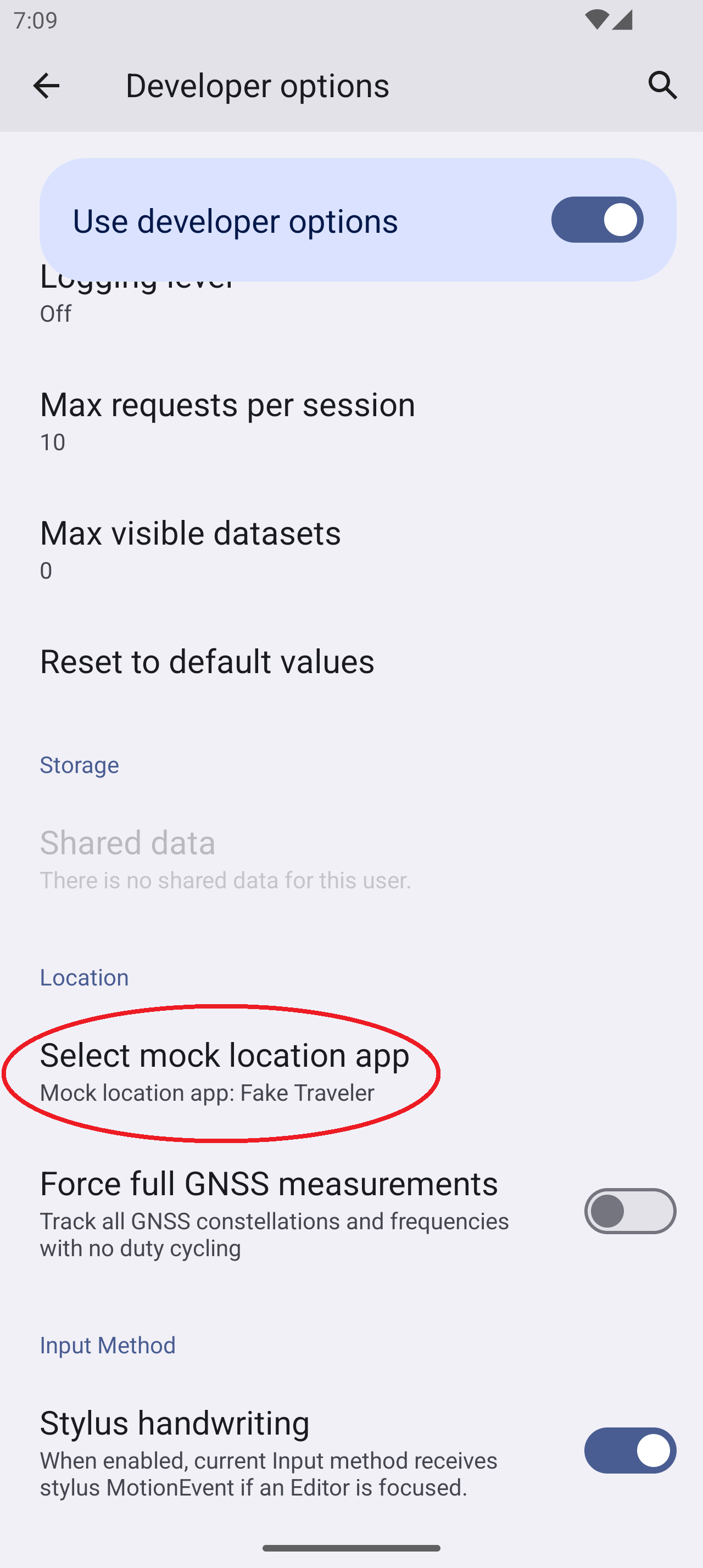
About this app
Fake Traveler lets you tell your phone that you are somewhere else. Long press a spot on the map, or type in a latitude and longitude, then tap Apply, and apps that ask for your location are given that spot instead. It is handy for testing a location-based app, or for keeping your real whereabouts to yourself.
It needs no root, because it uses the mock location option that Android already has for developers. While it runs you can move the spot by long pressing somewhere else, and Stop ends it. In the settings you can choose how often the location is sent and how many times (or without end), move the position a small step each time to imitate travel, and send a speed along with it. Opening a geo: link, such as one shared from OpenStreetMap, sets the spot for you. You can also change the map provider, which is OpenStreetMap by default.
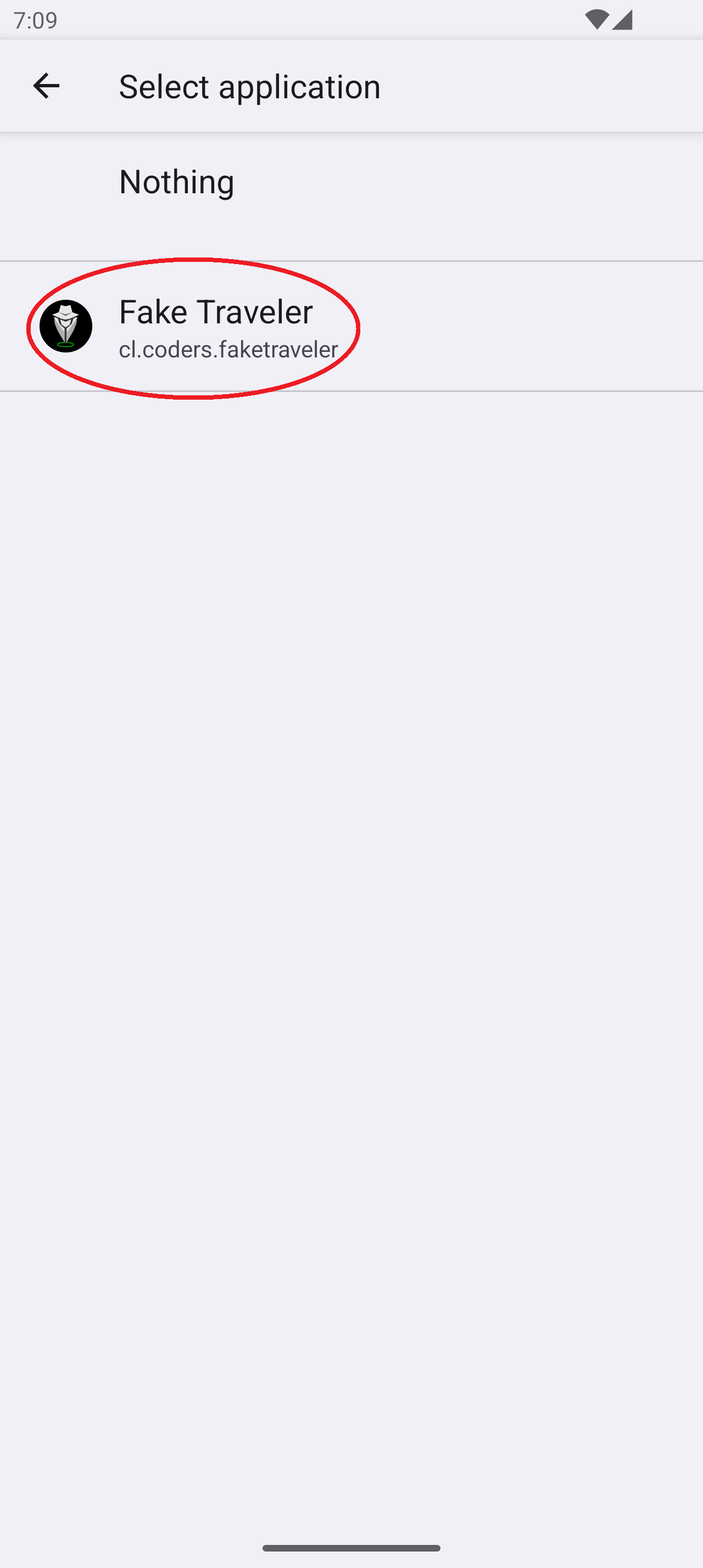
Before it works you must turn on Developer options and choose Fake Traveler as the mock location app. The map tiles come from an online provider, so the map needs a connection. If your location keeps jumping back, turn off Wi-Fi scanning and Bluetooth scanning in Android's location settings, because they compete with the fake GPS position.
From the app’s home page
- See the codeHow it’s made, every line is public
- Questions & commentsTalk with the people who make it
- Report a problemTell the makers something is broken
- All versionsOlder downloads and what changed
- LicenseThe rules for using and sharing it
More like this
 Shizuku
Let trusted apps do system-level jobs without rooting
Shizuku
Let trusted apps do system-level jobs without rooting
 Acode
A powerful code and text editor for Android
Acode
A powerful code and text editor for Android
 LibChecker
See what's actually inside your apps
LibChecker
See what's actually inside your apps
 Web to App
Turn a website into an installable app on your phone
Web to App
Turn a website into an installable app on your phone
 ConnectBot
The original SSH client for Android
ConnectBot
The original SSH client for Android
 Podroid
Run Linux containers and desktops on your phone
Podroid
Run Linux containers and desktops on your phone