
This comes straight from Candy Browser’s own GitHub page, and it’s free. Need help installing?
What it looks like
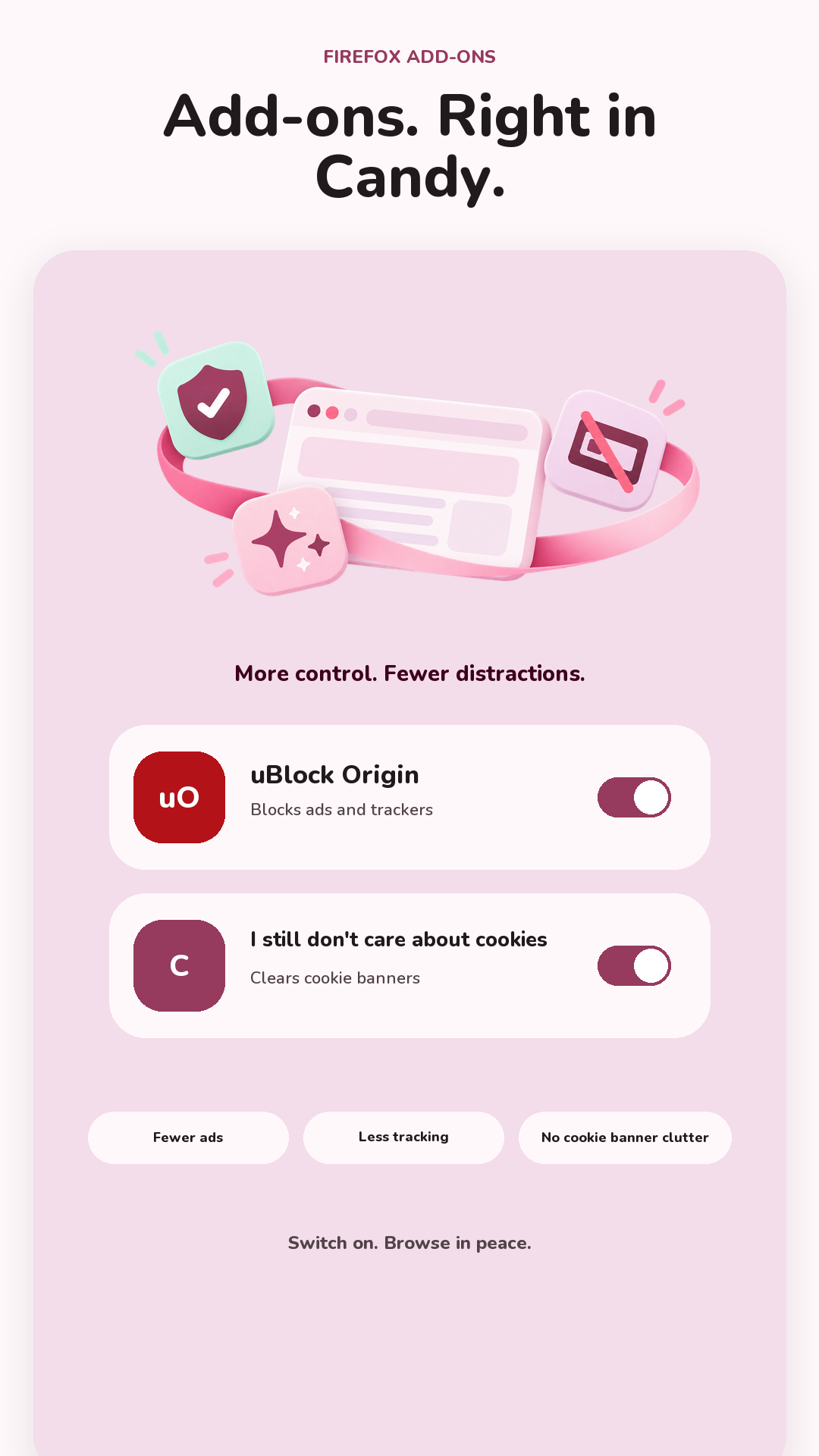
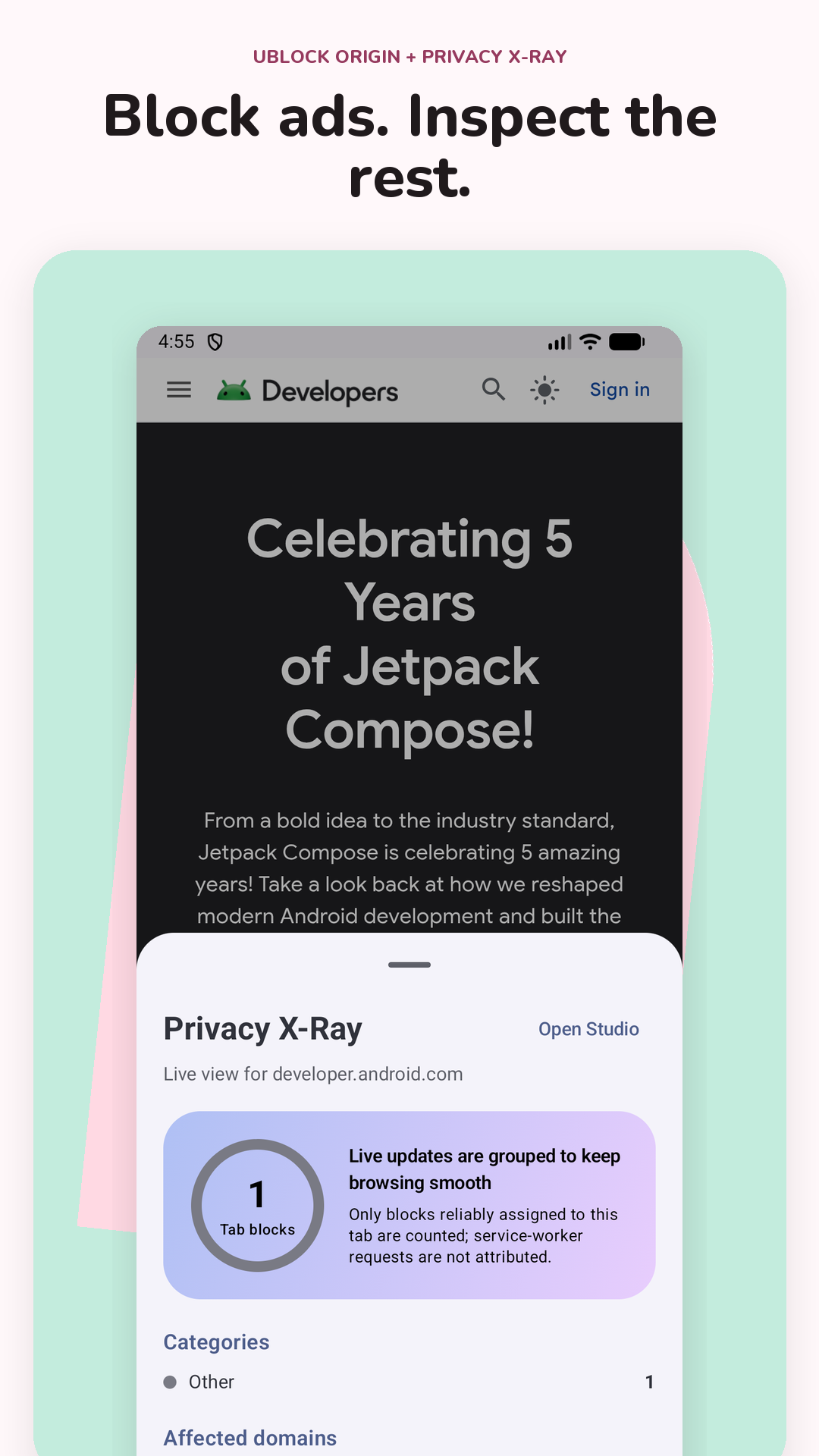
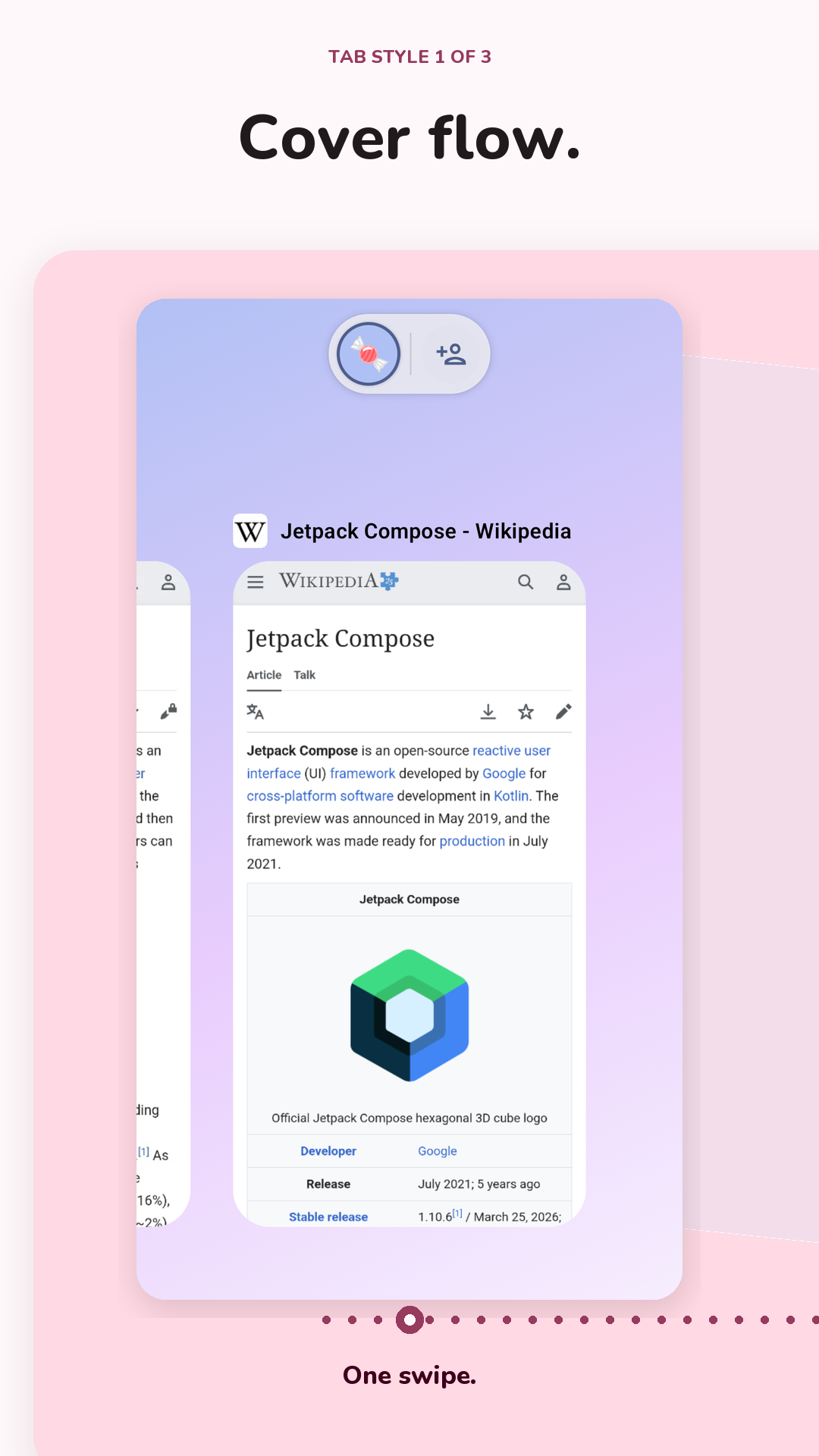
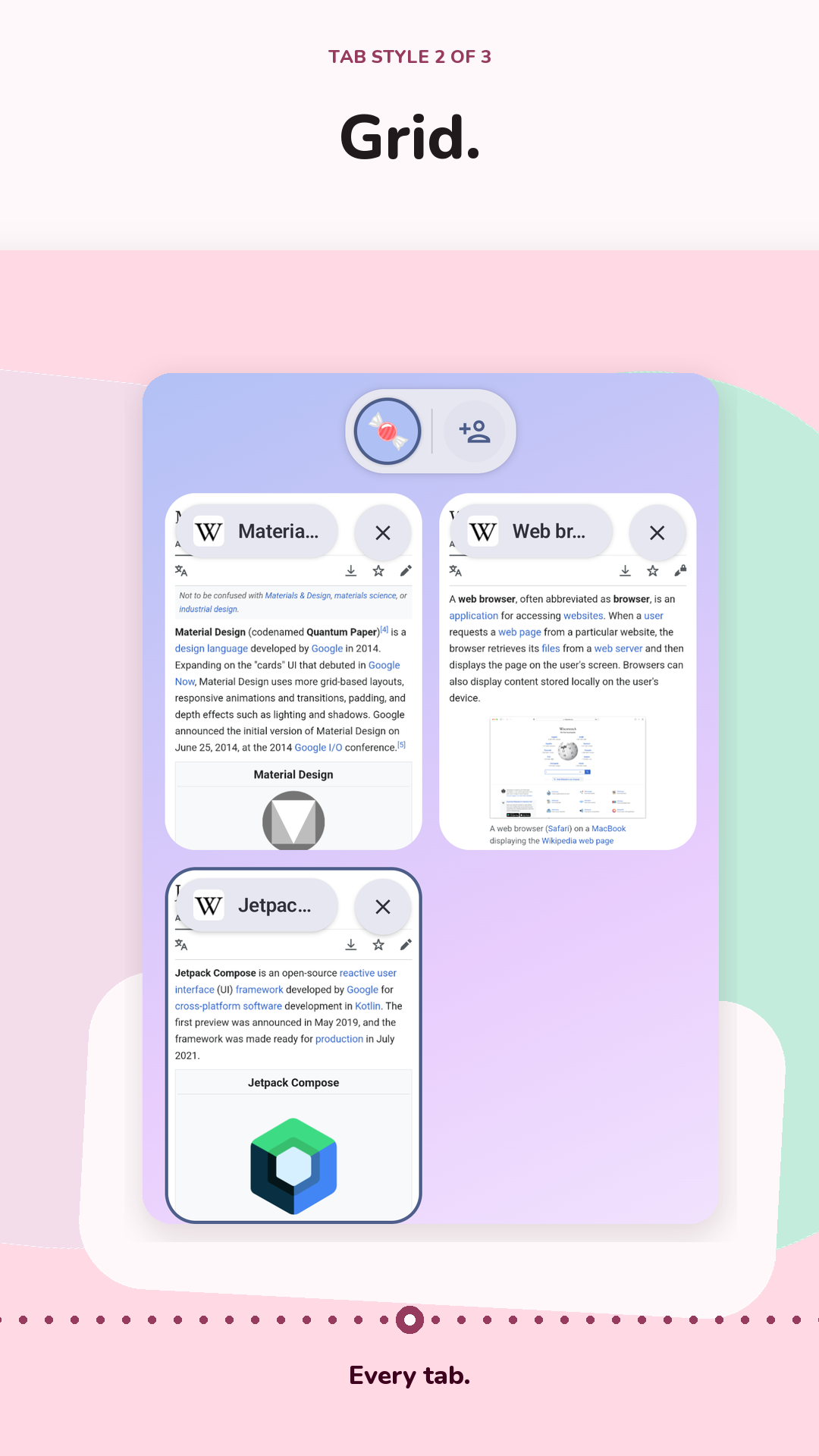
About this app
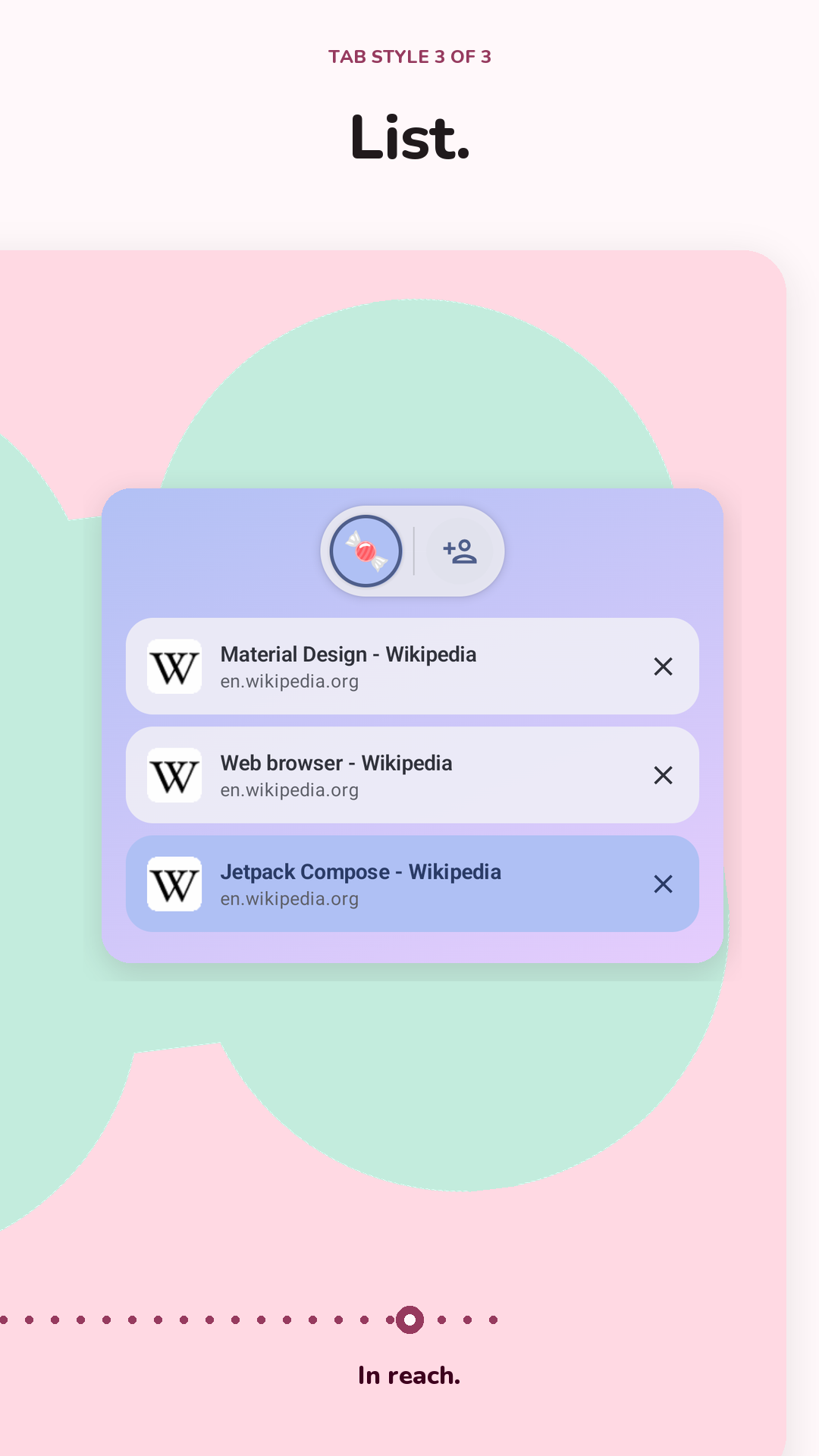
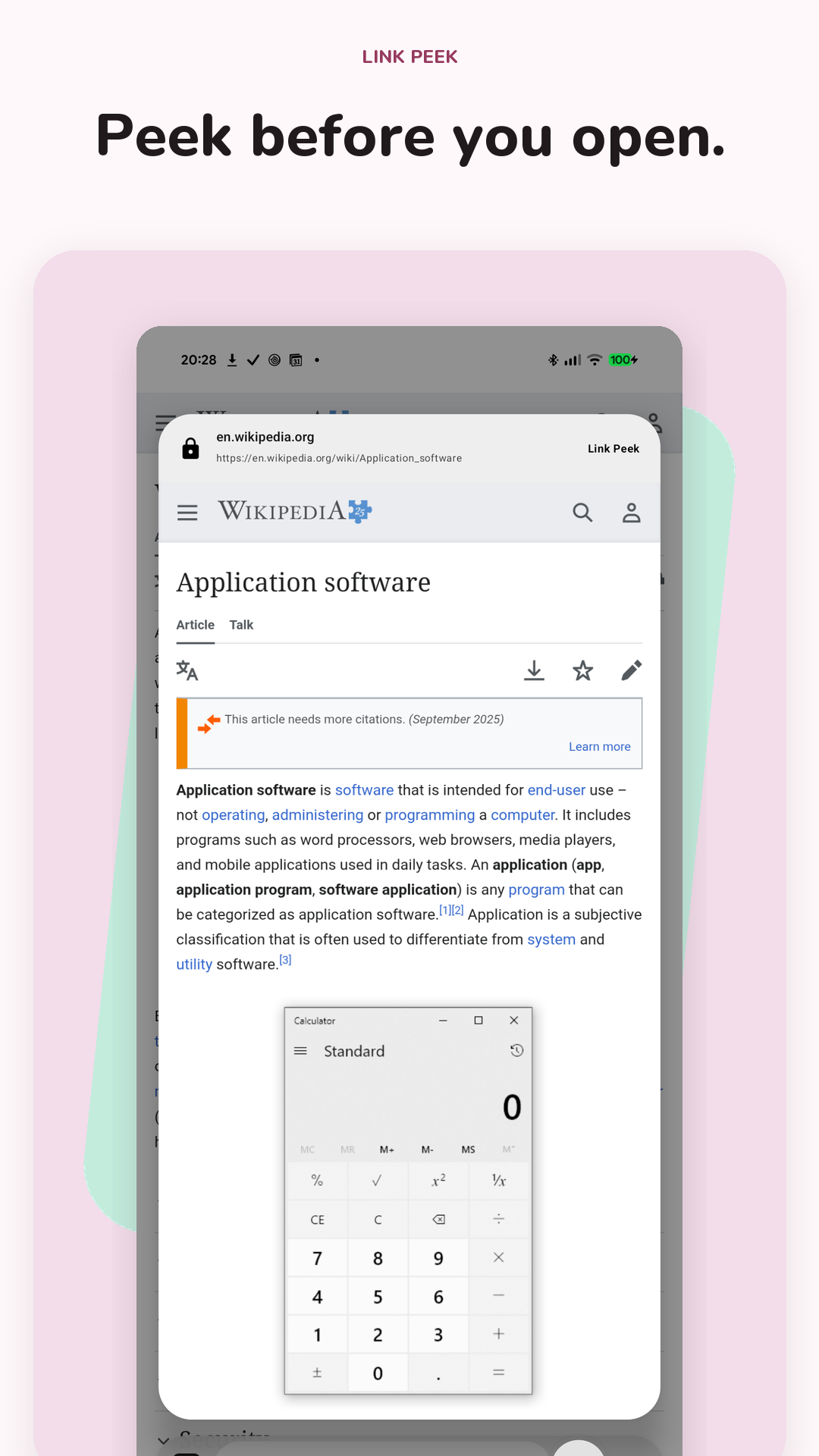
Candy Browser is a web browser built around swiping rather than hunting for small buttons. Slide along the address bar to flick between tabs, swipe into a visual overview of everything you have open, and throw a card away to close it. Long press a link and it opens in a live preview you can read and dismiss without it ever touching your history.
Ad and tracker filtering runs on the phone, and it shows its work: a per-tab list of what was blocked, from which sites, plus a record of which pages asked for your camera, microphone or location. History, favourites, profiles and filter rules all stay on the device. You can choose your search engine, read cluttered pages in a plain reader view, and keep separate browsing profiles.
It needs Android 13 or newer, and it draws pages with Android's built-in WebView, so sites behave much as they do in Chrome. Installs come from the project's GitHub releases, and Android will ask you to approve each one.
From the app’s home page
- See the codeHow it’s made, every line is public
- Questions & commentsTalk with the people who make it
- Report a problemTell the makers something is broken
- All versionsOlder downloads and what changed
- LicenseThe rules for using and sharing it
More like this
 Cromite
A Chromium browser with ad blocking built in
Cromite
A Chromium browser with ad blocking built in
 ESearch
A small web browser with an ad blocker built in
ESearch
A small web browser with an ad blocker built in
 DuckDuckGo
A private browser with a one-tap clear button
DuckDuckGo
A private browser with a one-tap clear button
 Panther
A browser that blocks ads, trackers, and shows what sites are doing
Panther
A browser that blocks ads, trackers, and shows what sites are doing
 Lightning Browser
A light, quick browser that stays out of your way
Lightning Browser
A light, quick browser that stays out of your way
 SmartCookieWeb
A secure, private web browser for Android
SmartCookieWeb
A secure, private web browser for Android