
App Manager
See inside your apps, install and back them up, with or without root
Made by MuntashirAkon · free and open source
This comes straight from App Manager’s own GitHub page, and it’s free. Need help installing?
What it looks like
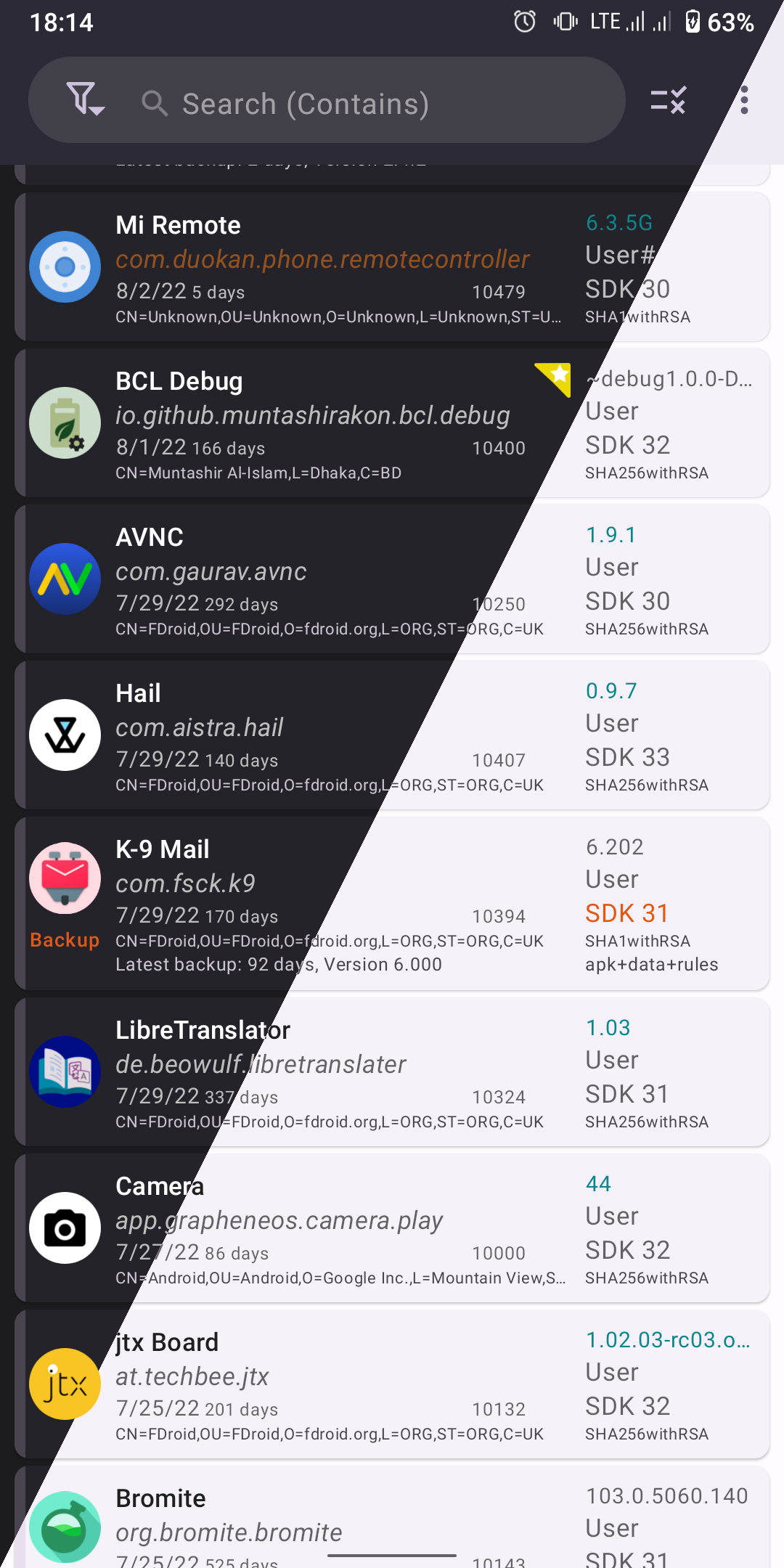
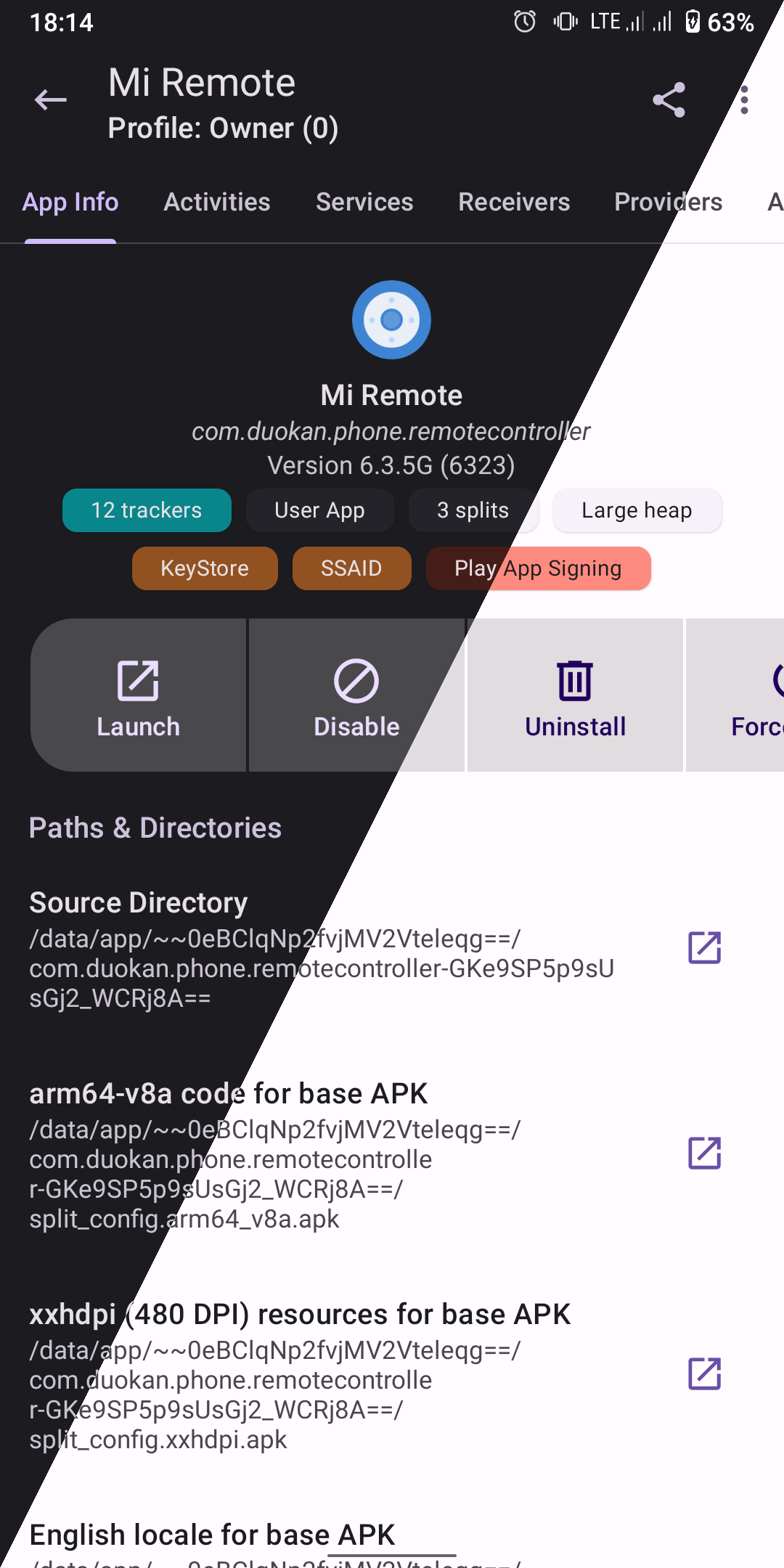
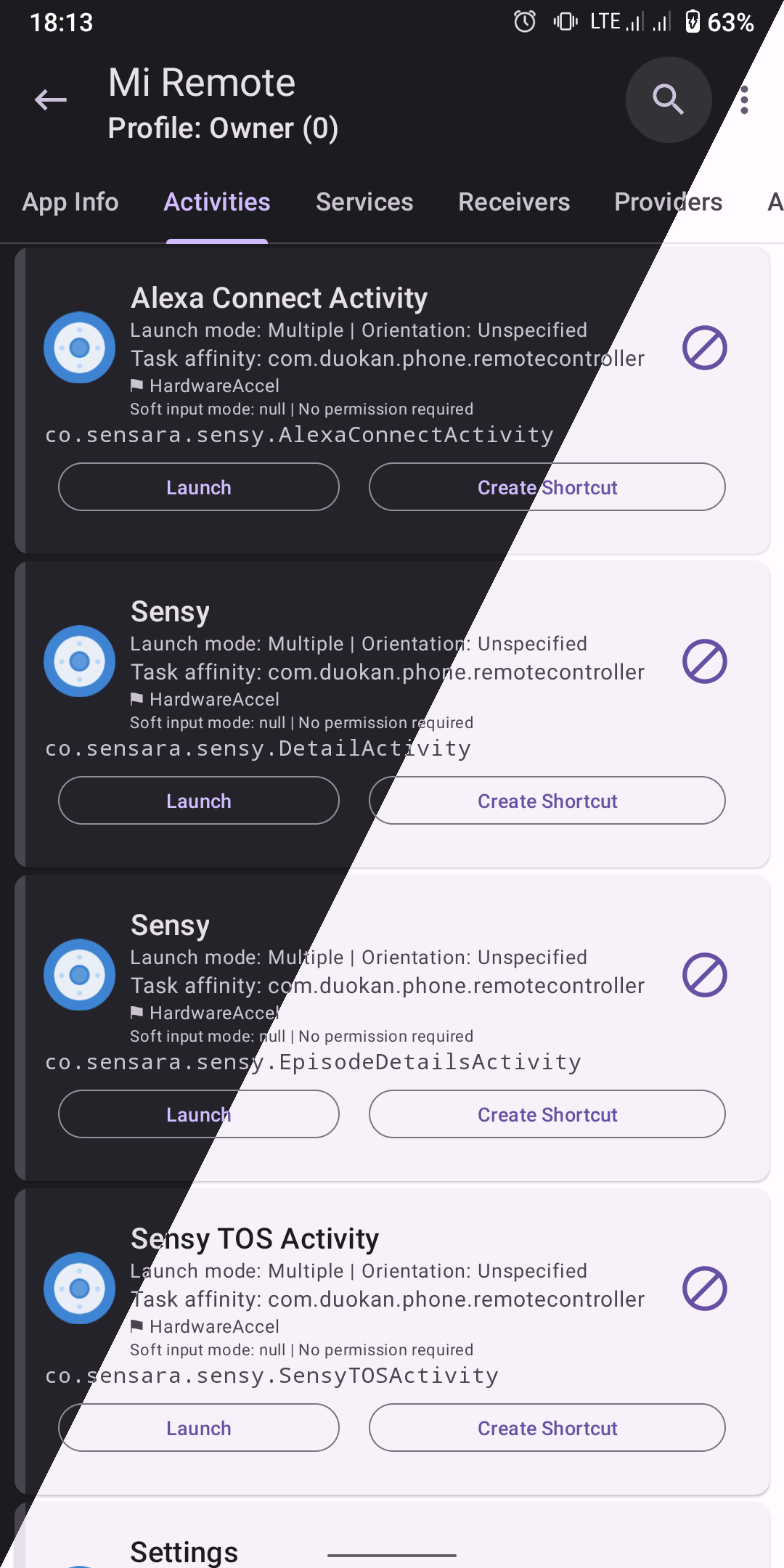
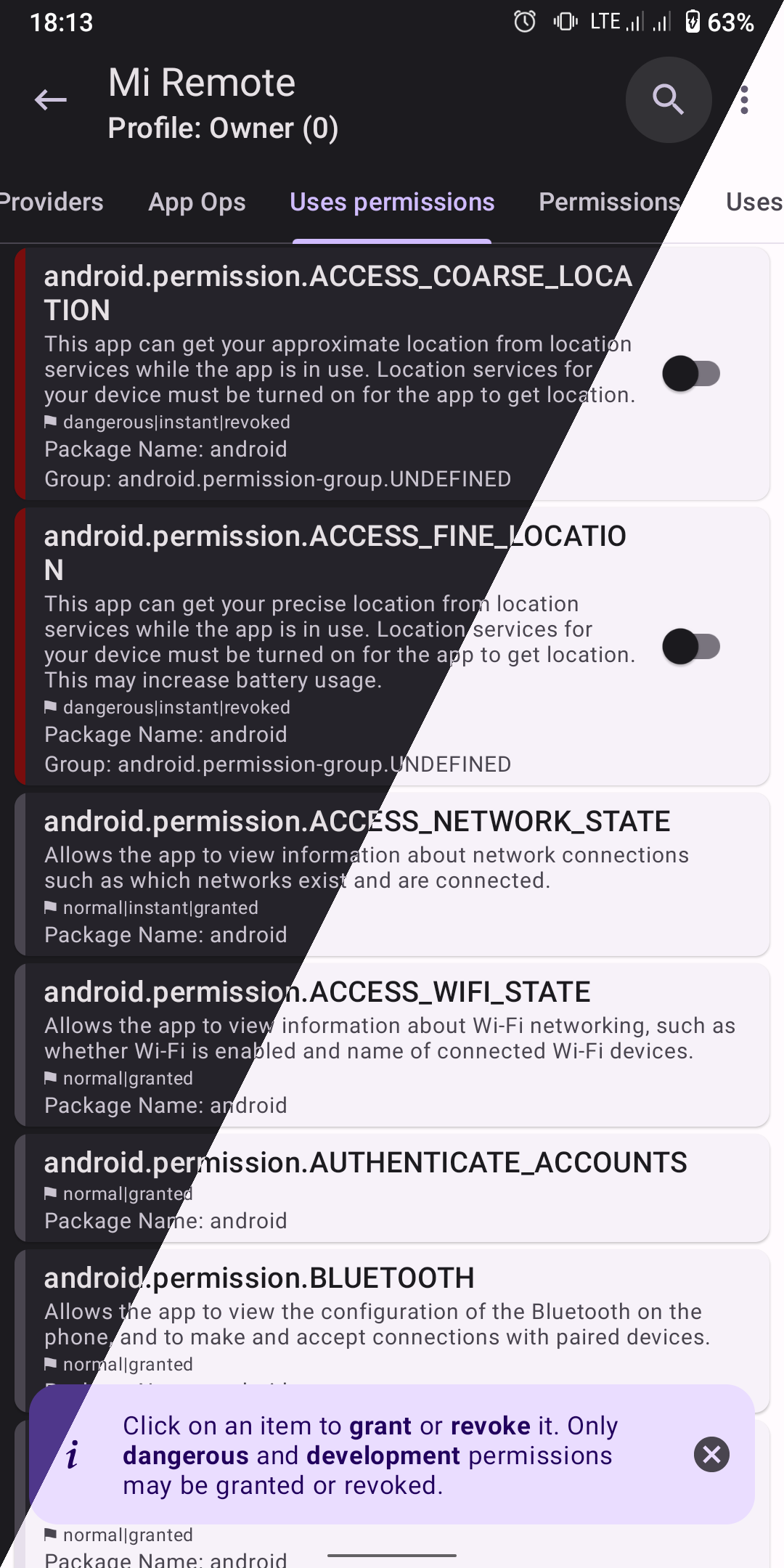
About this app
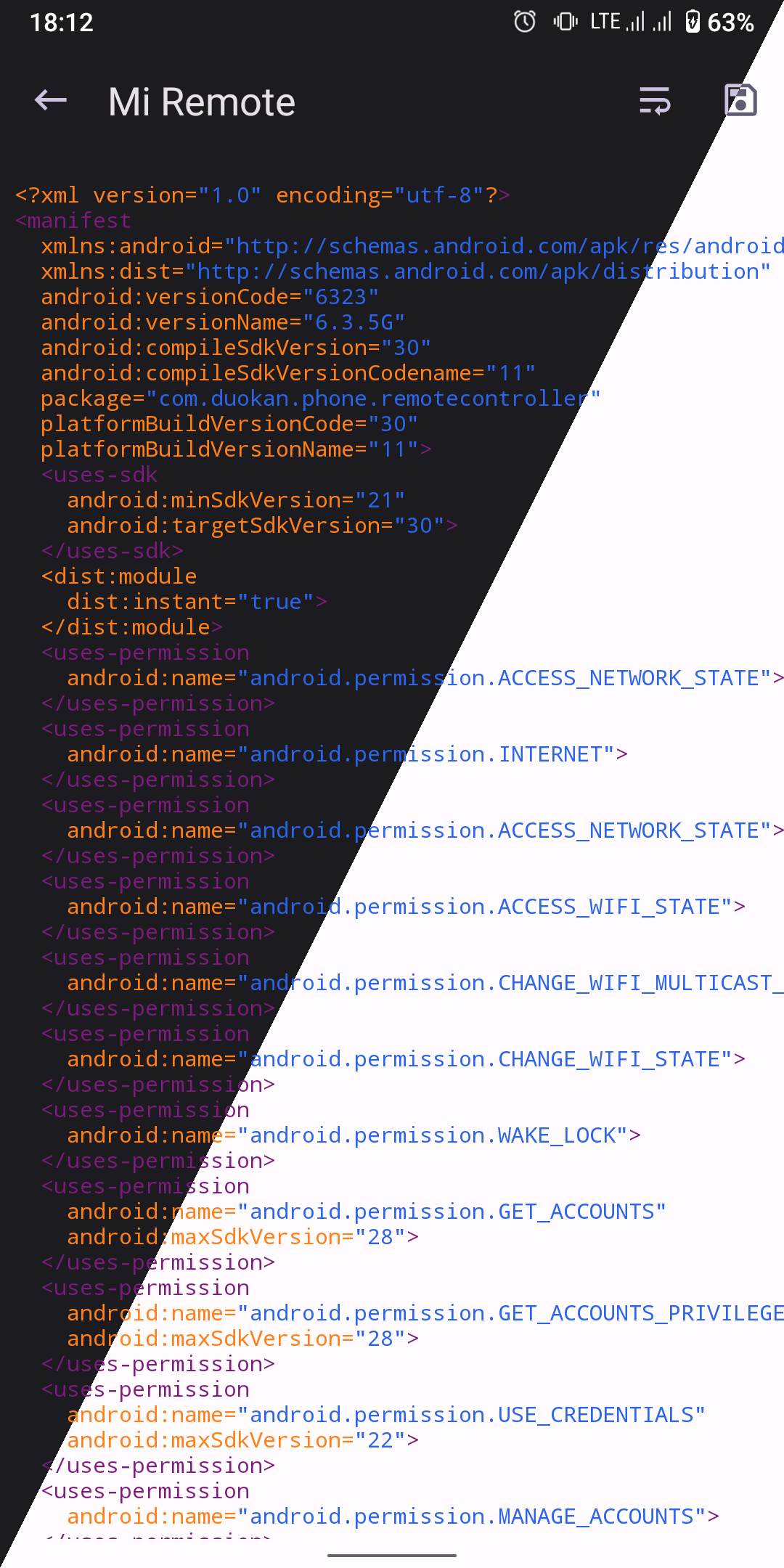
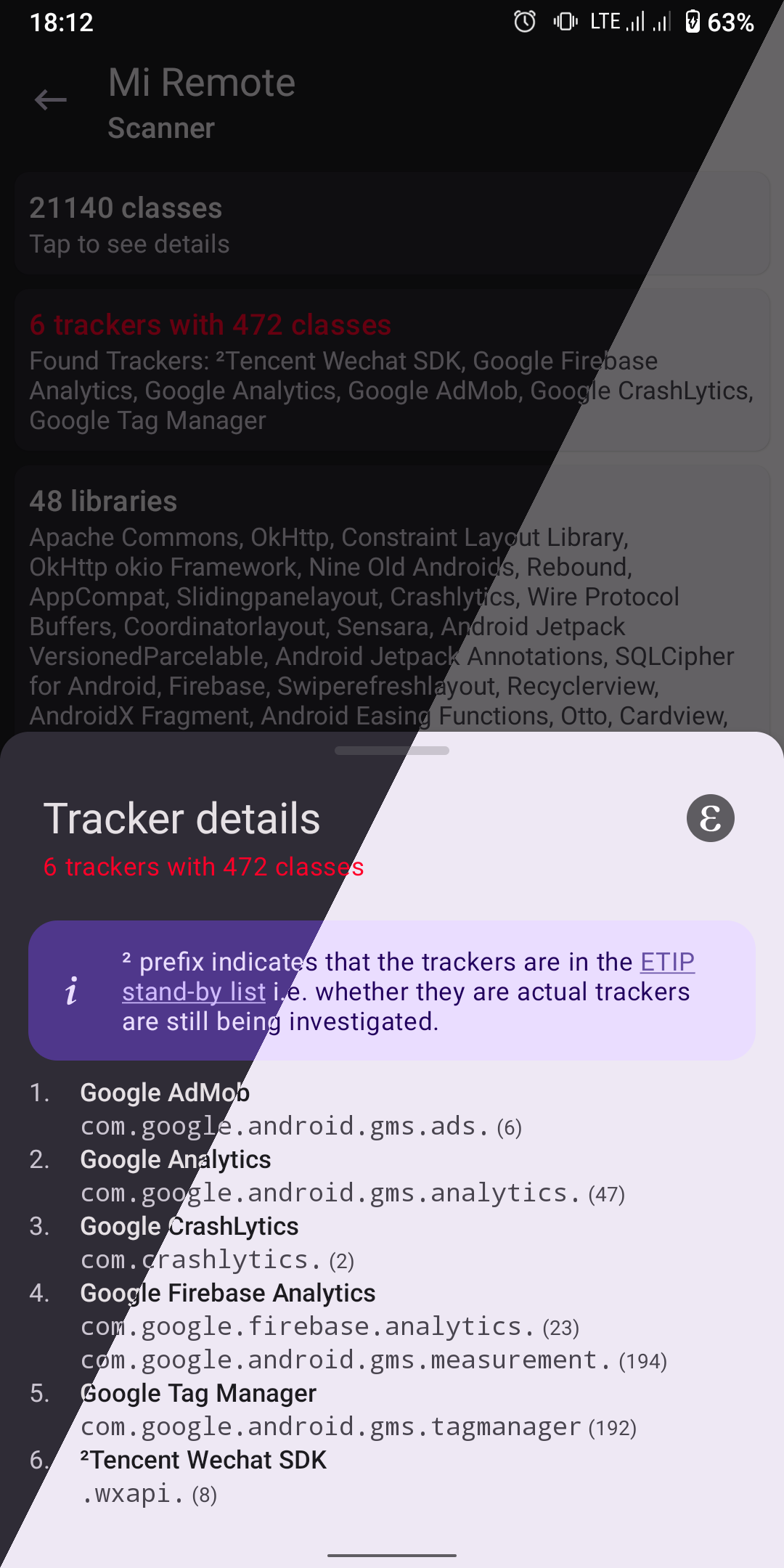
App Manager is a toolbox for the apps on your phone. For any app it shows what is inside: the permissions it asks for, its screens, background services and shared libraries, its signing certificates, and how much storage, mobile data and screen time it uses (the usage figures need the Usage Access permission). It can also scan an app for trackers, the bits of code that gather analytics or show ads, and list the ones it finds.
You can install and uninstall APK files, the install files for Android apps, including bundle formats such as APKS, APKM and XAPK. It can share APKs, and back up and restore apps, with encryption for the backups. There is a debloater for unwanted pre-installed apps too, along with a log viewer, a file manager, a code editor, a simple terminal, batch actions for many apps at once, and saved profiles you can run again.
It needs Android 5.0 or newer and works without root (full administrator access to the phone), but many of its stronger features need root or ADB. ADB is Android's debugging connection, which the app can reach on your own phone, for example through Wireless debugging on Android 11 or newer. With that access it can freeze apps, force-stop them, change app ops (the finer permission switches Android keeps for each app), block an app's internet access and switch off or remove pre-installed apps. Without root or ADB, backups hold only the app files, not their data. Blocking single parts of an app and editing its saved settings need root. Checking an APK file with VirusTotal, an online scanning service, is optional: it needs the internet, stays hidden until you add your own free API key, and asks before uploading a file the service has not seen. The privacy policy says nothing is collected from the app. The interface is in English and about twenty other languages.
From the app’s home page
- See the codeHow it’s made, every line is public
- WebsiteThe app’s own home page
- Questions & commentsTalk with the people who make it
- Report a problemTell the makers something is broken
- All versionsOlder downloads and what changed
- LicenseThe rules for using and sharing it
More like this
 Shizuku
Let trusted apps do system-level jobs without rooting
Shizuku
Let trusted apps do system-level jobs without rooting
 AxManager
Run shell commands and manage app permissions, with or without root
AxManager
Run shell commands and manage app permissions, with or without root
 DataBackup
Back up apps and their data properly
DataBackup
Back up apps and their data properly
 Neo Backup
Back up your apps along with their data
Neo Backup
Back up your apps along with their data
 De-Bloater
Remove pre-installed junk apps from a rooted phone
De-Bloater
Remove pre-installed junk apps from a rooted phone
 Shizu CoreFetch
Install and update apps without tapping through prompts
Shizu CoreFetch
Install and update apps without tapping through prompts